PROMPT GUIDE
How to design characters with AI (concept, colors and silhouette)
When you make a character with AI, a slightly different person appears each time and you end up asking which one is the real one. That happens because the character's rules are not written down. This guide covers designing a character in words and a table first, turning it into images with AI, and narrowing down colors and silhouette.
Last updated: approx. 3 min read
The short answer
When designing a character with AI, do not jump straight to images; first fill in a table of personality, role and favorite things plus hair, eyes, outfit, props and colors. Limit the colors to three or four and include one feature recognizable at a glance (a ribbon, hat or hairstyle) to make the character memorable. Writing the look with the same words in the same order every time keeps it consistent across images.
How do you design a character with AI?
Put the concept and look rules in a table first, then turn the table into a fixed way of writing the prompt. Limit colors to three or four.
A character design comes from two things: who the character is (inside) and how they look (outside). When the inside is decided, you have reasons to choose clothes and props, so the look comes together. For example, a calm girl who loves books naturally leads to a cardigan, a braid and a bookmark.
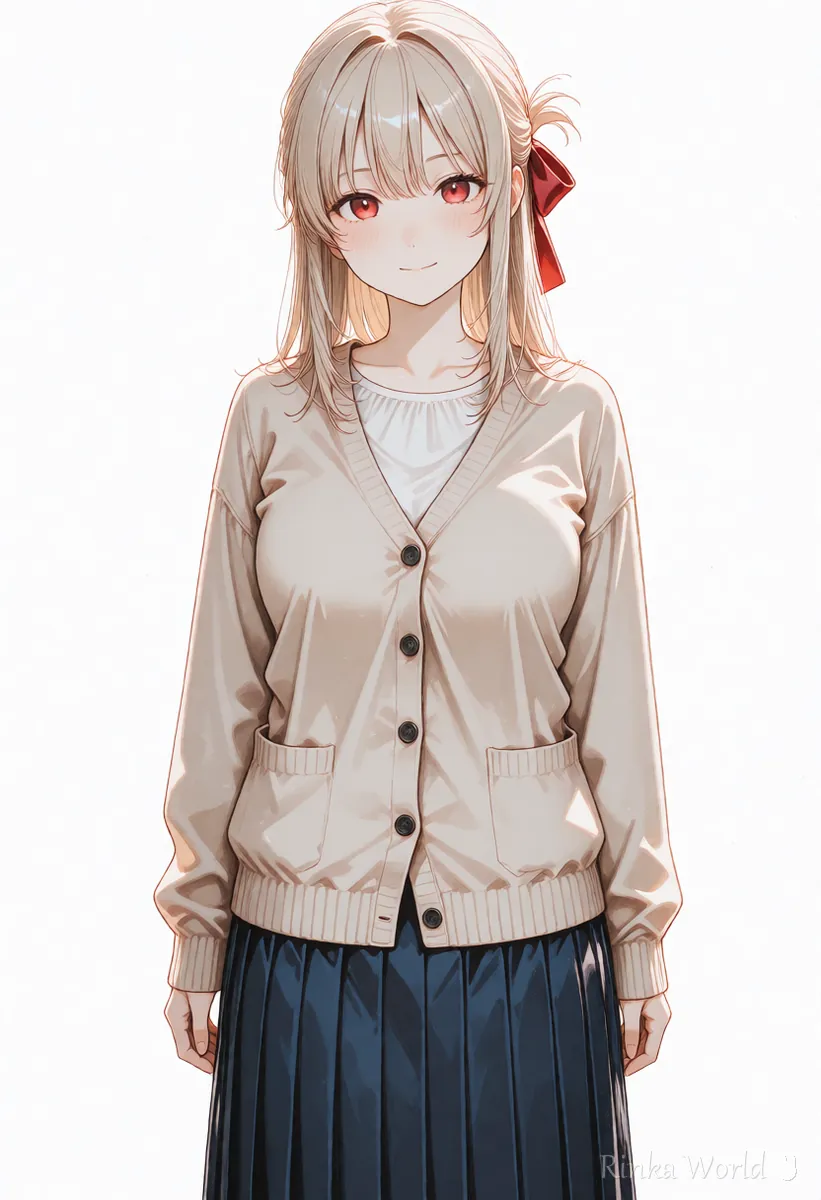
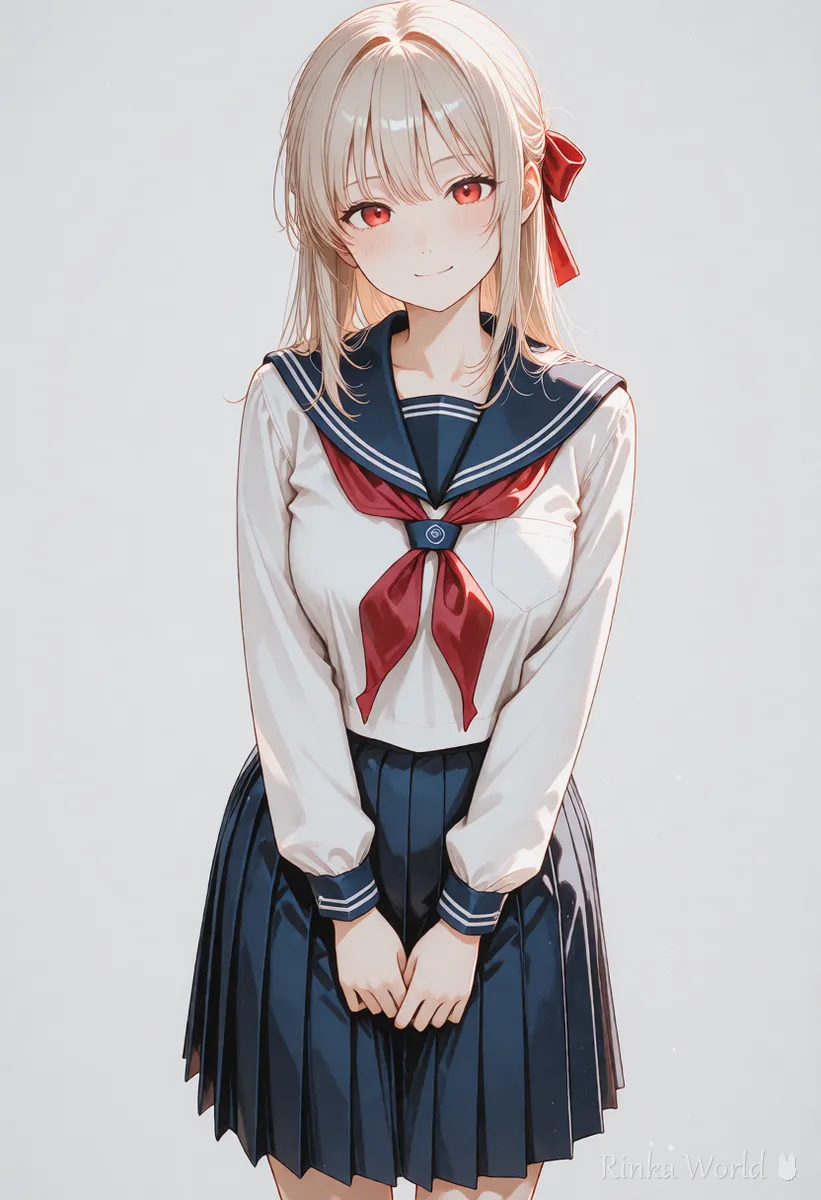
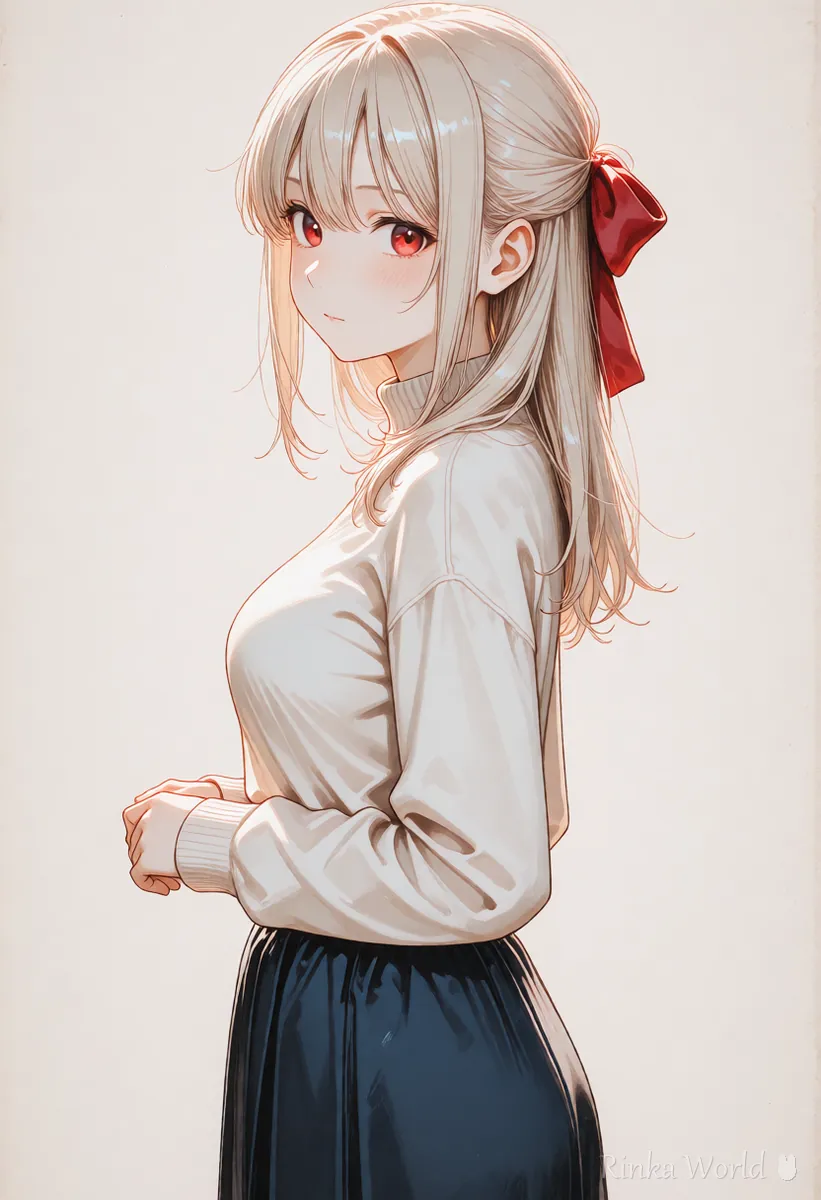
What are the steps to design a character?
Steps to decide a character design with AI
- Write the character's inside (personality, favorite things, role) in three lines
- Turn a matching look into a table of hair, eyes, outfit, props and colors
- Limit the colors to three or four and choose one standout signature (a ribbon, hat, hairstyle and so on)
- Turn the table into a fixed line in the order hair, eyes, outfit, props, and make several front-facing full-body images on white
- Pick the image closest to your idea and adjust the table and wording to match it
- Keep the same wording, change only expression and pose, and check that the character stays consistent
1girl, solo, long hair, single braid, brown hair, green eyes, red hair ribbon, beige cardigan, white blouse, navy skirt, standing, facing viewer, full body, simple background, white backgroundan original anime character design: a calm girl who loves books, long brown hair in a single braid, green eyes, a red hair ribbon, a beige cardigan over a white blouse and a navy skirt, standing and facing the viewer, full body on a plain white backgroundHow do you choose colors? (limit to three or four)
One main color, one or two sub colors and one accent color give a unified, memorable character.
Rinka's tips
- Give the hairstyle or a prop one distinctive feature so the character is recognizable even as a silhouette
- Write colors as color + part (red hair ribbon); a color alone lands on the wrong part
- If you have a picture with colors you like, look them up with a color palette extractor and write the nearest color names
To find color and mood words: Give Your Images a Signature Look with Color and Mood Tags →
What are the common character design mistakes and fixes?
What should you watch when making original characters?
Do not put existing character names or series titles in the prompt to imitate them. Check the generation service's terms and the rules of where you use it (social media, sales, merchandise) on their official pages.
To make turnarounds and character sheets: Full-Body Standing Art, Turnaround and Character Sheet Prompts (Plus Expression Variants) →
To keep the same character across many images: How to Keep the Same Character in AI Art (Face, Hair and Outfit) →
To turn the character into a streaming avatar: How to make a VTuber standing avatar with AI (front view and expression variants) →
FAQ
Frequently Asked Questions
Where should I start when designing a character?
Decide the inside first, such as personality, favorite things and role; that makes it easier to choose clothes and props. Then put hair, eyes, outfit, props and colors in a table.
How many colors should a character have?
Three or four is recommended: one main, one or two sub colors and one accent. Too many colors make the picture messy and the character hard to remember.
My character changes every time I generate.
Fix the wording of the look and copy it with the same words in the same order every time. If it still drifts, use a method for keeping the same character, such as reference images or a LoRA.
Can I add character names or series titles to make it similar?
When creating an original character, do not include existing character names or series titles. It can raise rights issues.
RINKA WORLD
Play in Rinka World
MORE




