PROMPT GUIDE
How to make a cover for a doujinshi or self-published book with AI (all-ages, print-ready)
A cover decides whether people pick up your book. Unlike an illustration viewed on screen, print brings extra concerns such as bleed, resolution and where the title goes. This guide covers framing and prompts for all-ages doujinshi (self-published comics) and book covers made with AI, and how to prepare them for print.
Last updated: approx. 3 min read
The short answer
When making a doujinshi or book cover with AI, generate a portrait image a size larger than the finished book, leave space for the title at the top or bottom, and keep important things away from the edges. Printing trims the edges slightly, so you need extra bleed outside the trim line. Print needs large images, so upscale before use. Always check the print shop's and sales platform's rules for AI works on their official pages.
How do you make a doujinshi cover with AI?
Make it portrait, a size larger than the book, leave space for the title and keep important things away from the edges.
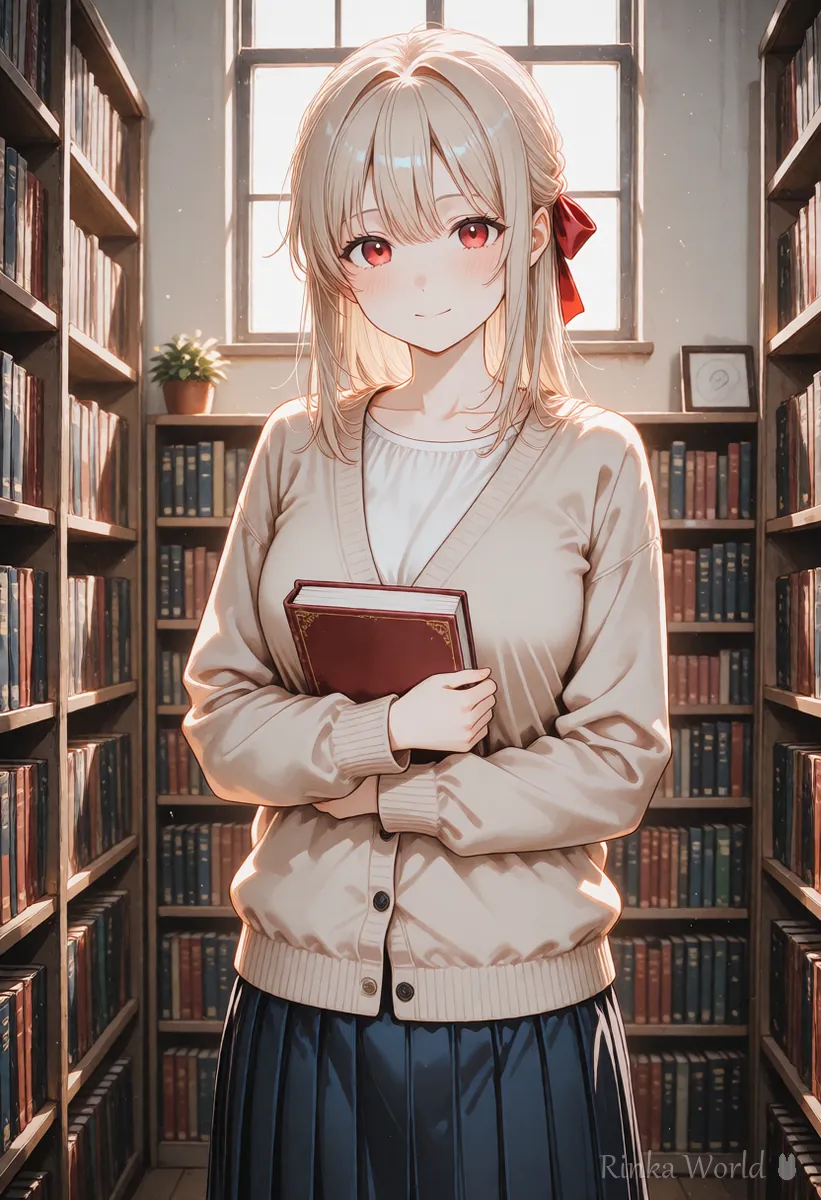
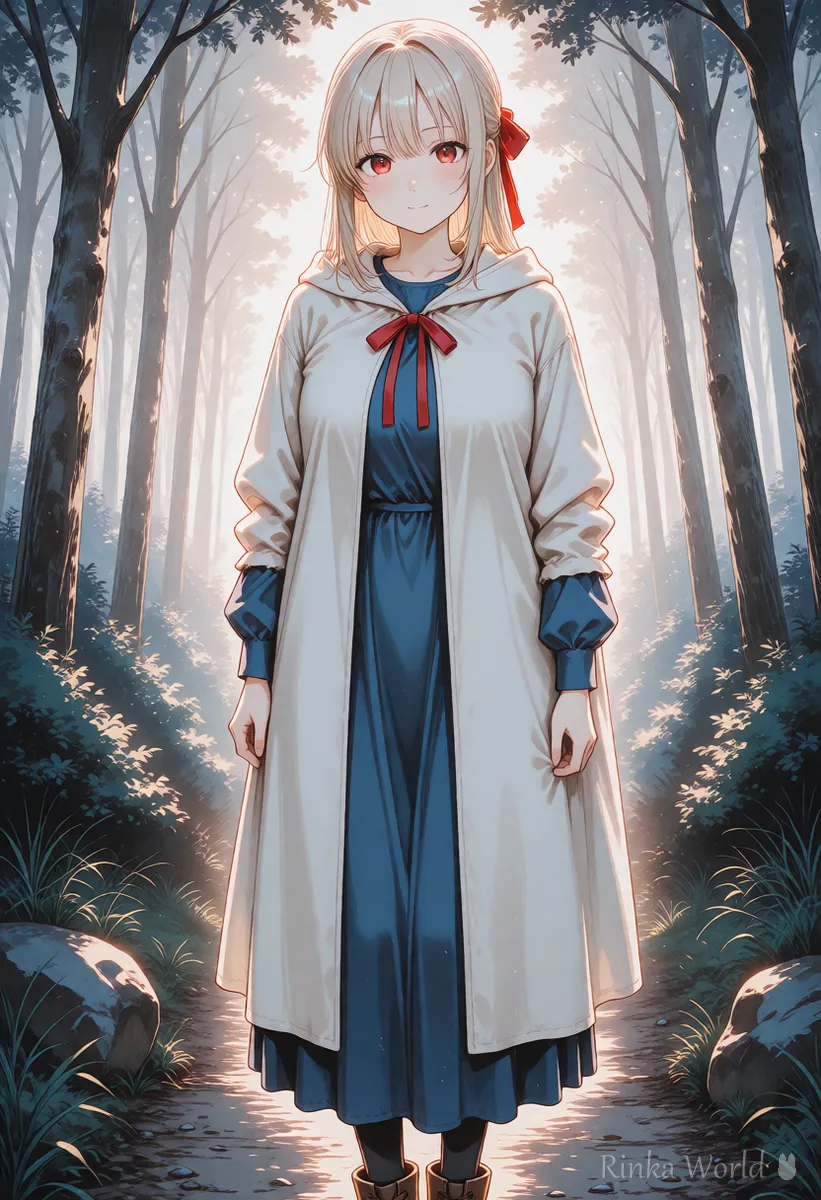
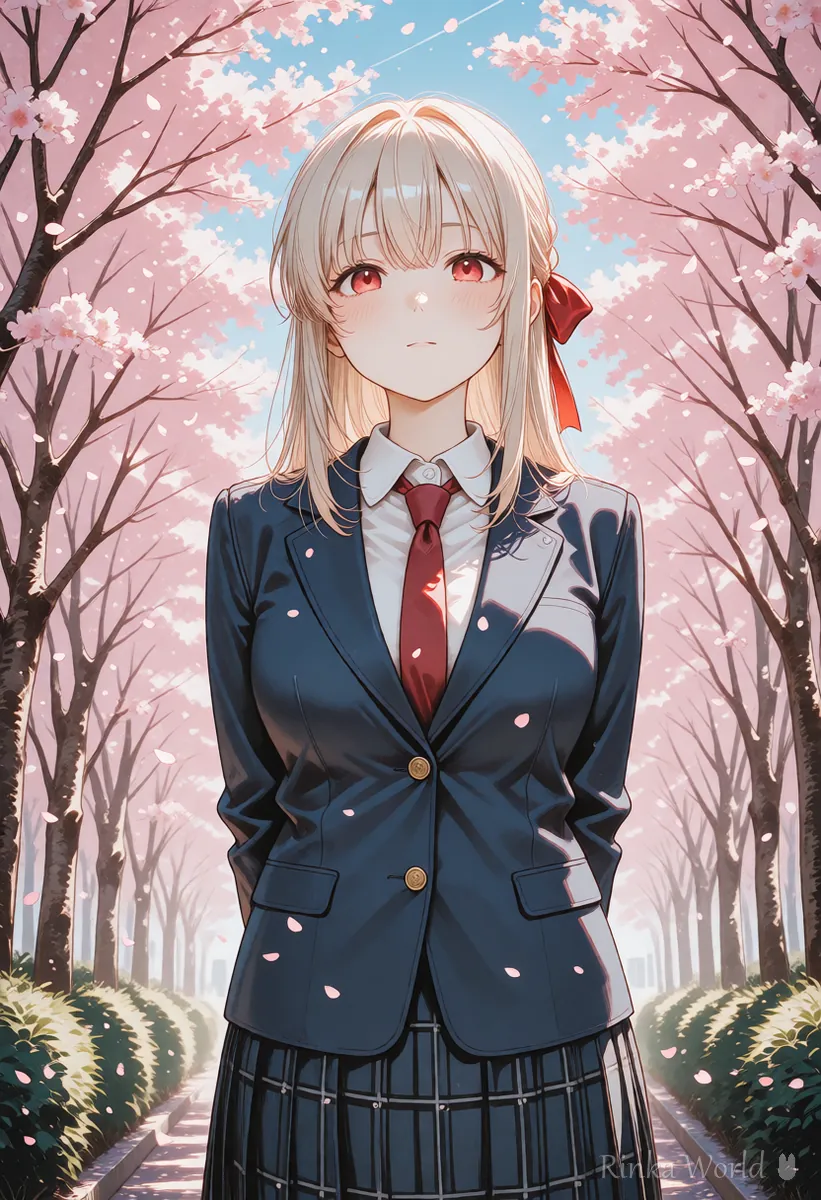
Printed books are printed on slightly larger paper and then trimmed. So the cover art needs a few millimeters of extra image (bleed) beyond the finished size. The bleed width and the area where text must not be placed are set by each print shop, so check the guidelines of the shop you submit to. When generating with AI, asking it to keep the face and hands away from the edges is a safe habit.
What are the steps to make a cover?
Steps to make a book cover with AI
- Check the print shop's guidelines for book size, bleed width, text-free margins and recommended resolution
- Decide whether the title goes at the top or bottom and keep that side empty
- Ask for a portrait image with the person centered and the face and hands away from the edges, and make several
- Upscale the chosen image to the size needed for print
- Add the title and author name in an image editor and confirm the art continues into the bleed area
- Save in the print shop's required format (color mode and file type) and submit
book cover illustration, 1girl, solo, standing, holding book, library, bookshelf, warm light, vertical composition, centered, empty space at the top, detailed background, no texta book cover illustration of an anime girl with long hair and a red ribbon standing in a fantasy forest at dawn, centered in a tall vertical frame, plenty of open sky at the top for a title, her face and hands well away from the edges, no lettersWhat should you watch for print?
Three things: size (resolution), bleed and color. An image that looks fine on screen can blur or change color in print.
Rinka's tips
- AI images are usually screen-sized, so print almost always needs upscaling
- Vivid colors can look a little calmer in print; check with a test print or the shop's samples
- For a series, keeping the title position and the character's size consistent looks great side by side
How to upscale images for print: How to Upscale Images with AI (Enlarging Anime Art Cleanly) →
What are the common cover mistakes and fixes?
What should you watch when distributing or selling with an AI cover?
Events, sales sites and print shops each have their own rules on AI works and labeling. These can change, so always check the latest official guidance.
- Do not make a cover that imitates existing works or characters (for fan works, check the original's official guidelines)
- Check the sales site's or event's rules on whether you must label the use of AI
- Keep the original large image and the print file with text as separate files
To extend the edges of the art for bleed: How to Outpaint (Extend the Edges of an Image or Make It Wider) →
To add clean title text: How to Put Text in AI Images (Prompts That Avoid Garbled Text, and Adding It Later) →
Settings for posting your work to pixiv: How to Post AI Illustrations on pixiv: Settings and Tags →
FAQ
Frequently Asked Questions
How large should I make a doujinshi cover?
Decide from the print shop's recommended resolution and the book size. AI images are usually screen-sized, so upscale them to the size needed for print.
What is bleed?
It is the extra art extended beyond the finished size to allow for slight shifts when the printed paper is trimmed. The width is set by each print shop, so check its guidelines.
Can AI add the cover title too?
Text breaks easily, so adding the title and author name later in an image editor is recommended. Write no text in the prompt and let the AI make only the empty space.
Can I distribute or sell a book with an AI-made cover?
It depends on the rules of the event, sales site and print shop, and the terms of the generation service you used. These can change, so check the latest official guidance.
RINKA WORLD
Play in Rinka World
MORE




