PROMPT GUIDE
How to Choose Hashtags for AI Art (Kinds, Number and Examples)
When you post, hashtags are clues that help people find your picture. But it is hard to know which to use and how many. This guide sorts tags by kind and shows how to choose them, with example post text.
Last updated: approx. 3 min read
The short answer
AI art hashtags are found more easily when you choose them by kind, such as genre, subject, season and tool. The number and usage differ by where you post and the rules change, so check each service's official guidance and add only tags that match the picture.
How should you choose hashtags for AI art?
Pick them by kind (genre, subject, season, tool) and use only the ones that fit the picture.
Hashtags exist so people searching for the same topic can find your post. Choosing tags that match what is in the picture reaches the people you want better than adding a pile of popular tags. The number of tags allowed and the rules differ by service and can change, so check the official guidance.

How many hashtags should you add?
There is no fixed answer. Following the service's guidance and narrowing to a few up to about a dozen that fit the picture is common.
What are some examples of post text with hashtags?
Writing one or two sentences about the picture and then lining the tags up at the end reads well.
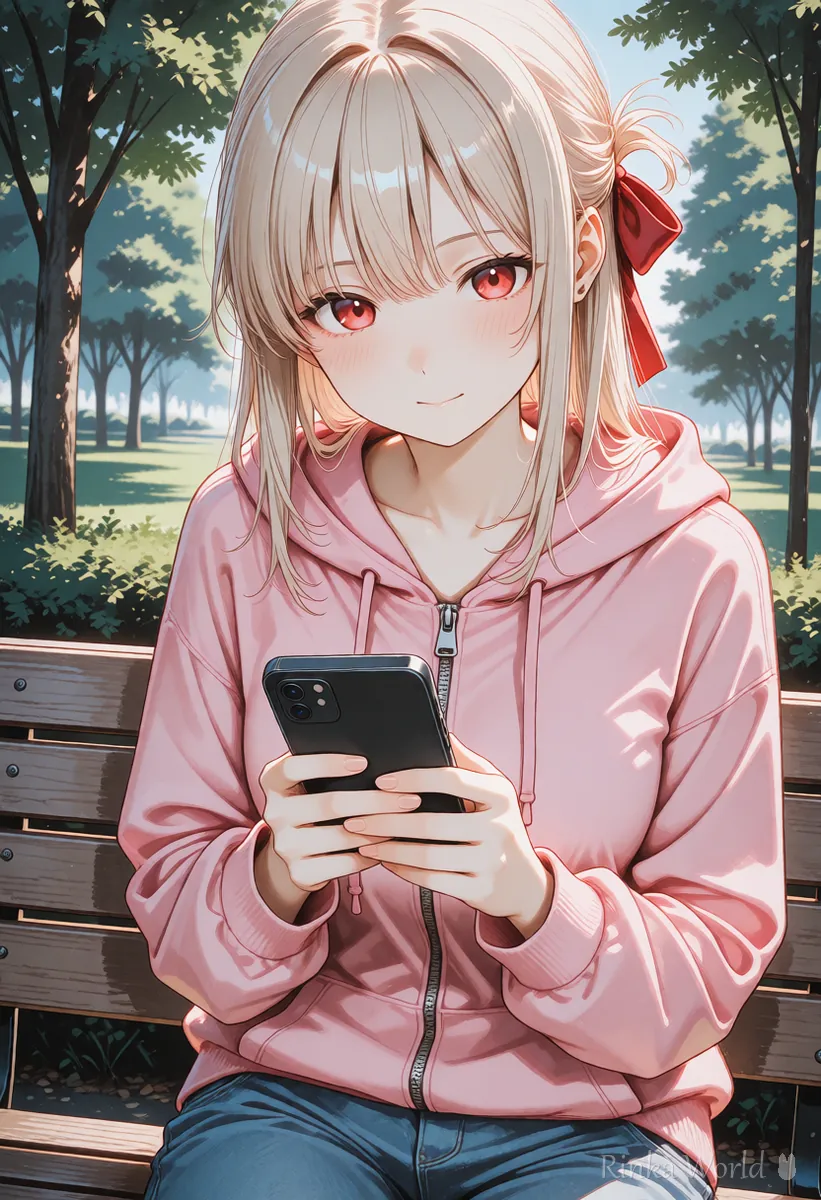
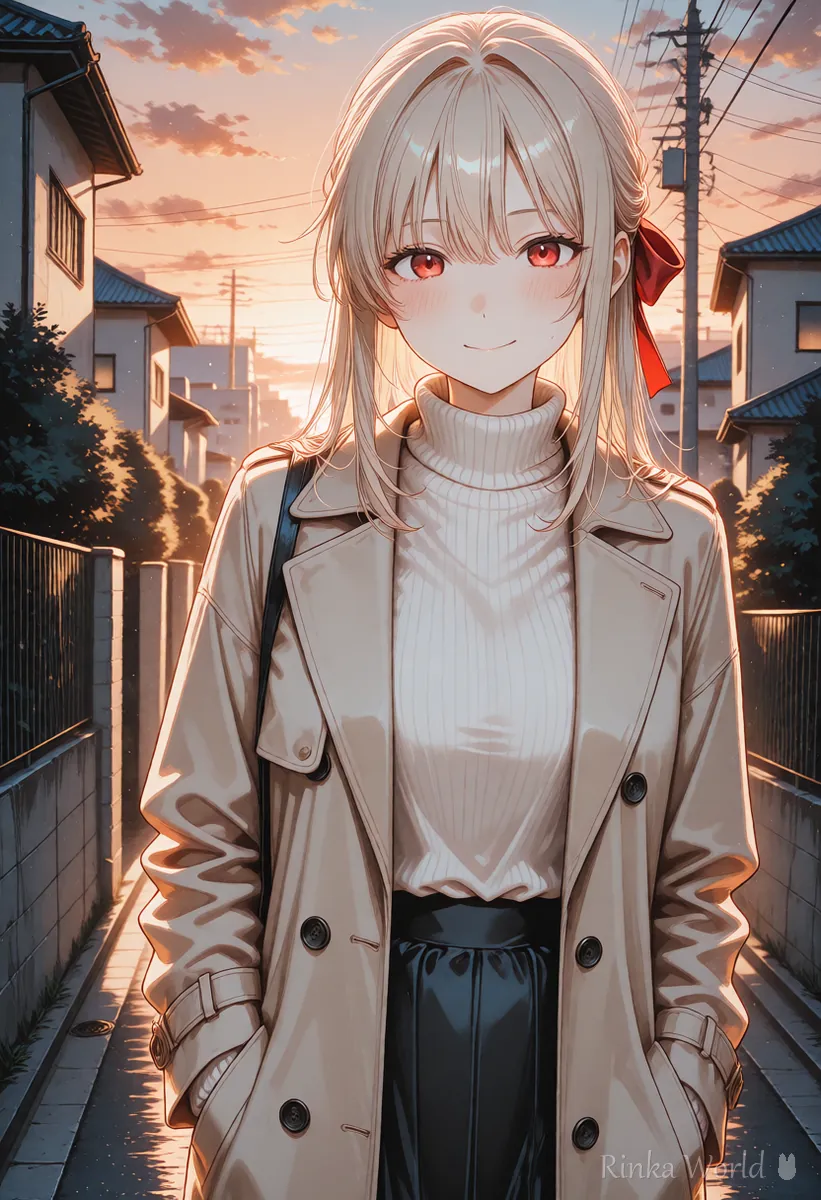
A girl taking a walk in a spring park.
#AIart #originalart #spring #girl #landscapeThe first picture of a series themed on a rainy-day cafe.
#AIart #cafe #rainyday #(series name)How to decide hashtags
- Write out the picture's content in three groups: genre, what is drawn, and season
- Check how many tags you can add and the rules on the service where you post
- From what you wrote, choose the tags that fit the picture
- If an AI setting or tag is required, add it following the official guidance
- Add one tag of your own series name so you can gather your works
Rinka's tips
- Adding popular tags that have nothing to do with the picture can disappoint viewers
- Using the same tag every time makes your works easier to find
- Tag rules can change, so check the official guidance before you post
What manners apply when you use hashtags?
Avoid tags unrelated to the picture and avoid uses that could upset others; that is the basic manner.
Hashtags are a way to connect with people looking for the same topic. Adding many unrelated tags gets in the way of searchers and gives a poor impression of your post. Also avoid using other people's work tags or tags for specific events when they do not apply.
- Lining the tags up at the end of the post keeps the main text easy to read
- Remove season and event tags when the time has passed and swap in the next ones
- Write series name tags the same way every time
- Tag rules can change, so check the official guidance for the latest information before you use them
For pixiv posting settings, see How to Post AI Illustrations on pixiv: Settings and Tags →
For manners about AI disclosure, see How to label your work as AI-generated (social media and art sites) →
For a final check before posting, see The Complete Pre-Posting Checklist for AI Art →
For how to add a watermark to an image, see How to Add a Watermark to Images, with Tips for Social Media →
FAQ
Frequently Asked Questions
How many hashtags should I add?
It differs by where you post and the rules change, so check the official guidance. Narrowing to a few up to about a dozen that fit the picture is a common guide.
Should I add an AI-generated tag to AI art?
Some services have rules about it. Follow the official guidance and use the setting or tag when it is needed.
Will I be seen more if I add lots of popular tags?
Tags unrelated to the picture can backfire. Choosing tags that fit the content reaches the people you want better.
Should I change my tags every time?
Change them to match the content, but using your own series name tag every time makes your works easier to find as a group.
RINKA WORLD
Play in Rinka World
MORE




