PROMPT GUIDE
SDXL vs SD1.5 (Image Quality, Image Size and LoRA Compatibility)
Two generations of Stable Diffusion are in wide use: SD1.5 and SDXL. Both turn a prompt into a picture, but they differ in the image size they handle best, the hardware they need and the add-on files (LoRA and so on) they can use. This guide compares the two in tables and gives a simple way to choose.
Last updated: approx. 3 min read
The short answer
SDXL is the newer Stable Diffusion generation that works around 1024×1024; SD1.5 is the older one that works around 512×512. SDXL tends to give steadier detail and composition but uses more VRAM, while SD1.5 is lighter and has a huge library of resources. LoRA and ControlNet models are generation-specific, so they can't be shared between the two.
What is the difference between SDXL and SD1.5?
The biggest differences are the image size each model handles best and the size of the model itself.
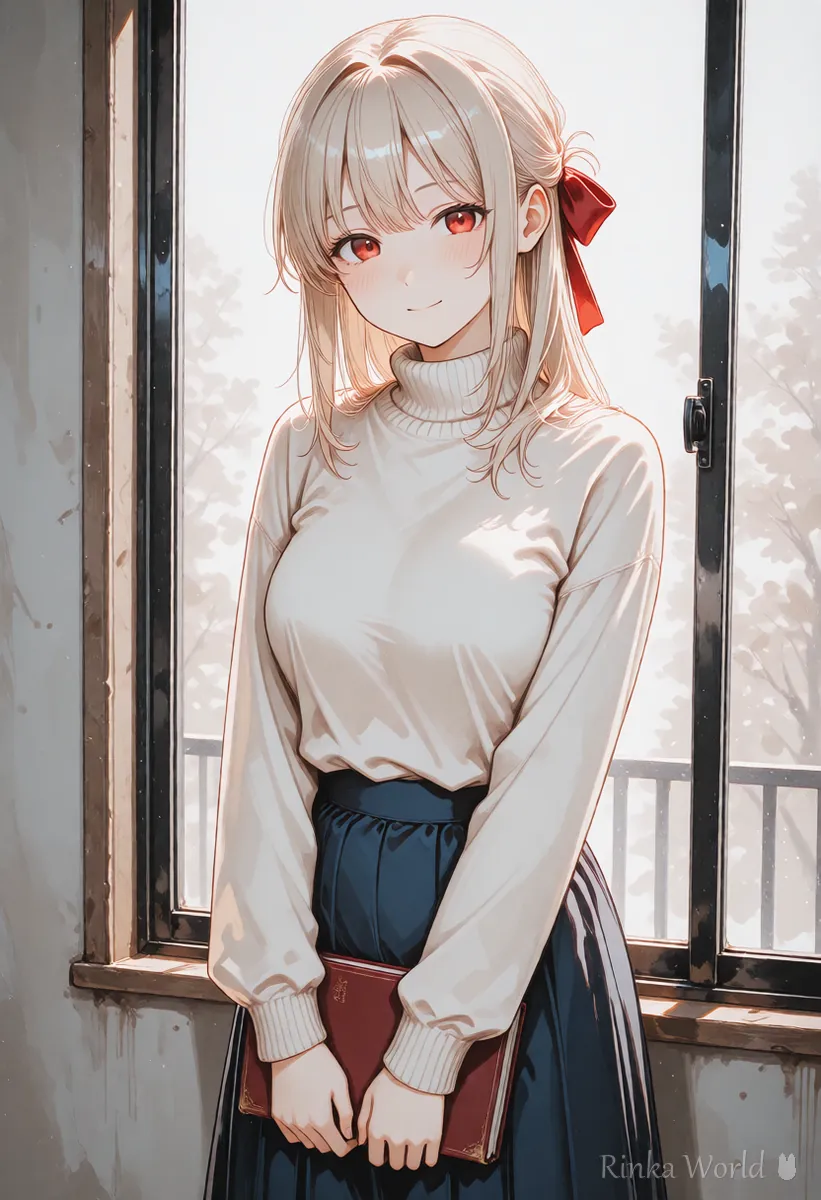
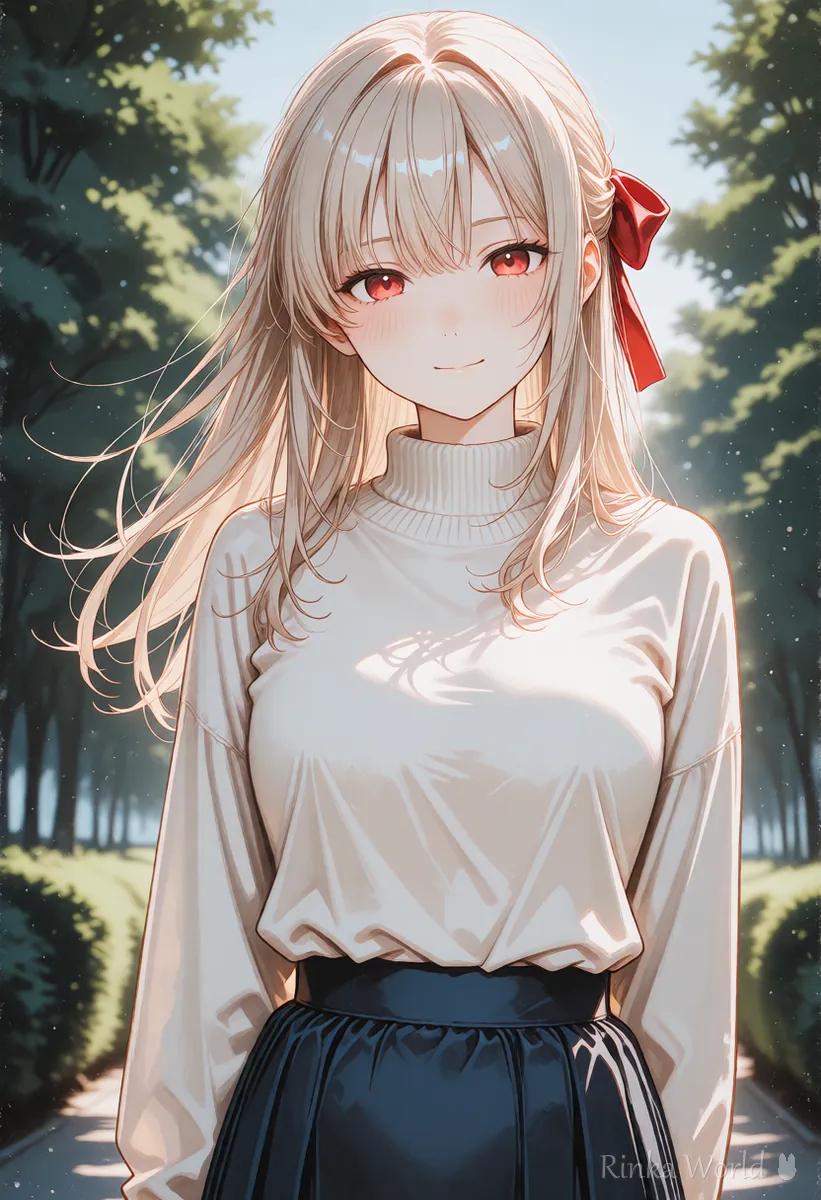
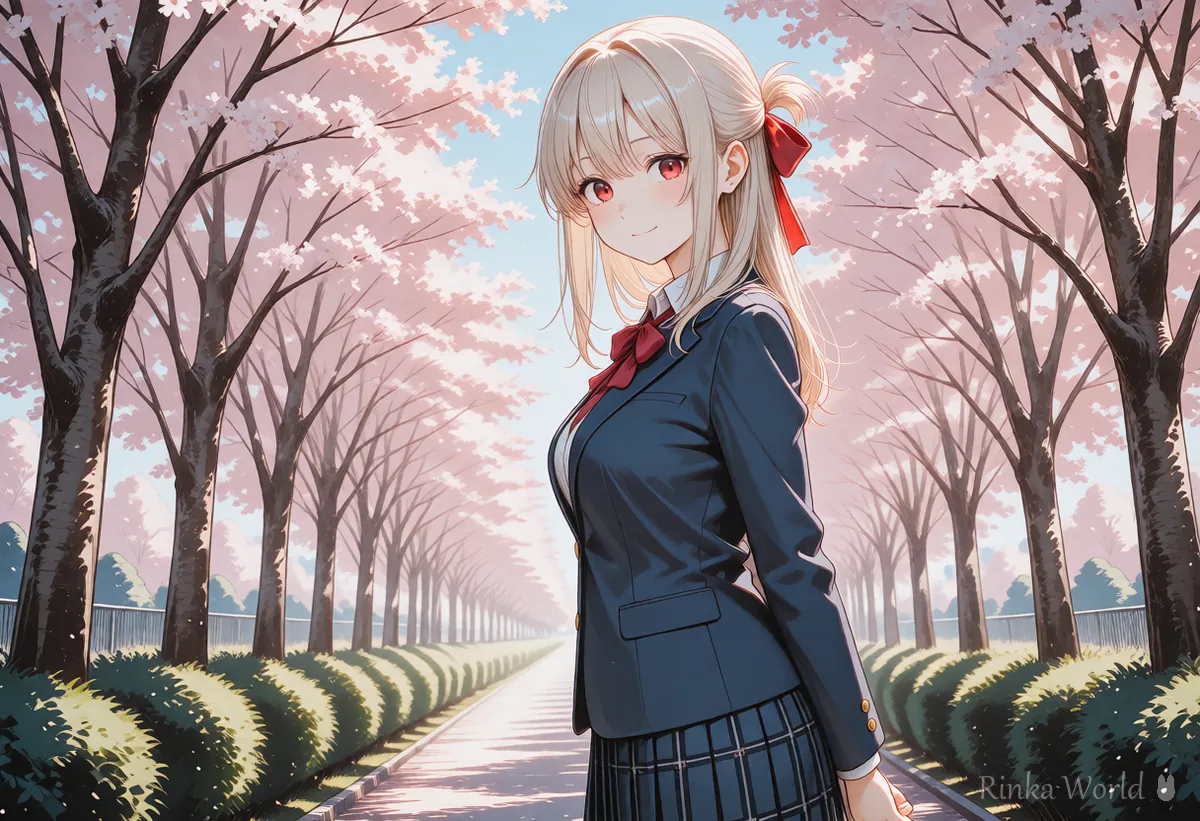
SD1.5 was trained on smaller images around 512×512, so it runs lightly and works even on older PCs. SDXL is the newer generation trained around 1024×1024; hair tips, background detail and overall composition tend to hold together better, but it needs more VRAM (graphics card memory) and takes longer per image. Many anime models, such as the Illustrious and Pony families, are built on SDXL.
Rinka's tips
- VRAM needs vary a lot with the interface (AUTOMATIC1111, Forge, ComfyUI and so on) and settings. Treat any number as a rough guide and check the documentation of the tool you use
- SDXL-based anime models each have their own recommended sizes and quality tags. Read the model page first
How do image sizes differ between SDXL and SD1.5?
SD1.5 works around 512 and SDXL around 1024; straying far from these makes images break more easily.
A model is most stable near the size it was trained on. If you jump straight to 1024×1024 with SD1.5, the character may split into two people or grow extra limbs. The usual fix is to generate around 512 and then enlarge with something like Hires.fix. SDXL can start at around 1024, so there is less upscaling work.
For more SDXL sizes that work well, see SDXL Resolutions (Recommended Sizes) and How to Pick a Ratio →
SDXL or SD1.5: which should you choose?
Steps to decide which generation to use
- Check your graphics card's VRAM (in system settings or Task Manager)
- Check which generation the models and LoRAs you want are made for, using the Base Model field on their download pages
- If you have VRAM to spare and there is an SDXL-based model that fits what you want to draw, choose SDXL
- If VRAM is limited or you want to use many SD1.5 LoRAs, choose SD1.5
- Make one image with the same prompt on each and compare the look and the speed before deciding
When in doubt, the safest choice is to match the generation of the LoRAs and models you want to use. Because files don't work across generations, switching later means hunting for new add-ons.
Can you use an SD1.5 LoRA with SDXL?
No. LoRA and ControlNet models are used together with the generation of model they were made for.
Loading an SD1.5 LoRA into an SDXL model causes an error, does nothing, or breaks the image. Embeddings (Textual Inversion) and VAEs work the same way, so pick ones that match the generation. Download pages usually state the base model, such as SD 1.5, SDXL 1.0, Illustrious or Pony, so check there.
SD1.5 example: 1girl, solo, long hair, school uniform, smile, cherry blossoms, upper body, masterpiece, best qualitySDXL (anime) example: 1girl, solo, long hair, school uniform, smile, cherry blossoms, upper body, masterpiece, best quality, newestThe basic shape of both prompts is the same. With SDXL-based anime models, adding the quality or era tags from the model description at the end tends to bring the look closer to what the model recommends.
What are common mistakes and how do you fix them?
If colors look dull or washed out, see how to check your VAE in What Is a VAE? Why Colors Look Dull, and How to Choose and Set a VAE →
For how to load a LoRA and set its strength, see How to Use LoRA (Syntax, Strength and Trigger Words) →
To compare FLUX and SDXL as well, see FLUX vs SDXL (Prompts, What Each Draws Best, and Speed) →
FAQ
Frequently Asked Questions
Which is newer, SDXL or SD1.5?
SDXL is the newer generation. Its base image size is around 1024, and detail and composition tend to be steadier.
Can I reuse my SD1.5 prompts in SDXL?
The basic style is the same, so most prompts work as they are. Quality and recommended tags differ by model, though, so adjust them to match the model description.
Can I use SD1.5 LoRAs with SDXL?
No. LoRA, ControlNet, embeddings and VAEs are used with the generation of model they were made for.
Which is better for a PC with little VRAM?
SD1.5 is generally lighter and easier to run. With SDXL you may need to lower the image size or use lighter settings. Requirements depend on the tool, so check its documentation.
RINKA WORLD
Play in Rinka World
MORE




