PROMPT GUIDE
FLUX vs SDXL (Prompts, What Each Draws Best, and Speed)
FLUX and SDXL are both popular image generation models you can run on your own PC. But the way you write prompts, the kinds of images they handle best and the hardware they need are quite different. This guide compares them in tables and explains how to choose for the images you want to make.
Last updated: approx. 3 min read
The short answer
FLUX is a newer image model that is good at following natural English sentences; SDXL is the Stable Diffusion generation that works with tags or sentences. FLUX tends to handle text and hands more steadily but is heavier, while SDXL is lighter and has a large choice of anime models and LoRAs. LoRAs are specific to each, so they can't be shared.
What is the difference between FLUX and SDXL?
FLUX is good at drawing what you describe in sentences, while SDXL suits specifying the look in detail with tags and short words.
FLUX has a large text-understanding part, and it is said to keep positions, counts and sign text even from long English descriptions. SDXL has many model variants, and for anime art in particular there are lots of models trained on Danbooru tags. Neither is simply better; it is easier to choose once you think of them as good at different things.

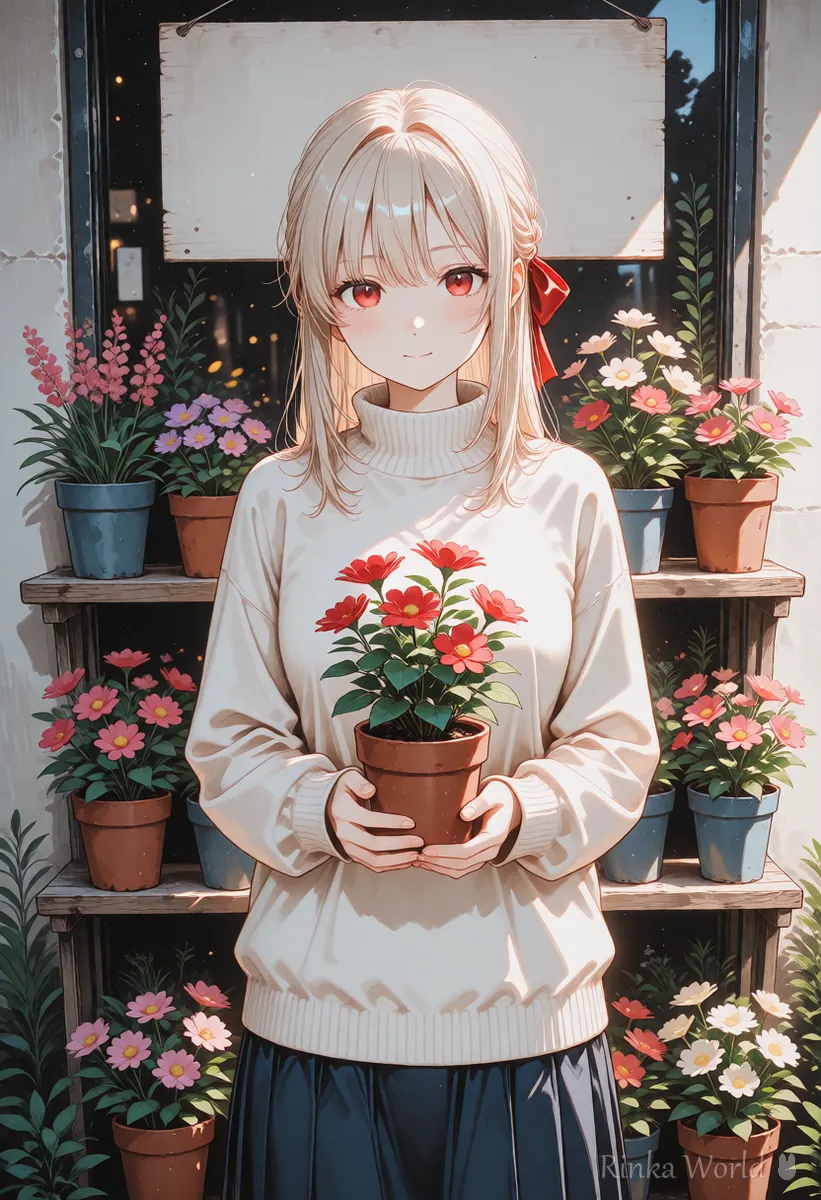
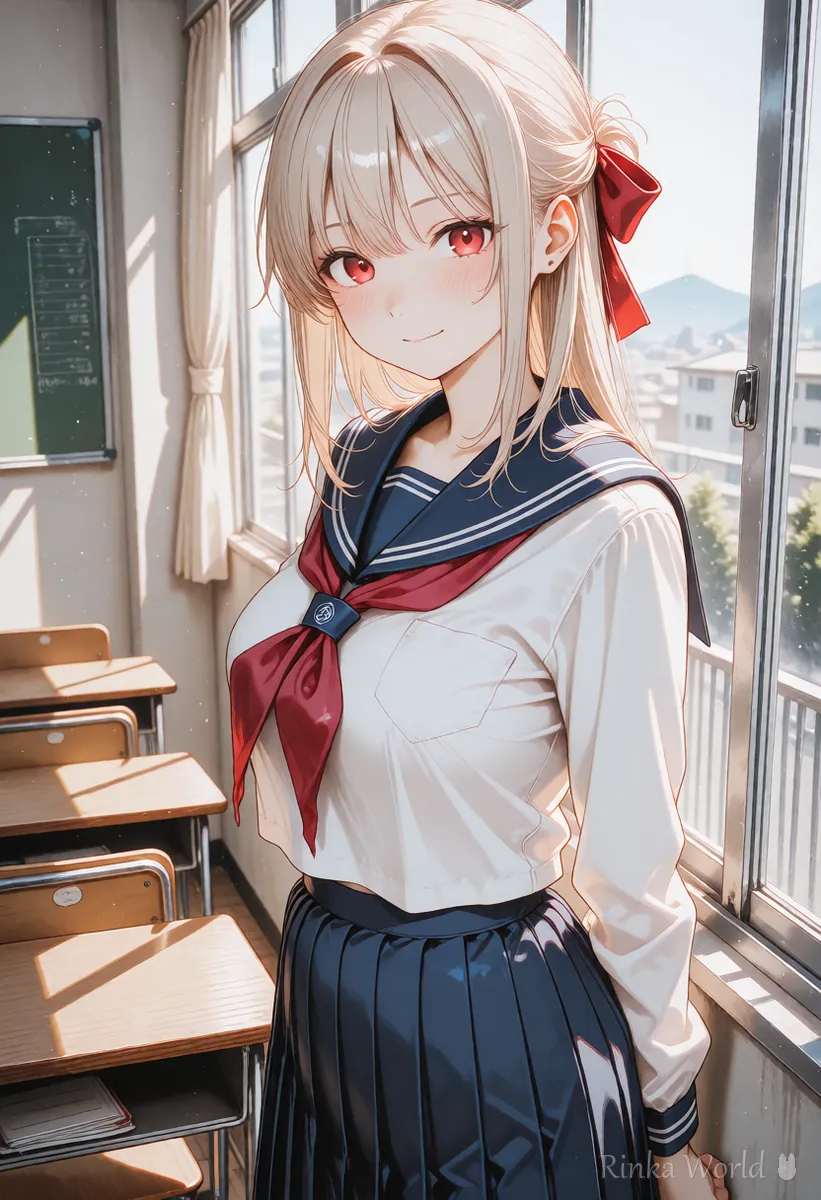
Rinka's tips
- FLUX comes in several releases and formats, and the license (including commercial terms) differs between them. Check the distributor's page before use
- Speed and VRAM needs vary a lot with the version, quantization and interface. Treat the table as a rough guide
How does prompt writing change between FLUX and SDXL?
In FLUX you describe who, what, where and the lighting in English sentences; in SDXL the basic style is a comma-separated list of tags.
If you are used to SDXL anime models, it is tempting to list tags for FLUX too, but FLUX understands your intent better from sentences. On the other hand, long sentences in an SDXL anime model can make it hard to see how tag order affects the result. Compare two ways of writing the same picture.
FLUX (sentence): An anime girl with long light hair and a red ribbon sits by a cafe window, holding a white mug with both hands and smiling softly. Warm afternoon light comes through the window. Soft anime illustration.SDXL (tags): 1girl, solo, long hair, red ribbon, sitting, cafe, window, holding cup, smile, sunlight, indoors, upper body, masterpiece, best qualityFor how to convert between tags and sentences, see Tag Prompts vs Natural Language Prompts (Which to Use?) →
FLUX or SDXL: which should you choose?
Steps to choose between FLUX and SDXL
- Decide whether your images are anime art or specific characters and styles, or photo-like, text-heavy or precisely arranged
- Check on the download pages whether the LoRAs and models you want are for FLUX or SDXL
- Check your VRAM and see whether FLUX needs a lighter version or settings
- Write the same content as English sentences for FLUX and as tags for SDXL, and make one image with each
- Compare the results and generation time, and make the one that suits your usual images your main tool
Many people use SDXL-based models for lots of anime characters and FLUX for poster-like images where text and layout matter. Installing both and switching by scene is another option.
Why doesn't a negative prompt work in FLUX?
Some released versions are built to make little or no use of negative prompts.
In that case, avoid unwanted things by describing what you do want in concrete terms. To keep text out, for example, don't mention signs, and describe something blank such as a plain wall. In SDXL the negative prompt works well, so it is common to put terms like worst quality and bad hands there.
What are common mistakes and how do you fix them?
For more on FLUX prompts, see How to Write FLUX Prompts (in Natural English) →
For SDXL vs SD1.5, see SDXL vs SD1.5 (Image Quality, Image Size and LoRA Compatibility) →
For how to put text into images, see How to Put Text in AI Images (Prompts That Avoid Garbled Text, and Adding It Later) →
FAQ
Frequently Asked Questions
Which gives higher quality, FLUX or SDXL?
It depends. FLUX is strong at following layout and text in sentences, while SDXL has a wide range of anime models and art styles. Choose based on the images you want.
Can I use SDXL LoRAs with FLUX?
No. LoRAs are specific to the model they were made for. Use LoRAs released for FLUX.
Can I write FLUX prompts in languages other than English?
Assume English is the default. Support for other languages depends on the version and interface, so rewriting in English is the reliable fix when results are off.
Can FLUX be used commercially?
The license differs between versions. Always check the distributor's license before commercial use.
RINKA WORLD
Play in Rinka World
MORE




