PROMPT GUIDE
Lineart Prompts (Lineart, Sketch, Monochrome)
When you want an AI image that is only line art, it works better to say clearly that no color should be used than to add more coloring tags. This guide shows how to make three kinds of line art with tag combinations: clean inked line art, rough pencil sketches, and plain white line art for coloring pages.
Last updated: approx. 3 min read
The short answer
A lineart prompt starts with three tags: lineart, monochrome and white background. Add sketch for a rough pencil draft, or uncolored when you want lines only, like a coloring page. If color still creeps in, put color and shading in the negative prompt.
What is the lineart prompt? (lineart, monochrome, white background)
Start with three tags: lineart, monochrome and white background.
With lineart alone, you sometimes get a full color picture that simply has strong outlines. Adding monochrome or greyscale tells the model not to use color, and white background makes the backdrop look like plain paper, so the result reads as line art. For thin, hand-inked lines, adding ink helps the lines come out crisp.
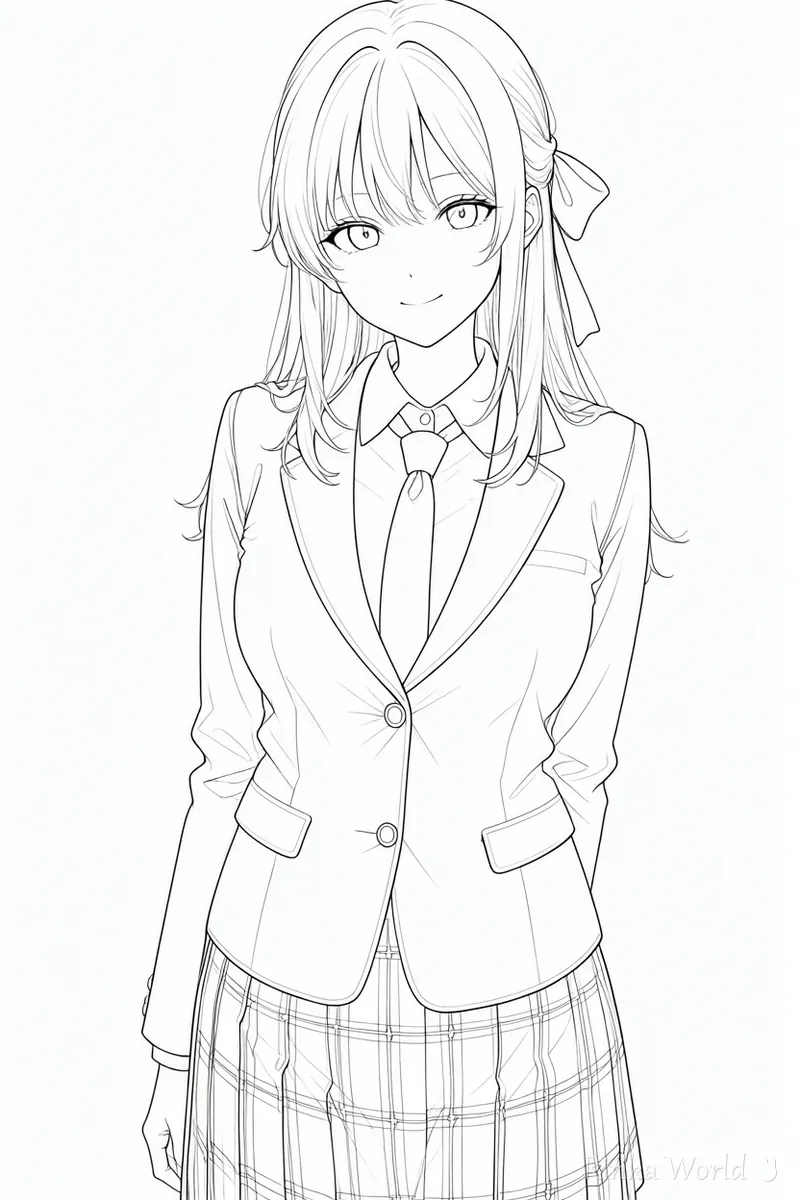
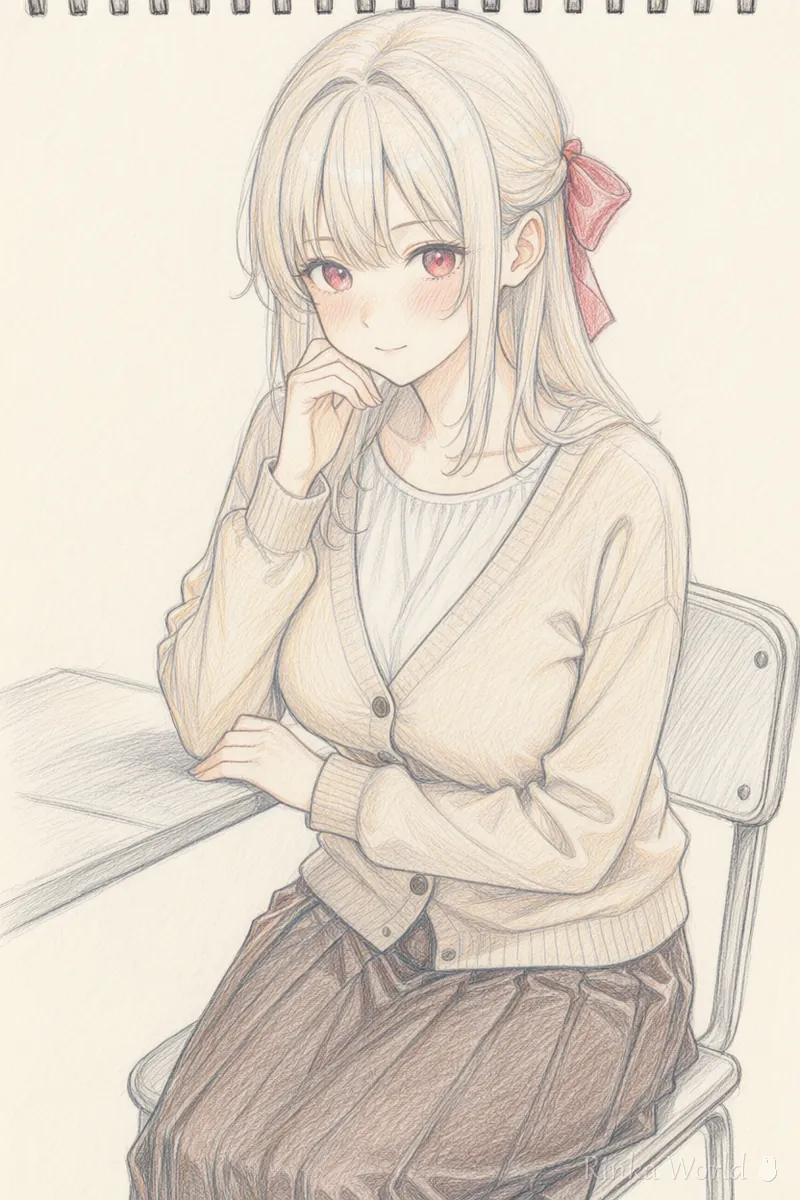
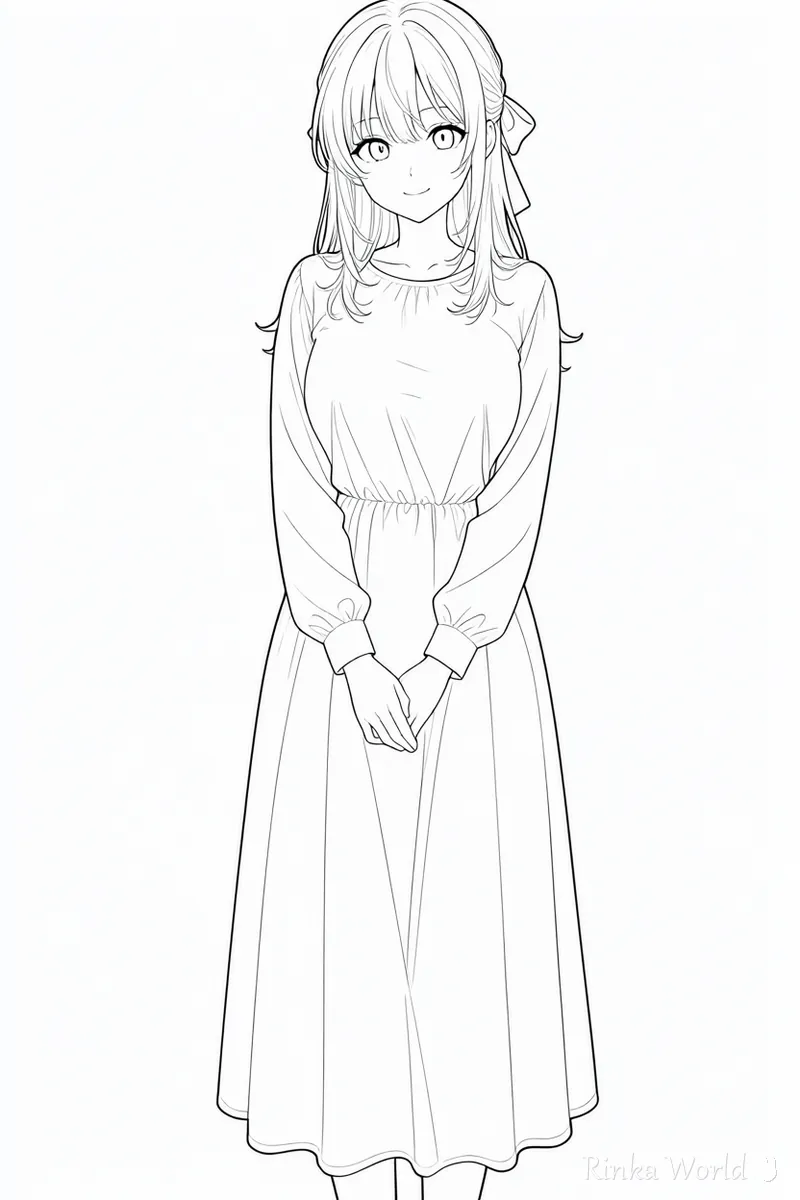
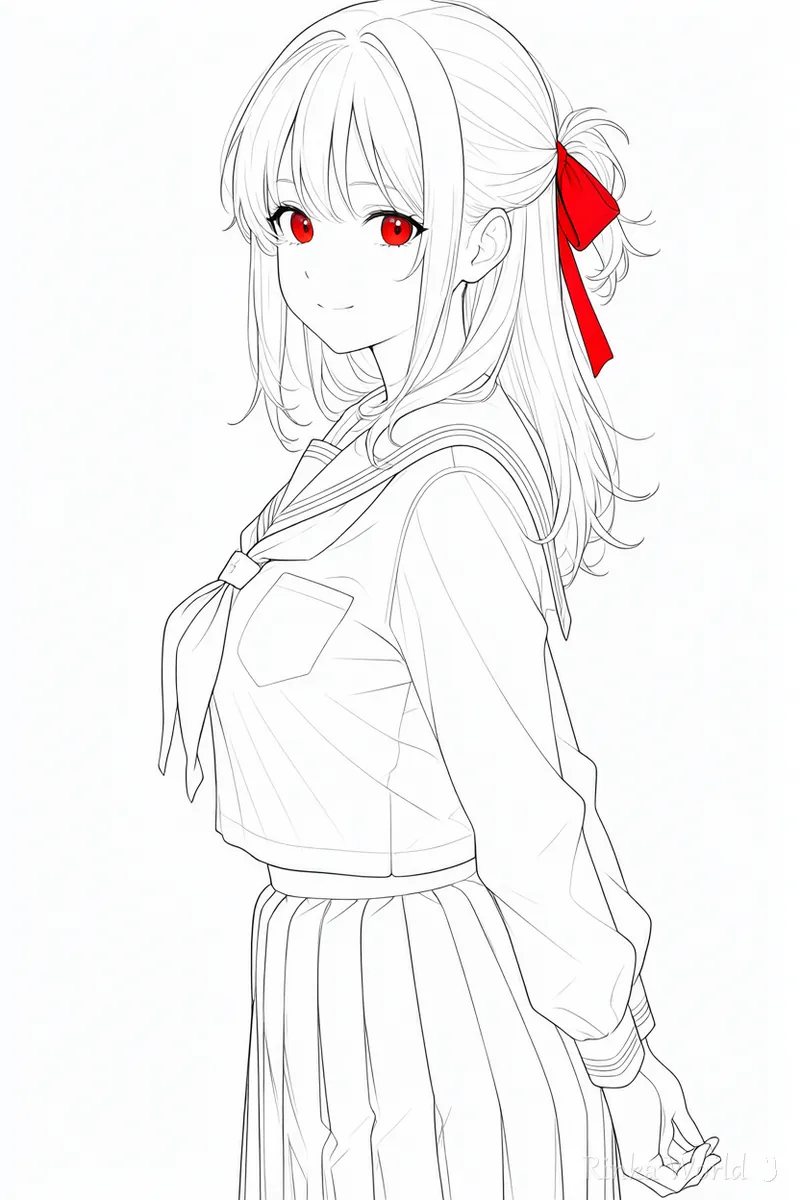
How do you tell a rough sketch, inked lines and a coloring page apart?
Build around sketch for a rough, lineart and ink for inked lines, and uncolored for a coloring page.
Even within line art, the line weight and the number of loose strokes change the look a lot. Decide the core tags for each goal, as in the table below, and you will need fewer retries. When you want fewer lines, it also helps to leave out tags that add detail, such as detailed or intricate.
How do you make one piece of line art, step by step?
Decide the character and composition first, then add the line art tags and the negative prompt at the end.
Steps to make one piece of line art
- Write the character and composition (upper body and so on) the same way you would for a normal illustration
- Add lineart and monochrome, and set the background to white background or simple background
- Add sketch for a rough look, or uncolored for a coloring page
- Put color, shading and gradient in the negative prompt to hold back color and shadows
- If there are too many lines, remove detail tags such as detailed and generate again
What if your line art keeps getting color?
Put color or colorful in the negative prompt, and remove color tags (hair color, outfit color) from the positive prompt.
If a color tag such as pink hair is still in the prompt, the color can win over the line art tags. To keep the character recognizable, drop the color names and describe only the hairstyle and the shape of the clothes. Line art tags work less strongly on some models; in that case, try raising their weight a little.
Rinka's tips
- Line art also works as an underdrawing you color yourself later. For a coloring page, uncolored line art with no shading is the easiest to work with
- Line art tags work differently on each model. Strengthening them slightly, as in (lineart:1.2), can get you closer
- Black and white images look different depending on screen brightness, so check the brightness before you post
For prompts that set the coloring style, such as anime coloring or painterly styles: Coloring Style Prompts (Anime Coloring, Galge Style, Painterly, Flat Color, Lineart) →
For art medium and style tags such as watercolor and oil painting: Art Style Tags Encyclopedia: Mediums, Retro and Art Movements →
For a basic negative prompt template: Recommended Negative Prompts and a Copy-Paste Template →
Copy-and-paste templates
Replace the parts in [ ] and use them as they are. The first is inked line art, the second a pencil rough, the third coloring-page line art.
1girl, solo, [hairstyle], [outfit], smile, upper body, lineart, monochrome, ink, white background, masterpiece, best quality1girl, solo, [hairstyle], sitting, sketch, monochrome, pencil, traditional media, simple background1girl, solo, [hairstyle], [outfit], full body, lineart, uncolored, white background, simple background (negative: color, shading, gradient)FAQ
Frequently Asked Questions
What should I put in a lineart prompt?
The basics are lineart, monochrome and white background. When you want lines only with no color, like a coloring page, add uncolored.
My line art keeps getting color.
Remove the hair and outfit color tags and put color and shading in the negative prompt. If color tags remain, they can take priority over the line art tags.
How do I get lines that look like a rough sketch?
Combining sketch, pencil and traditional media tends to produce lines like a pencil draft with loose strokes left in.
Can I color the line art myself later?
Yes. Uncolored line art with no shading is easy to use as a base for coloring. A white background also makes it easier to extract just the lines.
RINKA WORLD
Play in Rinka World
MORE




