PROMPT GUIDE
Depth of Field Prompts: Background Blur, Bokeh and Lens Effects
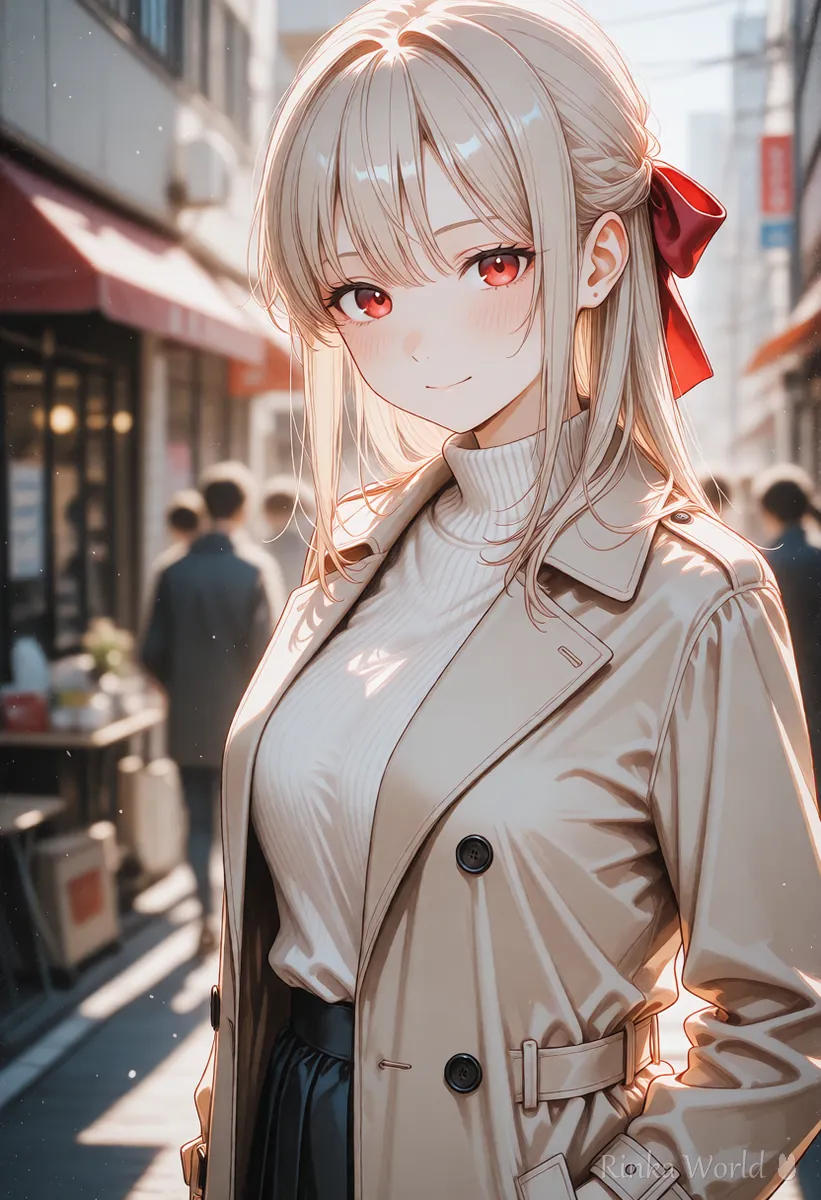
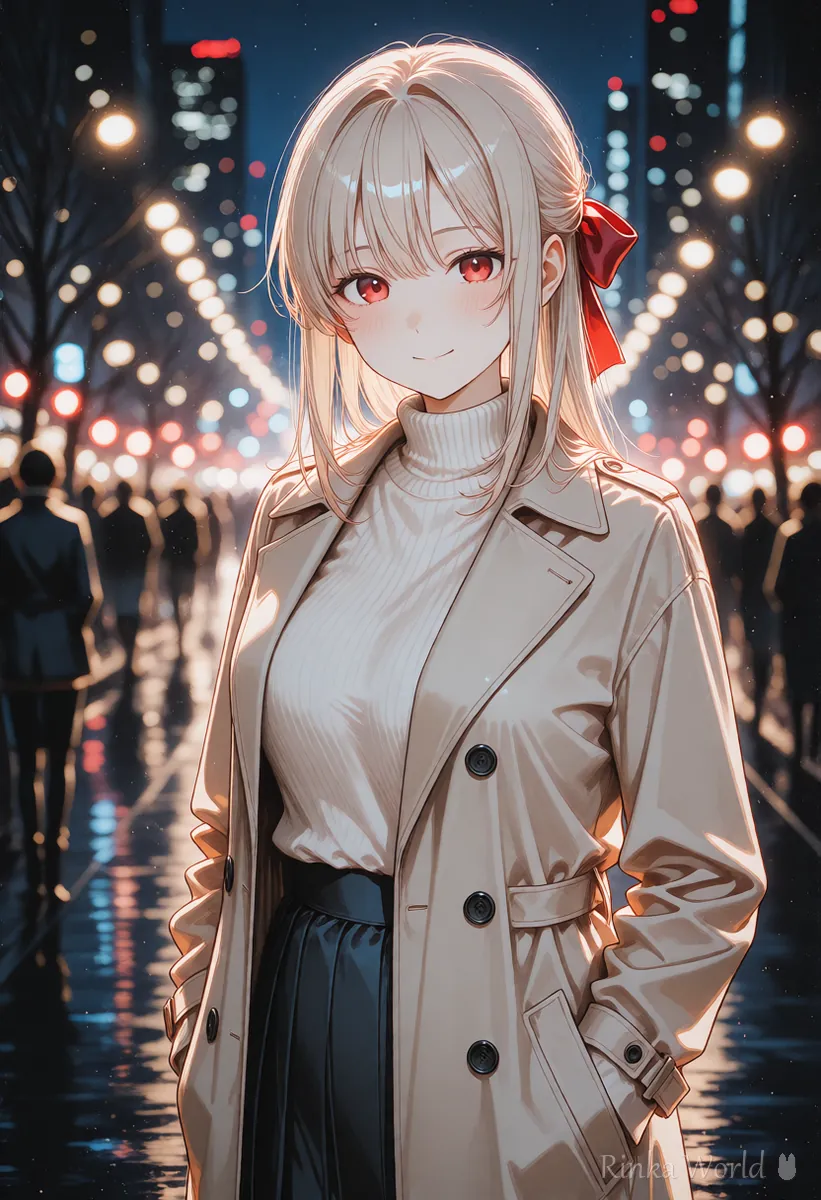
To blur the background and make the character stand out, use two basic tags: depth of field and blurry background. Round light blur is bokeh, and darkening the corners is vignetting. Most effects that come from a camera lens can be added with a single tag.
Last updated: approx. 3 min read
The short answer
The basic prompt for a blurred background is depth of field, and blurry background makes the blur stronger. Round light blur is bokeh and darkened corners are vignetting. Only blurry blurs the whole picture, so put it in the negative prompt instead of the main prompt.
What is the prompt for depth of field and background blur?
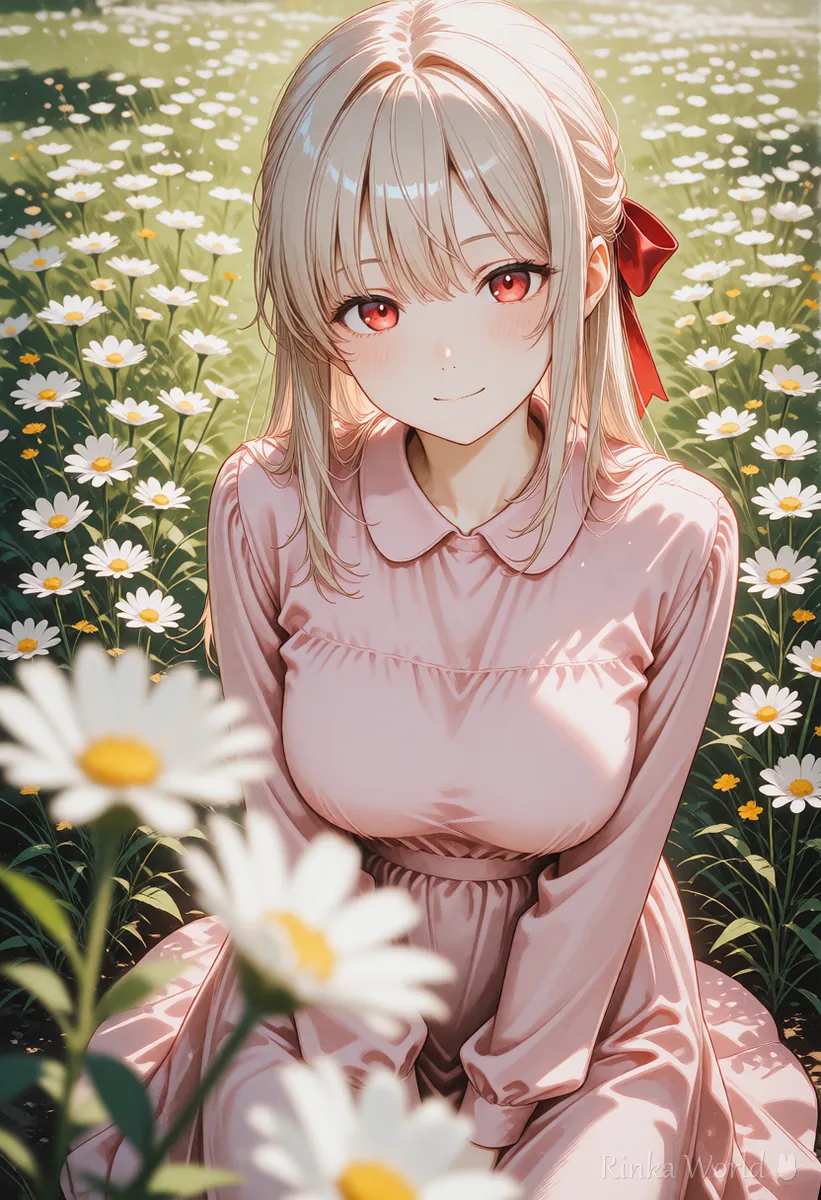
The prompt for a shallow depth of field (only a narrow range in focus) that blurs the background is depth of field. On Danbooru you can separate a blurred background, blurry background, from a blurred foreground, blurry foreground. depth of field alone already blurs the background, but adding blurry background makes the amount of blur more consistent.
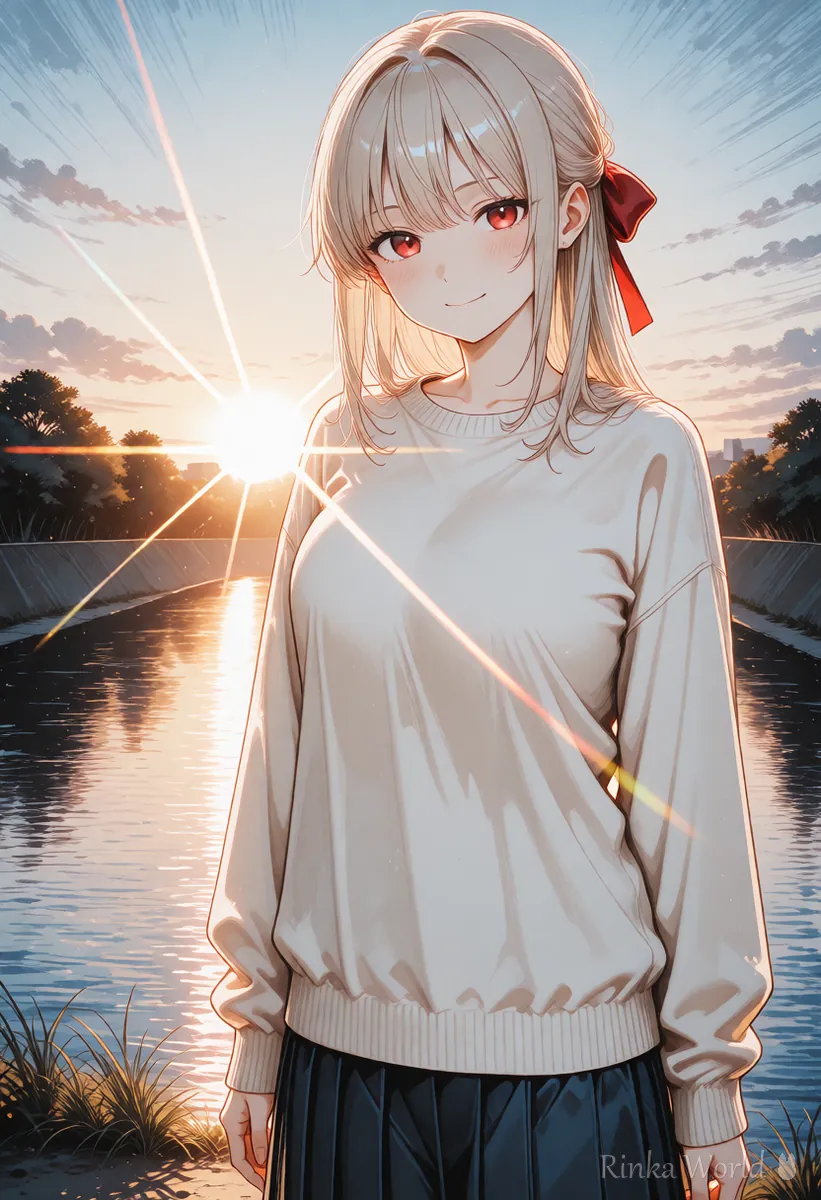
What are the prompts for vignetting and lens flare?
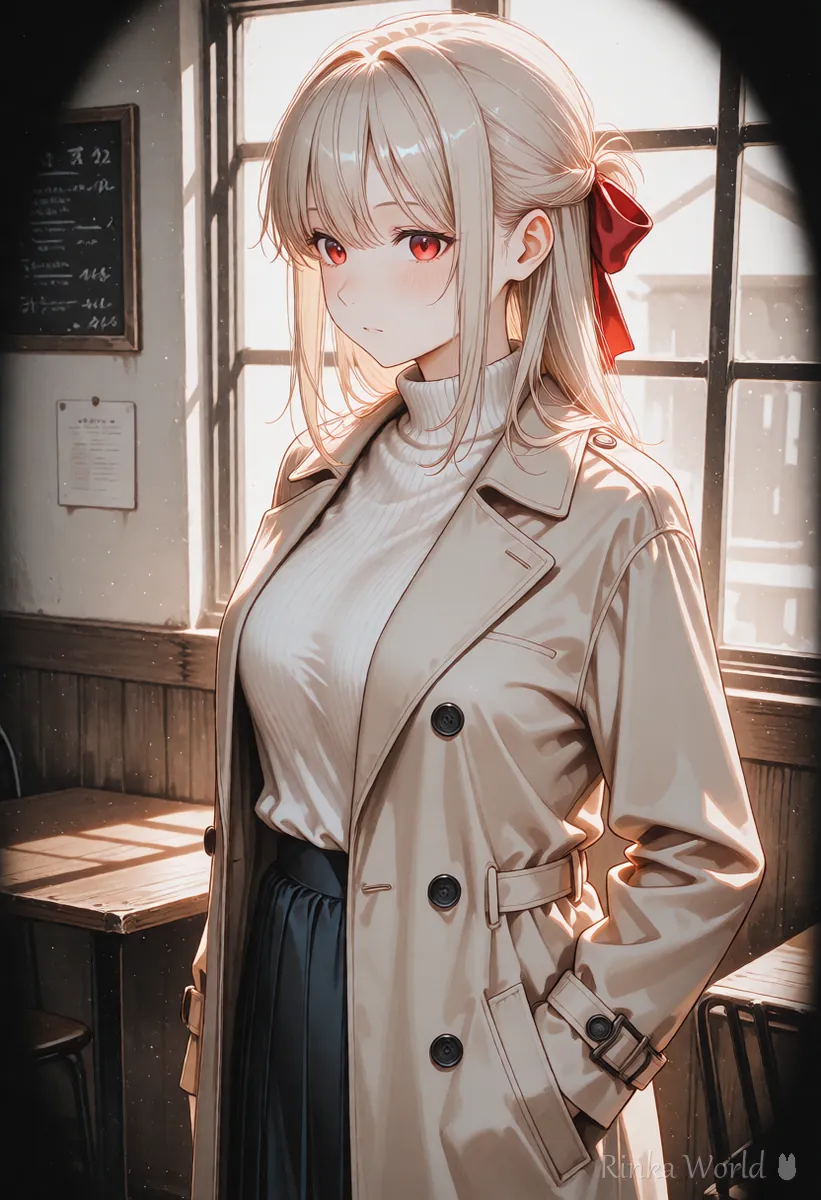
Darkened corners are vignetting, streaks of light are lens flare, and a grainy texture is film grain. Add them one at a time.
Lens effects that make a picture look like a photo can also be written as tags. vignetting darkens the four corners to pull the eye to the center, lens flare is the streak of light created when strong light reflects inside a lens, and chromatic aberration is the color fringing on edges. They all tend to come out strongly, so try them one at a time.
How do I blur only the background? (steps)
Use a close framing for the character, describe the background location, and add depth of field. The order is as follows.
- Write the character and framing first (upper body, cowboy shot, etc.). The closer the character, the clearer the blur
- Write the background location (street, flower field, etc.). With no background there is nothing to blur and the effect is hard to see
- Add depth of field. If the background is still sharp, also add blurry background
- For night or places with many lights, add bokeh for round light blur
- Finally add only one of vignetting or film grain to give a photo-like finish
Example combinations
What if the face gets blurry or the background does not blur?
A blurry face is usually caused by blurry, and a sharp background usually means the character is too far away. Check the table.
Rinka's tips
- Use blurry background to blur the back and blurry foreground to blur the front. blurry alone blurs everything, so keep it out of the main prompt
- bokeh looks best where there is light: night views, sunlight through leaves, illuminations
- Letterbox bars and wide cinematic frames are covered in the letterboxed guide
For cinematic letterbox bars and film-like compositions: Letterboxed (Black Bars) and Cinematic Composition Prompts →
For backlight, sunset and other lighting: Control the Light with Lighting Tags →
For framing from wide shots to close-ups: Composition Prompt Tag List (Framing, Camera Angles, Foreground Blur) →
For night backgrounds where bokeh shines: Night Background Prompts (Night City, Night View, Night Park) →
Copy-paste prompt templates
Just replace the parts in brackets. The first is a portrait with a blurred background, the second is night bokeh, and the third is a film photo style.
1girl, solo, [hairstyle], [outfit], smile, looking at viewer, portrait, outdoors, street, depth of field, blurry background, soft lighting, masterpiece, best quality1girl, solo, [hairstyle], [outfit], looking at viewer, upper body, night, city lights, bokeh, depth of field, masterpiece, best quality1girl, solo, [hairstyle], [outfit], looking to the side, upper body, film grain, vignetting, muted colors, masterpiece, best qualityFAQ
Frequently Asked Questions
What is the prompt for depth of field?
Use depth of field. To make the background blur clearer, add blurry background. The effect is stronger with close framings such as upper body or portrait.
What does vignetting mean?
It is corner darkening: the four corners of the picture get darker, which draws the eye to the character in the center. Lower the weight if it is too strong.
What is the difference between bokeh and depth of field?
depth of field means the out-of-focus parts are blurred in general, while bokeh is the round blooming of blurred lights. Add bokeh at night or in places with many lights.
I want only the background blurred, but the face is blurry too.
Check whether blurry is in the main prompt. blurry blurs the whole image, so use blurry background when you only want the background blurred.
RINKA WORLD
Play in Rinka World
MORE




