PROMPT GUIDE
Saturation, Brightness and Contrast Prompts for AI Art
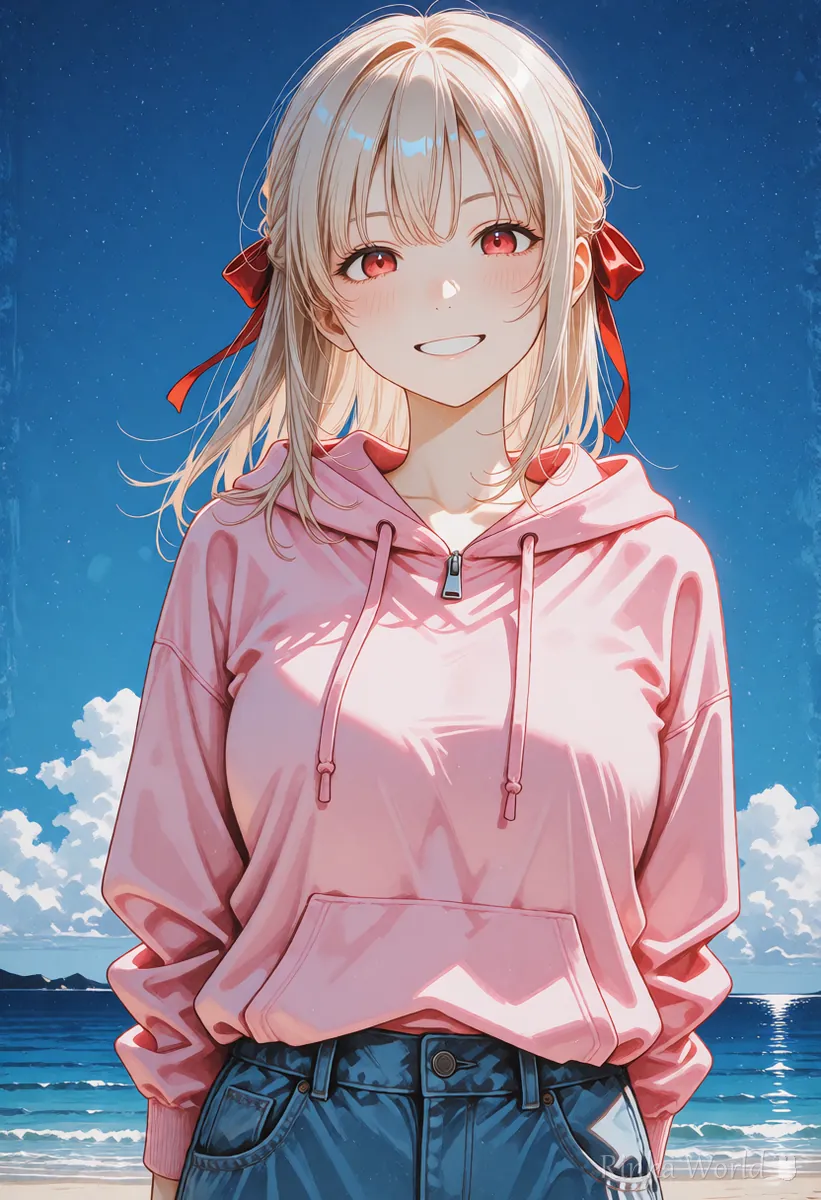
Use vivid colors to make colors brighter, and desaturated or muted colors to make them duller. Saturation, brightness and contrast are tags for the overall tone of the picture, separate from hair or outfit colors. This guide puts the tags that raise and lower each of the three into tables.
Last updated: approx. 3 min read
The short answer
In Stable Diffusion, the prompt to raise saturation is vivid colors, and to lower it use muted colors or desaturated. desaturated means the color has been drained, giving a quiet picture. Set punch with high contrast and softness with low contrast, adding tone tags one at a time.
What prompts raise or lower saturation?
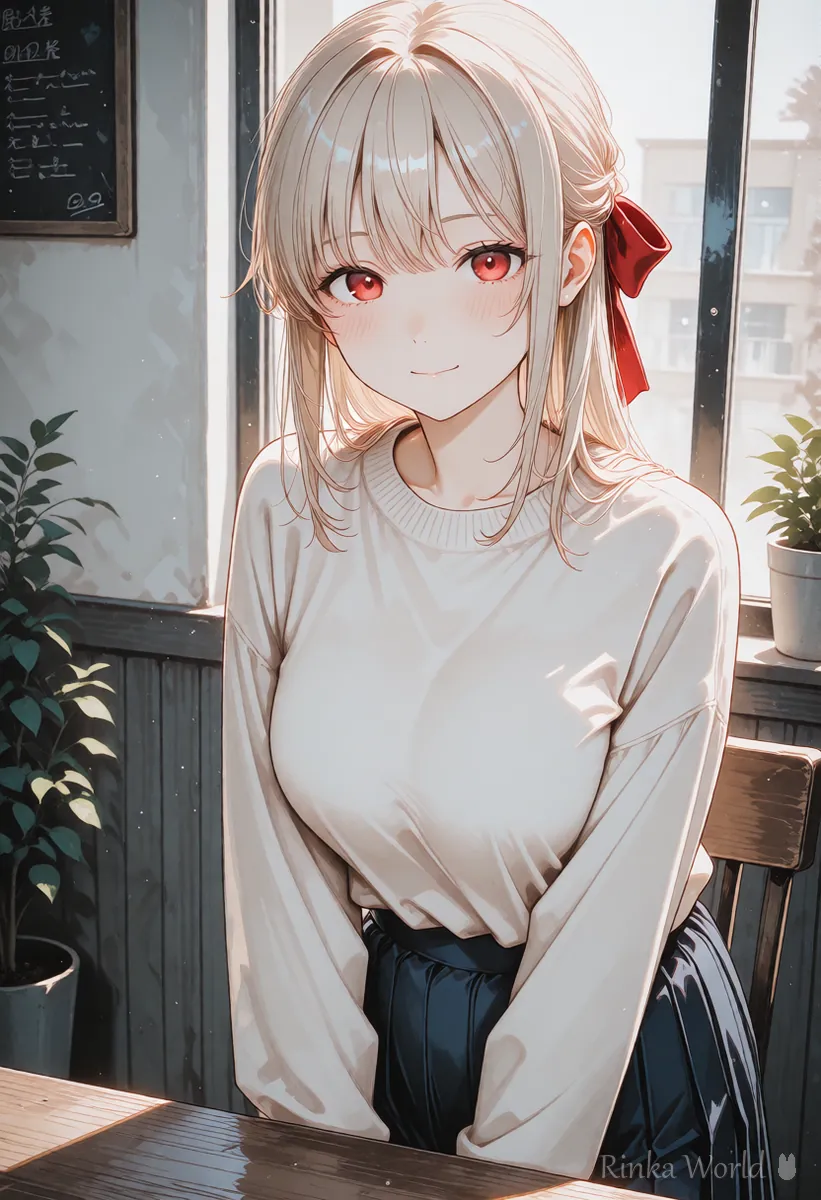
To raise saturation (how vivid the colors are), add vivid colors or high saturation. To lower it, add desaturated or muted colors. desaturated means the saturation has been reduced, so colors look drained and the mood becomes a little lonely. muted colors means calm colors and suits stylish dusty-tone pictures.
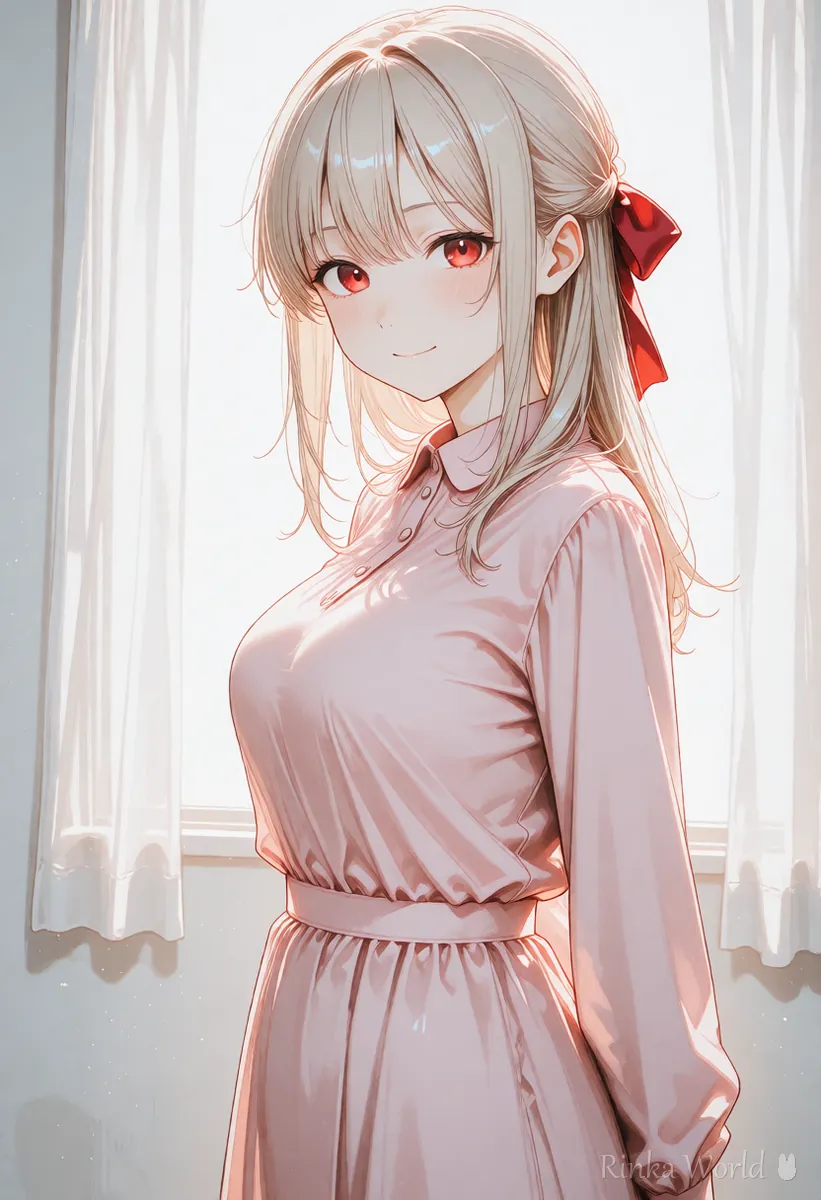
What prompts change brightness and contrast?
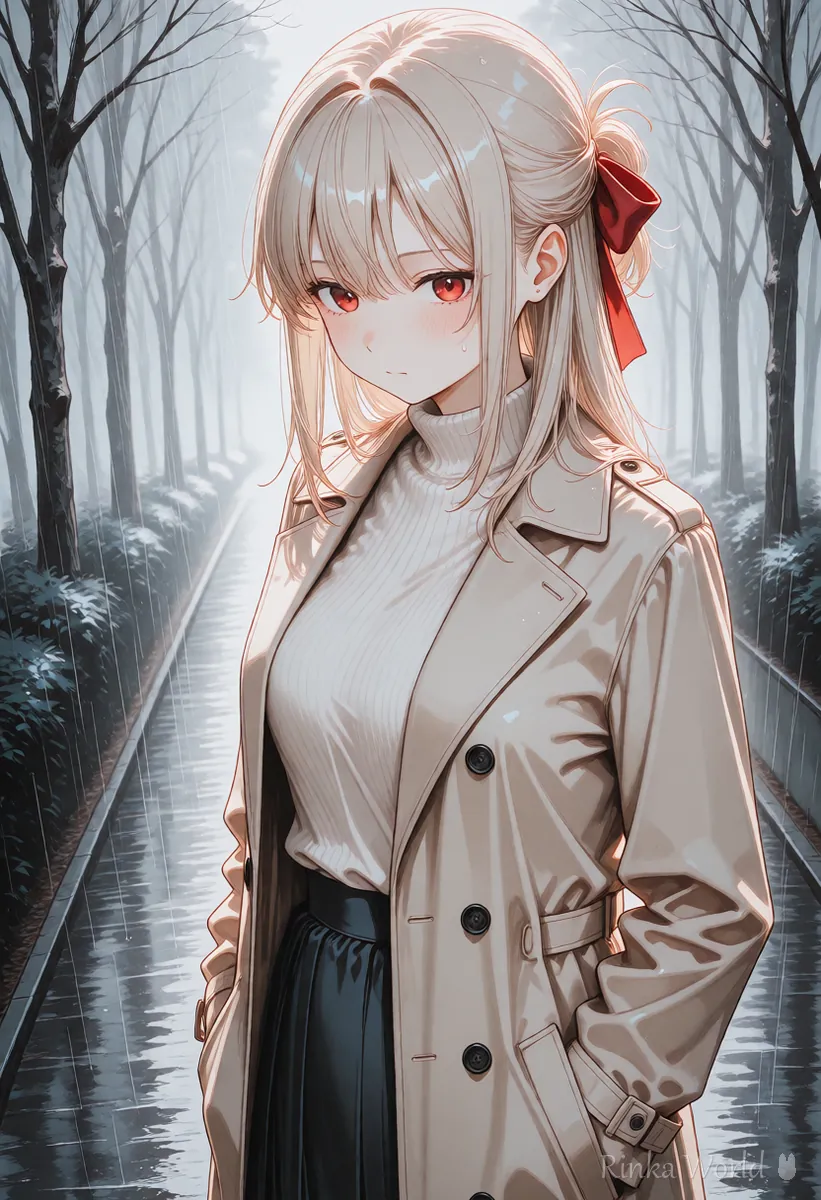
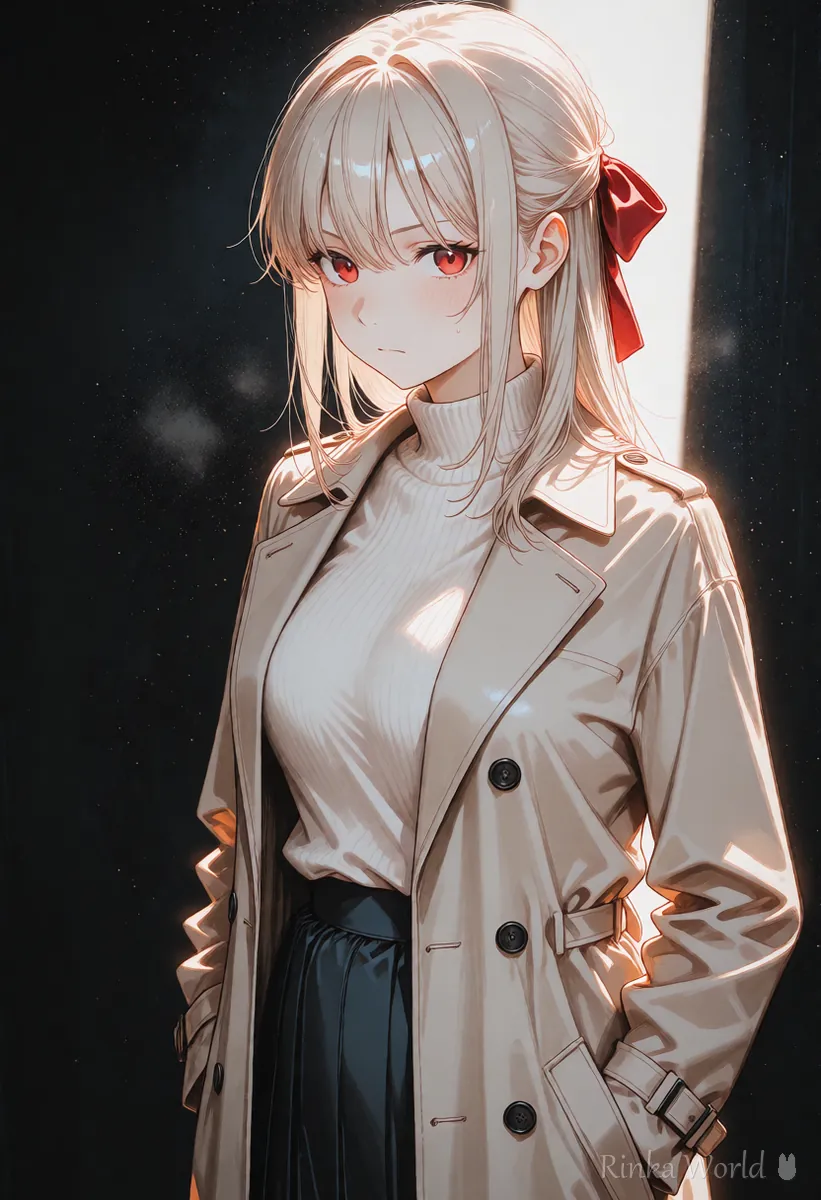
Use bright to brighten, dim lighting to darken, high contrast for punch and low contrast for softness.
Brightness decides whether the whole picture is light or dark, and contrast is the difference between the light and dark areas. high contrast gives deep, crisp shadows, while low contrast gives a soft, flat picture.
How do I control color strength? (steps)
Generate one image without tone tags first, then add one tag in the direction that is missing.
- Write the character, outfit and background normally and generate one image (no tone tags)
- If the colors feel weak, add vivid colors; if they feel too strong, add muted colors. Only one
- Decide brightness: bright for day, dim lighting for night. dark is strong, so use it last
- Add high contrast for punch or low contrast for softness
- If an added tag is too strong, lower its weight like (vivid colors:0.8). Lowering fails less often than raising
Combinations by goal
What if colors are too strong or too washed out?
Stacking too many tone tags is almost always the cause. Keep one and lower its weight.
Rinka's tips
- Change saturation, brightness and contrast one at a time. Moving all three at once makes it impossible to tell which one worked
- Color combinations such as pastel or nostalgic palettes are in the color mood guide; this guide is about the overall strength and brightness
- You can also check the brightness and saturation of the result as numbers with an image check tool
For palettes such as pastel or nostalgic moods: Give Your Images a Signature Look with Color and Mood Tags →
For backlight, sunset and other lighting: Control the Light with Lighting Tags →
For coloring styles such as anime coloring and painterly styles: Coloring Style Prompts (Anime Coloring, Galge Style, Painterly, Flat Color, Lineart) →
For a photo look with film grain and vignetting: Depth of Field Prompts: Background Blur, Bokeh and Lens Effects →
Copy-paste prompt templates
Just replace the parts in brackets. The first is vivid, the second is muted dusty tones, and the third is dramatic contrast.
1girl, solo, [hairstyle], [outfit], smile, outdoors, blue sky, vivid colors, bright, upper body, masterpiece, best quality1girl, solo, [hairstyle], [outfit], looking at viewer, cafe, muted colors, low contrast, soft lighting, upper body, masterpiece, best quality1girl, solo, [hairstyle], [outfit], looking to the side, high contrast, dark, dramatic lighting, upper body, masterpiece, best qualityFAQ
Frequently Asked Questions
What prompt raises saturation in Stable Diffusion?
vivid colors is the basic one, and high saturation is stronger. If colors get too heavy, keep only one and lower its weight to about 0.8.
What does desaturated mean?
It means the saturation has been reduced. Colors are drained and the picture becomes greyish and quiet. For stylish dusty tones, muted colors gives a softer result.
What prompt raises contrast?
Use high contrast. Shadows get deeper and the difference from the bright areas grows. For a softer look, use low contrast instead.
I want lighter colors but the picture just turns whitish.
You may be stacking pale color and bright. Keep one, and try muted colors for colors that are still there but calm.
RINKA WORLD
Play in Rinka World
MORE




