PROMPT GUIDE
Control the Light with Lighting Tags
The difference between a good image and a great one is usually the light. Just adding one or two lighting tags completely changes the atmosphere of the same prompt.
Last updated: approx. 1 min read
Basic lighting (soft lighting, dramatic lighting)
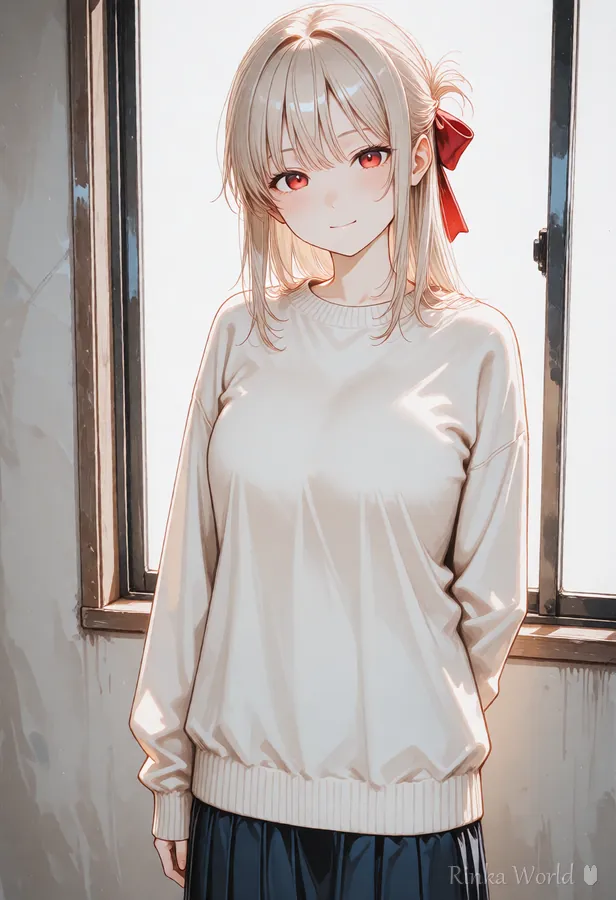
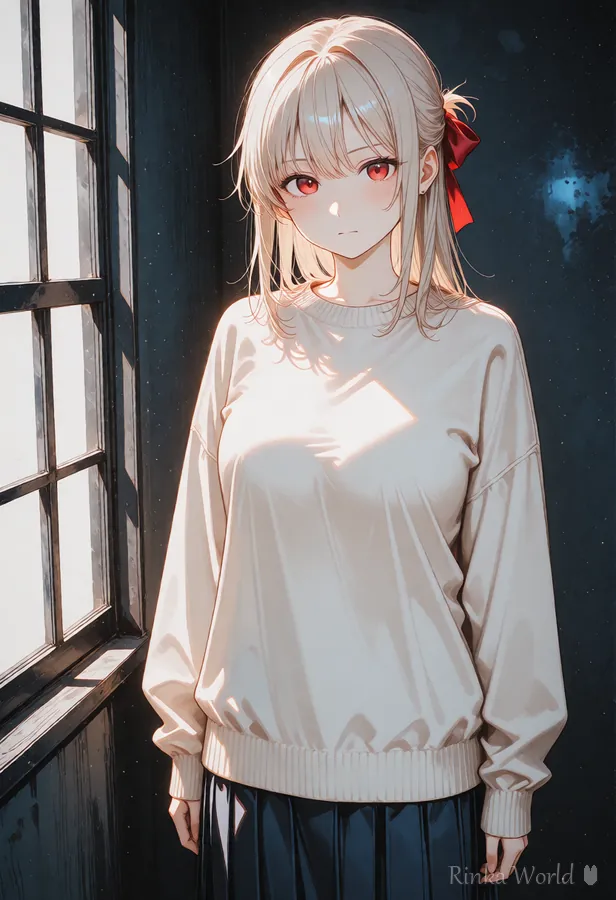
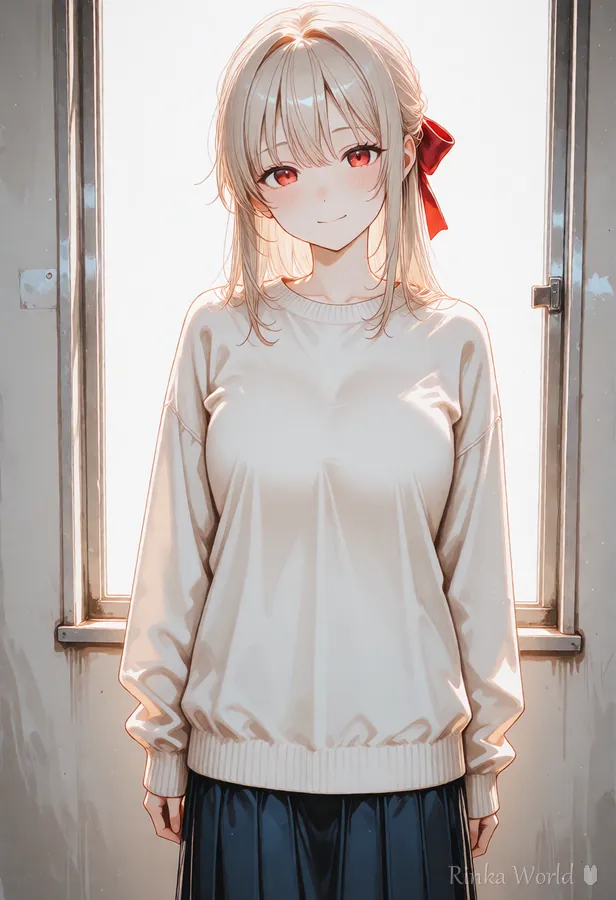
dramatic lighting increases the difference between light and dark areas (contrast) to give tension and emotion, like a scene from a story. To make the shadows even stronger, add harsh shadows; to make the light direction clearer, add sidelighting or rim lighting. For images that should feel gentle, choose soft lighting instead.
Time-of-day lighting
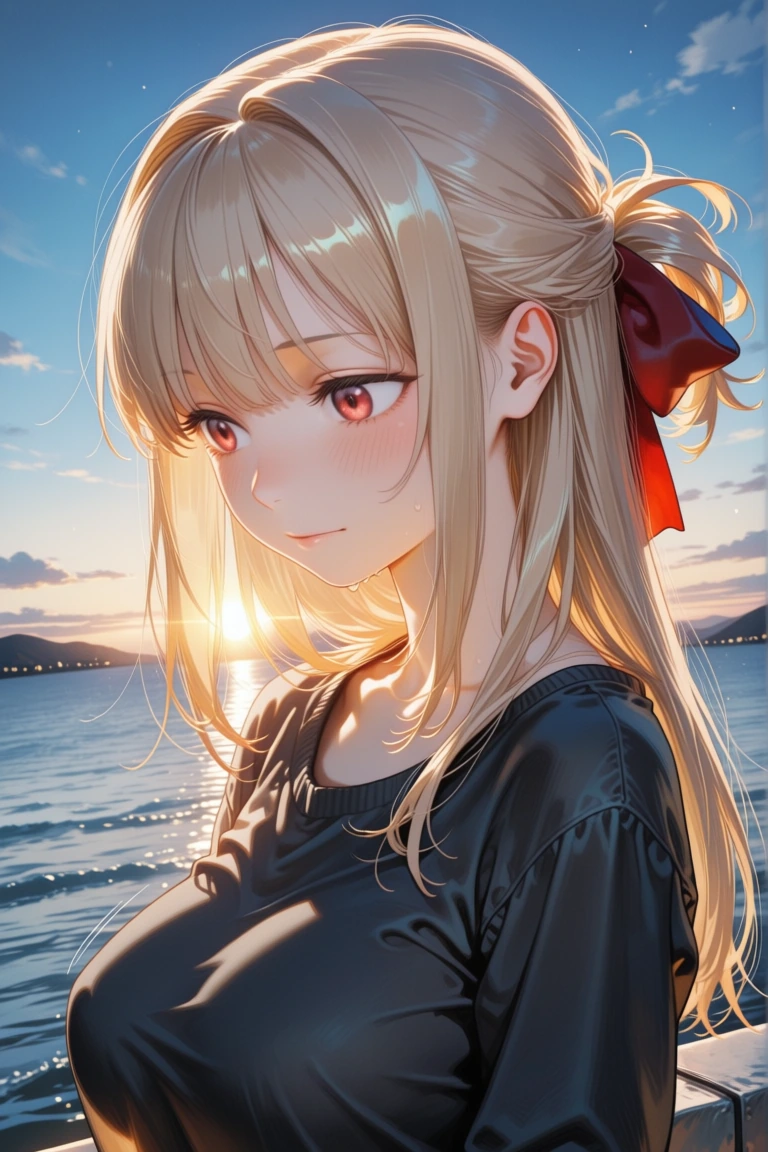
Situational lighting
How do I balance light and shadow?
- Up to two lighting tags, one basic light + one situational light, stays stable without the effects mixing
- When using backlighting, adding soft lighting is a safe way to keep the face from going too dark
- Night images tend to get too dark. Always include at least one light-source tag like city lights or moonlight
- You can check whether an image is bright enough before posting with AI Critique Lite
Rinka's tips
- golden hour + backlighting is a can't-miss combination
- dappled sunlight works best together with tree or park backgrounds
- Don't leave neon colors to chance; adding a color like pink neon tightens up the image
1girl, solo, golden hour, backlighting, lens flare, wind, upper body, warm colorsFAQ
Frequently Asked Questions
My images come out too dark.
Night tags alone often lead to underexposure. Add a light-source tag (moonlight, city lights, etc.) or put dark in the negative prompt to adjust. AI Critique Lite is handy for checking brightness after generation.
Adding lighting tags changes the colors too.
Tags like golden hour are strong and change the whole color temperature. If you want to keep the colors, choose tags with less effect on color, such as soft lighting or window light.
I want visible light beams (god rays).
volumetric lighting, god rays and light rays are the standard tags. They appear more easily when combined with background tags for situations where light streams in, such as windows, forests or gaps in the clouds.
RINKA WORLD
Play in Rinka World
MORE




