PROMPT GUIDE
Why your AI art style keeps changing, and how to keep one consistent look
The first image looked great, but from the second one the coloring, line weight or face style changes. When you want a series of pictures to sit side by side, this style drift is the biggest headache. This guide explains why the art style (look, coloring, lines) drifts and how to decide on settings that keep it consistent.
Last updated: approx. 4 min read
The short answer
To stop your AI art style from drifting, choose one or two style words and keep them near the start of the prompt, and use the same model, LoRA, size and negative prompt every time. If it still drifts, reuse the seed or a reference image from a favorite result and change only the scene words.
Why does the AI art style keep changing?
The main causes are too few or too many style words, a different model or LoRA combination each time, and scene words that pull the style.
An image generator fills in whatever the prompt does not say, and it fills it in differently each time. If you write no style at all, the model mixes its most common default look with whatever style the scene words suggest. For example, night city and neon can push anime coloring toward heavy painting, while watercolor flowers can soften the coloring. On the other hand, listing many style words makes the model pick a different priority each time, which also causes drift.
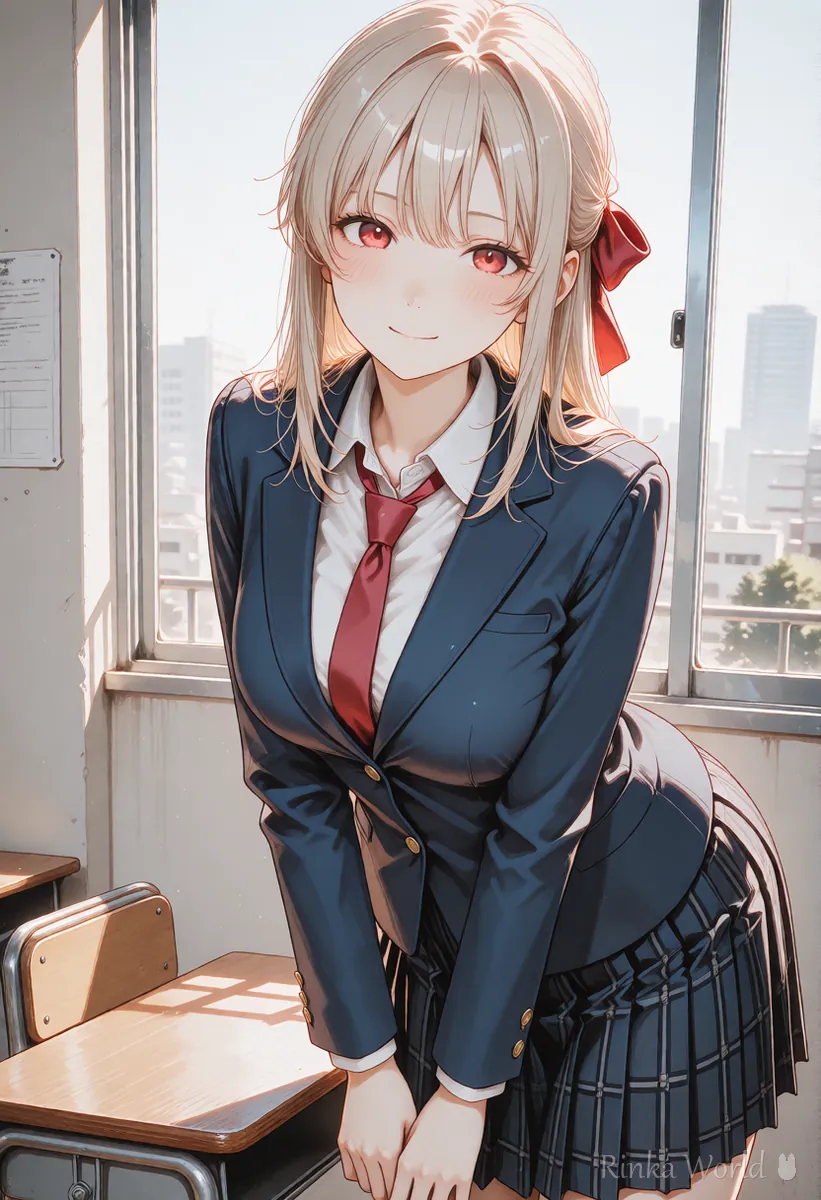
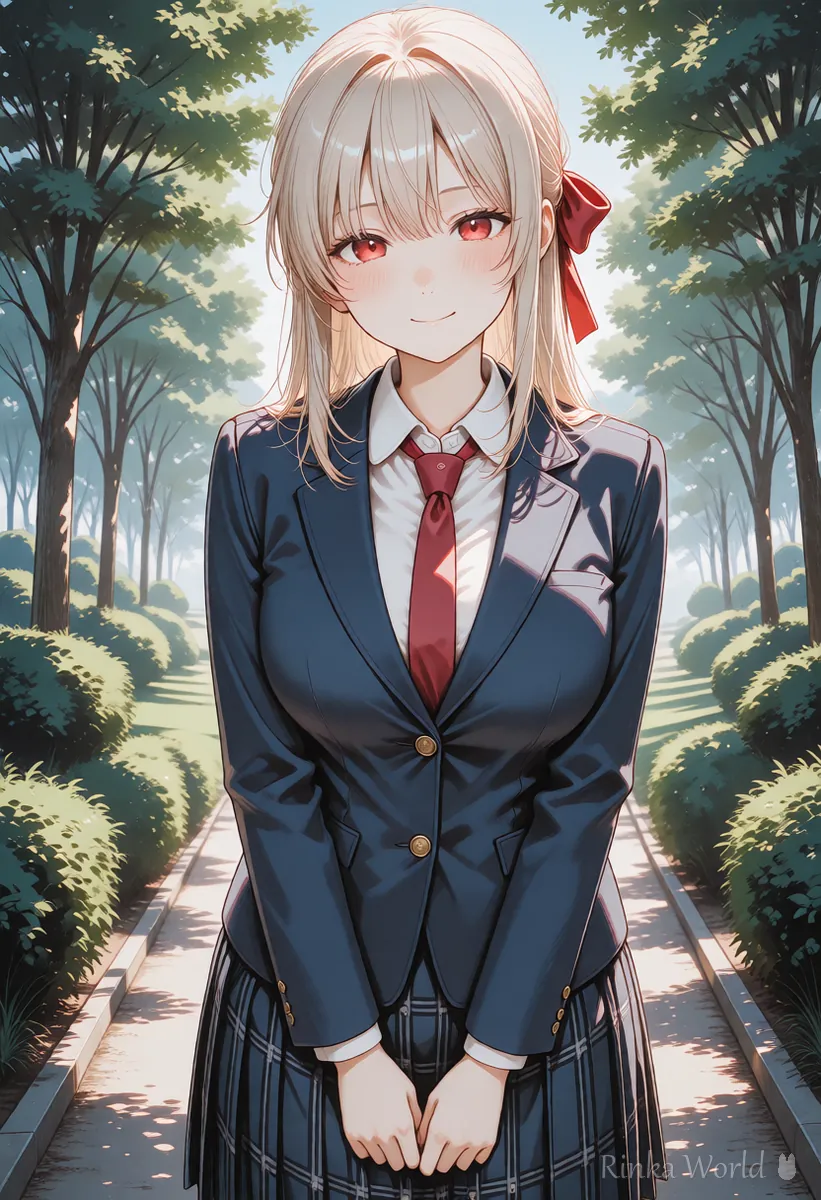
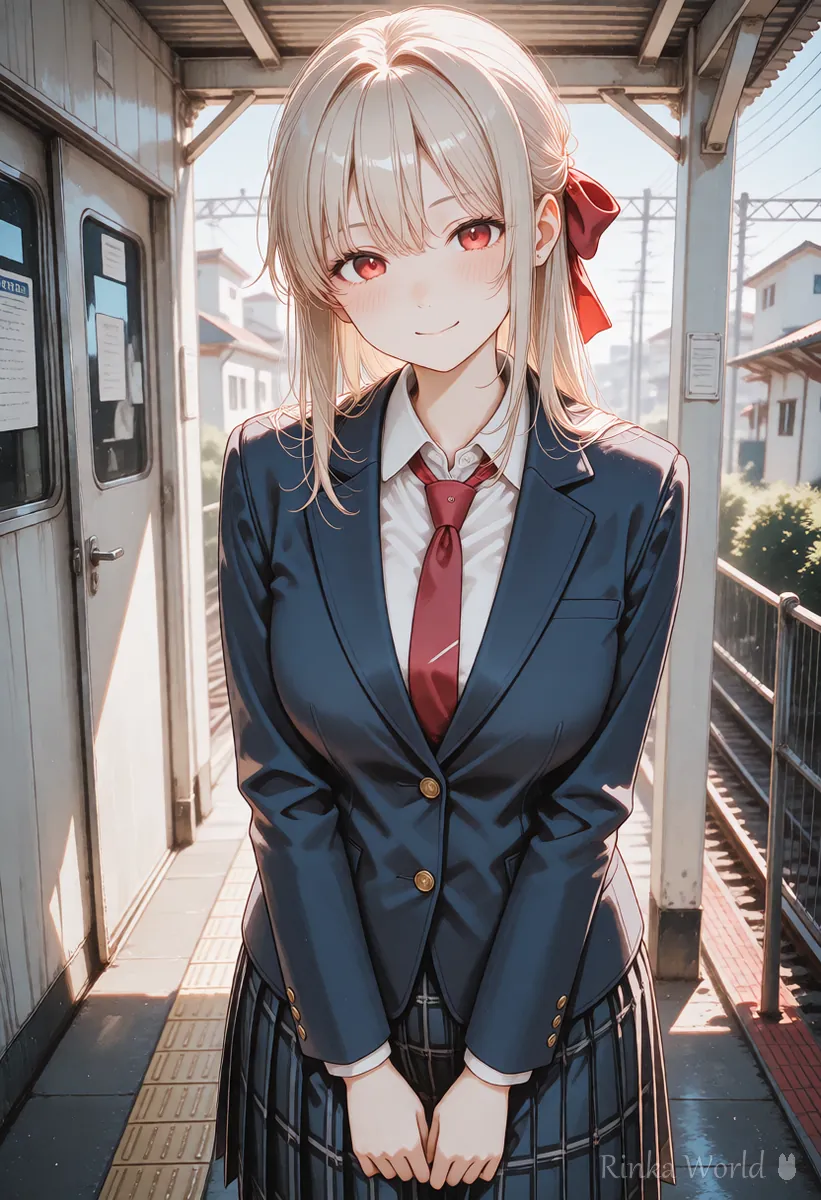
What should you lock to keep the same art style?
Lock five things: the model, the LoRA and its strength, the style words, the size and the negative prompt. Change only the scene words.
For a series, the most effective habit is to separate the part that stays the same from the part that changes. Save the fixed part as a template and swap only the place, pose and expression; the drift drops visibly.
Steps to keep the art style consistent
- Pick one favorite image and note its model, LoRA strength, size and sampler
- Choose one or two style or coloring words and put them early in the prompt (right after the quality and subject tags)
- Reuse the same negative prompt every time instead of rewriting it
- Swap only the place, pose and expression words to make the next image
- If the style changes, undo the words you just changed one by one to find the cause
- Save the settings that worked as a series template
1girl, solo, anime coloring, clean lineart, [place], [pose], [expression], upper body, masterpiece, best qualityNegative: worst quality, low quality, 3d, realistic, photo, oil painting, watercolor, sketchHow do you choose style words? (coloring, lines, medium)
Use at most one word each for coloring, lines and medium, and delete any other style words.
Rinka's tips
- Put the looks you do not want in the negative prompt (3d, realistic, photo and so on) as well as describing the look you want
- Even with the same style, line weight looks different in full-body and close-up shots, so compare images with the same framing
- When you use a LoRA, write down its strength; a difference of 0.1 can change how faces are drawn
How do seeds and reference images keep the style consistent?
Fix the seed of your favorite image and change the scene words a little at a time to get images with a similar look and composition.
With the same seed and the same settings you get the same image. If you change the prompt only slightly, the look usually stays while the content shifts a little, which suits expression variations and swapping small props. For big scene changes the seed matters less, so you can use img2img to take cues from the original image, or a reference image feature if your service has one. Feature names and usage differ between services, so check the official documentation.
How to fix a seed and change it only slightly: What Is a Seed? Fixed, Random, and Reproducing the Same Image →
To keep the face and outfit of the same character: How to Keep the Same Character in AI Art (Face, Hair and Outfit) →
How do you fix style drift? (common mistakes and fixes)
The quickest way is to undo the last change one item at a time. If you change several things at once, you cannot tell which one caused it.
VAE settings to review when colors look dull or too strong: What Is a VAE? Why Colors Look Dull, and How to Choose and Set a VAE →
How do you make a template for a series?
Make one template with the fixed part on top and the swappable part grouped in brackets.
Splitting the prompt into a fixed line and a swappable line like the example below keeps the look consistent even across dozens of images. The trick is to change only one or two items in the swappable line each time.
[Fixed] 1girl, solo, red ribbon, long hair, anime coloring, clean lineart, masterpiece, best quality
[Swap] [place], [pose], [expression], [light]The differences between coloring tags such as anime coloring and painterly styles: Coloring Style Prompts (Anime Coloring, Galge Style, Painterly, Flat Color, Lineart) →
FAQ
Frequently Asked Questions
Which tag works best for locking the art style?
If you pick just one, coloring tags such as anime coloring or flat color are the easiest to keep consistent. Adding unwanted looks such as realistic or 3d to the negative prompt makes it more stable.
If I fix the seed, will the art style stay the same?
With the same settings and the same prompt you get the same image, but if you change the prompt a lot, the look can change even with a fixed seed. It works best when you change the scene a little at a time.
Why does using a LoRA make the style drift?
A LoRA strongly changes the look and the way faces are drawn, so a different strength gives a different result. Write down which LoRA and strength you used and keep the same values.
Can I match the style of an image made with another service?
Services use different models, so matching the look exactly is hard. Keeping the style consistent within the same service and the same model is the reliable approach.
RINKA WORLD
Play in Rinka World
MORE




