PROMPT GUIDE
How to Write Sora Video Prompts
Sora is OpenAI's AI video generator. It is good at making video from text, and the more you describe the scene like a story, the closer the result tends to be. This guide covers prompt structures that work well in Sora: describing the scene, the camera and splitting into shots. Available features, regions and plans change, so check the official site for the latest details.
Last updated: approx. 3 min read
The short answer
Write Sora prompts as if painting the scene in words, covering place, people, motion, camera and light. For multi-shot videos, separate each shot and keep one motion per shot. Put dialogue in quotation marks and say who speaks.
What should a Sora prompt say? (Describe the scene in sentences)
Sora prompts work better written as sentences that describe a scene than as lists of tags. Writing in turn who, where, doing what, where the camera is watching from, and what the light and weather are like helps the AI build the scene. The basic rule is to focus each video on one thing to show.
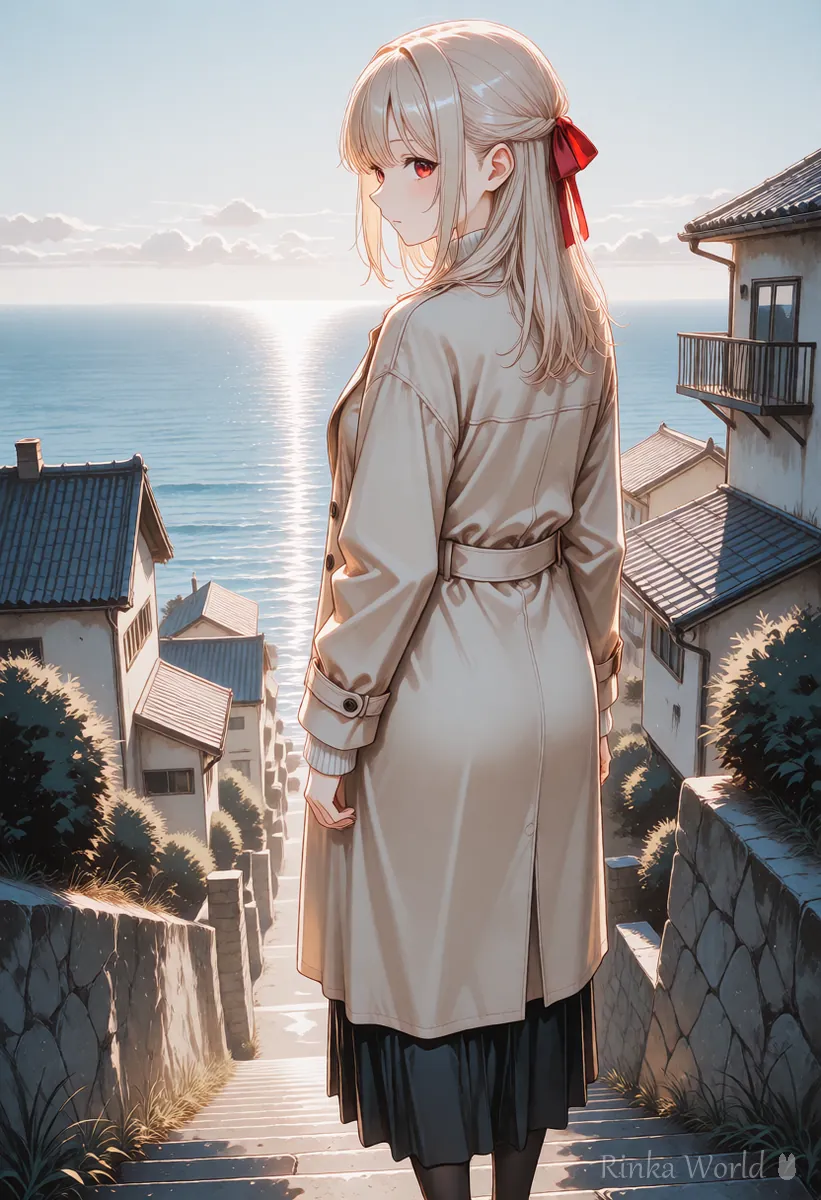
A quiet seaside town in the early morning. A girl in a beige coat with a red ribbon walks down a stone staircase toward the sea. The camera follows her from behind at eye level in a slow tracking shot. Soft pale sunlight and a light mist over the water.What it does: in a quiet seaside town at dawn, the girl walks down stone steps toward the sea while the camera follows slowly from behind at eye level, in soft morning light with mist over the water.

Steps for writing a Sora prompt
- Decide the scene in one sentence (for example, following a girl down seaside steps in the morning from behind)
- Write the place, time and weather
- Describe the person briefly and write one motion
- Write the camera position and movement (eye level, low angle, tracking shot and so on)
- Add light and mood and generate. Change only what came out differently and try again
How do you write a video with several shots? (Splitting into shots)
For a video made of several connected shots, it is easier to organize if you separate each shot instead of writing one long sentence. Write one camera move and one motion for each shot. The more shots, the shorter each one becomes, so start with two or three.
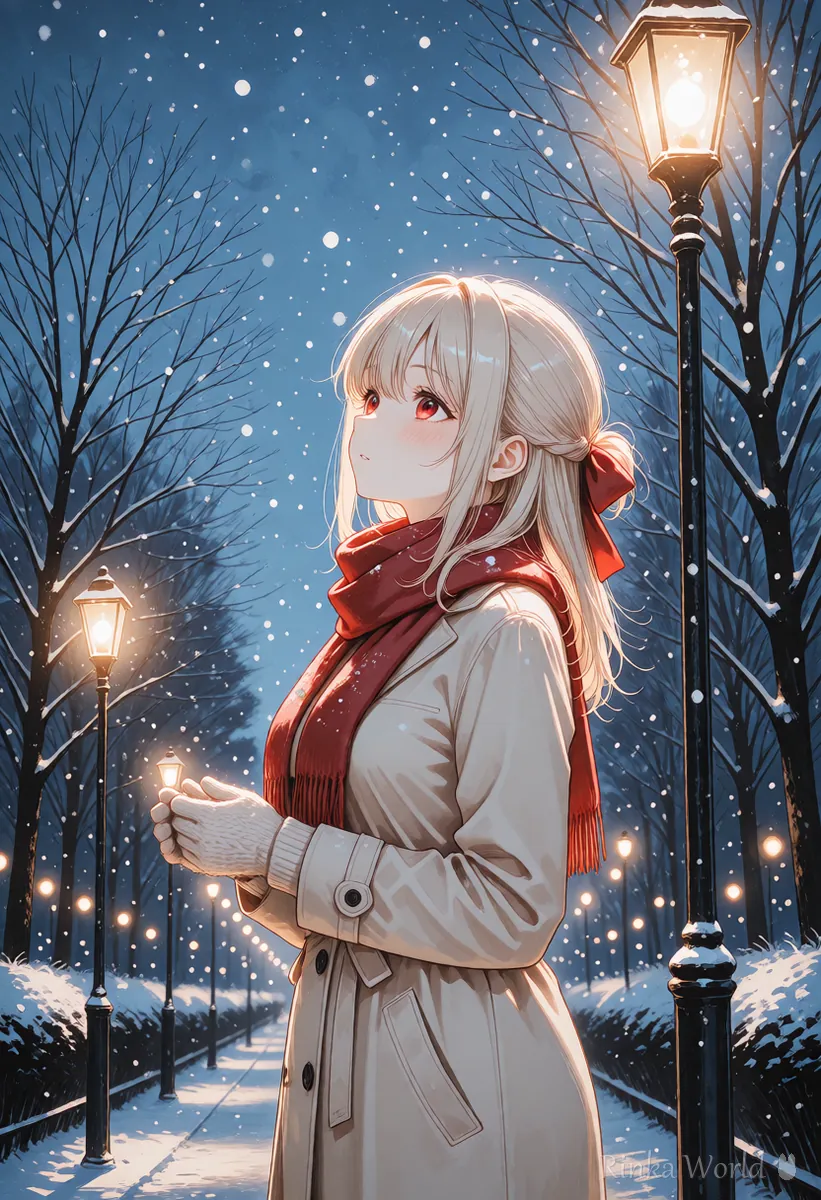
Shot 1: Wide shot of a snowy park at dusk, street lamps glowing. Shot 2: Medium shot, the girl stops under a lamp and looks up at the falling snow. Shot 3: Close-up, she smiles as a snowflake lands on her glove.What it does: a wide view of a snowy park at dusk, then the girl stopping under a street lamp to look up at the snow, then a close-up as a snowflake lands on her glove and she smiles.
How do you add dialogue or sound in Sora?
In versions that can make video with audio, you may be able to describe ambient sound and dialogue in the prompt. Put dialogue in quotation marks and say who speaks, so it is easy to tell apart. Supported features change by version and how the service is offered, so check the official guidance.
What if Sora does not make the scene you imagined?
Checking that place, people, motion, camera and light are all included usually fixes it.
Rinka's tips
- Do not make videos that imitate real people or famous characters. If there is a feature that uses your own likeness, check its rules on the official site
- Save prompts that worked, and change one thing at a time
- Prices, available regions and lengths change, so check the official site before use
How do you show the same person in several Sora videos?
Deciding on one description sentence for the person and reusing it exactly is the most reliable way. Even small changes in wording can change the hair length or outfit color.
Combine these four into one sentence, save it, and swap only the scene and motion sentences. If Sora offers a way to start from an image, making videos from the same picture keeps things even more consistent. Do not create people who resemble real individuals.
For the basic order of a video prompt: How to Write AI Video Prompts (Motion, Camera and Time) →
For camera movement terms: Camera Movement Prompts for AI Video Generators →
For how to write prompts for Veo, which also works from text: How to Write Google Veo Video Prompts →
FAQ
Frequently Asked Questions
Can I write Sora prompts in languages other than English?
Other languages may be accepted, but detailed instructions can come across better in English. Try both and use whichever works better.
Where can I use Sora, and how much does it cost?
How it is offered, where it is available and its price can change, so this guide does not list them. Check the official OpenAI guidance.
How do I make several videos with the same person?
Decide on a sentence that describes the person's look and use the same sentence every time. If you can start from an image, using the same picture keeps them even more consistent.
How detailed should the prompt be?
Including place, person, motion, camera and light is enough. Beyond that, add details only where the result did not work.
RINKA WORLD
Play in Rinka World
MORE




