PROMPT GUIDE
How to Try AI Video Generation for Free (finding free plans and cautions)
Some AI video generation services offer a free allowance or a trial. But what the free plan includes and how many times you can use it changes often, and the conditions for commercial use and saving can differ from paid plans. This guide covers how to look for them when trying for free, how to try without waste and what to check beforehand.
Last updated: approx. 3 min read
The short answer
To try AI video generation for free, check the conditions of free allowances or trials on the official site and start with a short, simple test. What the free allowance includes, how many times you can use it and whether commercial use is allowed change, so always read the latest official guidance before using it.
How do you try AI video generation for free?
The first step is to find the guidance on free allowances, trials and credits on each service's official site and read the conditions.
This guide does not state which services have a free allowance. Whether a free allowance exists and what it includes change, so always check the latest official guidance.

What should you make first when trying for free?
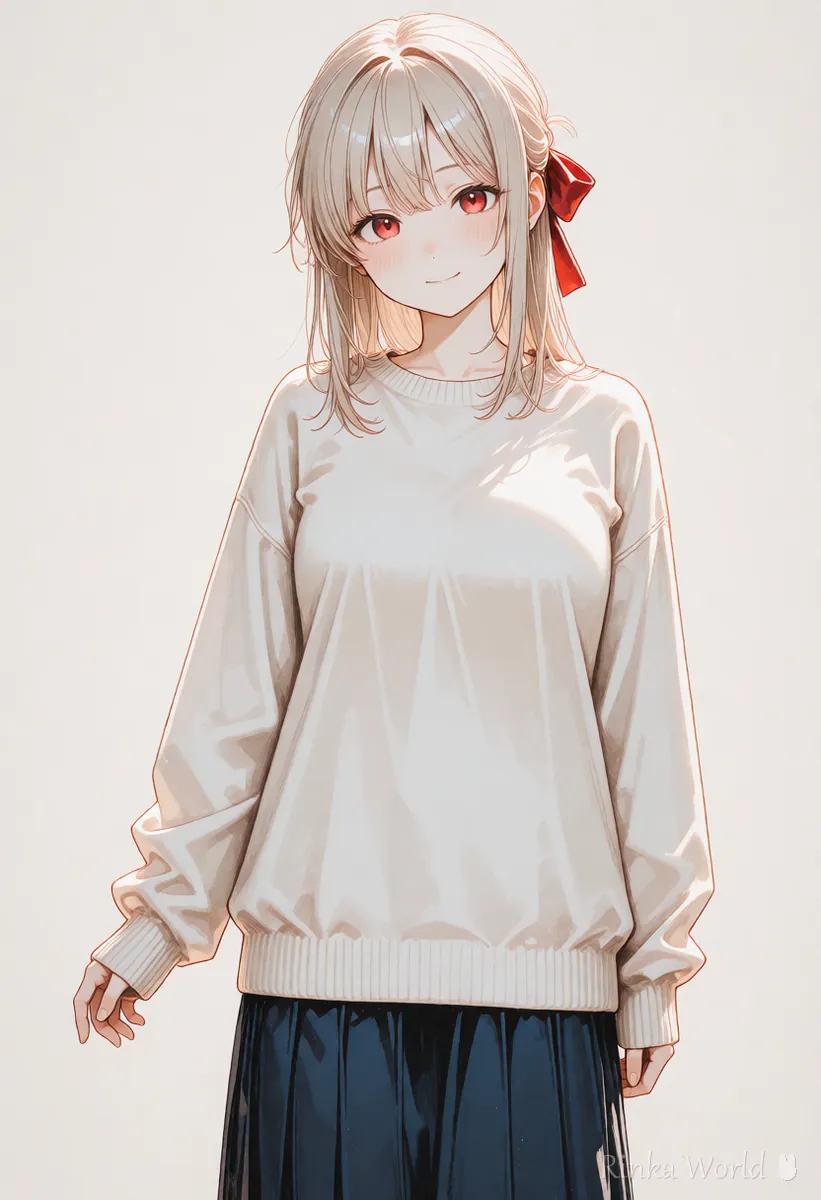
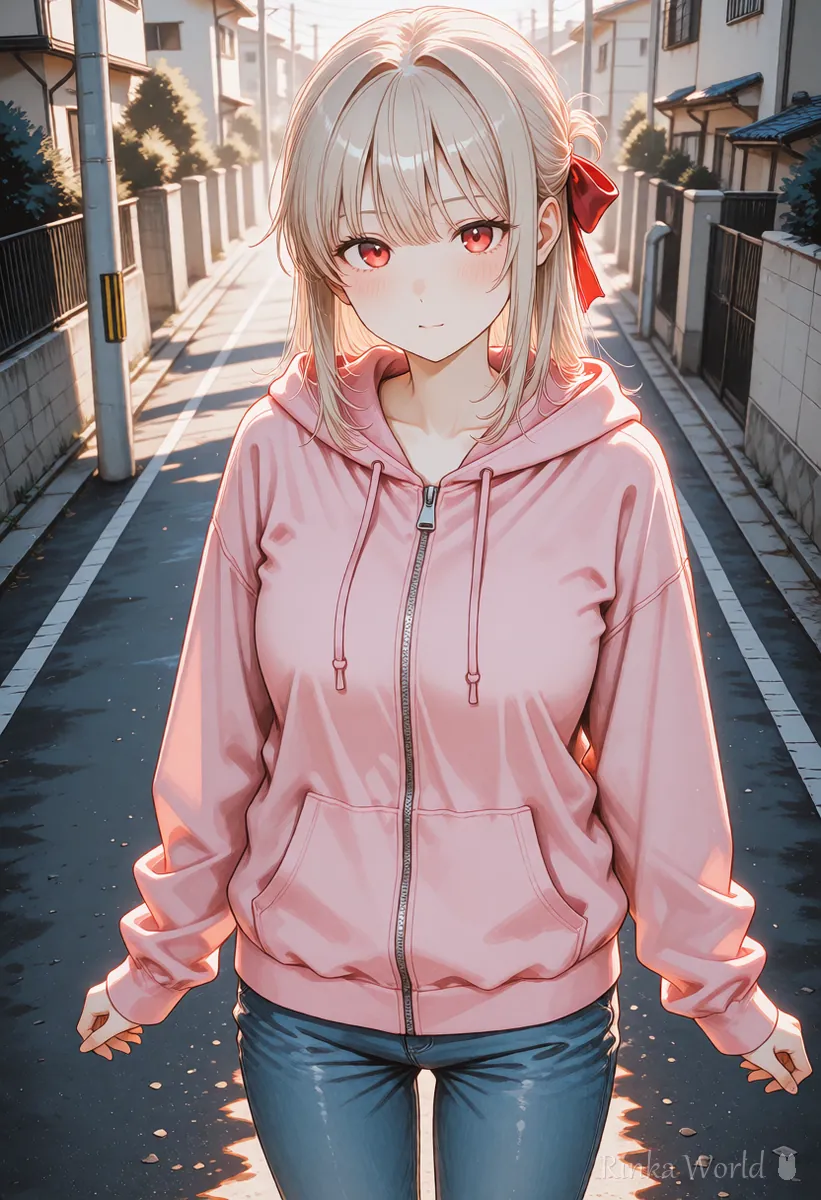
Prepare one simple picture with a clear face, and start with a short video that specifies only one motion.
Steps for using a free allowance without waste
- Read the conditions of the free allowance or trial (number of uses, length, commercial use, saving) on the official site
- Prepare one picture for testing (a picture with a large face, a simple background and no hands showing)
- Make one video with the shortest setting, using a short prompt that specifies only one motion
- Look at the result and check the points that tend to break (face, hands, background)
- If it works, try adding motion or camera little by little
The girl blinks slowly and smiles softly. Static camera, subtle motion, soft natural light.Her hair sways gently in the breeze. The camera stays still. Calm mood.More example prompts AI Video Prompt Examples (copy-paste motion, camera and scene prompts) →
What should you watch out for when trying for free?
A free allowance has few uses, so the trick is to use it with a picture that is unlikely to fail and a short prompt.
- Long prompts and many specified motions are likely to fail and use up the free allowance quickly
- Videos based on photos of real people or someone else's work need care for rights and consent
- Before posting or selling a video made for free, check the commercial use and attribution rules in the terms of service
- Check the official privacy guidance for how the email you use to log in and your personal information are handled
The basic ideas about copyright AI art and copyright basics (what to watch out for and how to check) →
What to check for commercial use What to check before using AI images commercially (reading the terms) →
What tends to fail on a free allowance, and how do you fix it?
What should you check after trying for free, before moving to a paid plan?
Once you have tried everything on the free allowance, check whether it suits how you will use it before moving to a paid plan. Prices and content change, so look at the latest numbers in the official guidance.
- How many credits it takes to make one video
- Whether it supports the length, resolution and aspect ratio you want to make
- Whether the conditions for commercial use, posting and saving suit your way of using it
- How many remakes you need to allow for when something fails
Rinka's tips
- Before using the free allowance, reading the official help on features you cannot use as well prevents a gap between expectation and reality
- Noting down the prompts you used and the results while trying the free allowance will also help when you move to a paid plan
- When you want to compare several services, trying them with the same picture and the same motion instruction makes the differences easier to see
- Check the latest number and features of free allowances by looking at the official announcements regularly
How to choose a service Comparing AI Video Generators and How to Choose →
The basic steps for turning a still picture into a video How to Use Image-to-Video AI (Steps to Animate a Still Image) →
FAQ
Frequently Asked Questions
Can I use AI video generation completely for free?
Some services have a free allowance or a trial, but the content and number of uses change, and some features cannot be used. Check the latest conditions in the official guidance.
Can I post a video I made for free?
Check in the terms of service whether posting and commercial use are allowed. The conditions can differ from a paid plan.
What should I make with a free allowance?
Use a simple picture with a large face and make a short video that specifies only one motion, and you will fail less and waste less.
Is it normal for a free video to have a watermark?
It may appear depending on the service and conditions. Check in the official guidance whether it appears and whether it can be removed.
Which service lets me use the free allowance the longest?
The content of free allowances changes, so look at the latest official guidance when comparing. This guide does not state that any particular service is better.
RINKA WORLD
Play in Rinka World
MORE




