PROMPT GUIDE
What Is Model Merging? Basic Method, Ratios and Cautions for Mixing Two Models
Mixing two Stable Diffusion models (checkpoints) to make an art style you like is called "model merging." It is used when you want something in between the style of A and the style of B. This guide sums up the basic idea of merging, how to choose a ratio, points where it often fails, and the license cautions you must check before you use it.
Last updated: approx. 3 min read
The short answer
Model merging makes a new model by mixing the contents (weights) of two models at a chosen ratio. For the most common method, "weighted sum," try a ratio of around 0.3 to 0.5 and decide by comparing results with the same seed. You can only mix models of the same family (SD1.5 with SD1.5, SDXL with SDXL), and you must always check whether the original models' licenses allow modification and redistribution.
What is model merging?
It is a method of mixing the contents of two or more models at a chosen ratio to make a new model.
A Stable Diffusion model (checkpoint) is a huge mass of numbers that has learned how to draw pictures. If you mix the masses of two models, you get a new model that has the features of both originals a little at a time. For example, you can mix a "soft-painted model" and a "model with crisp lines" to make an art style in between. As screen features, there are "Checkpoint Merger" in AUTOMATIC1111-style tools and merge nodes in ComfyUI. Names and places differ by tool, so check the screen you use.
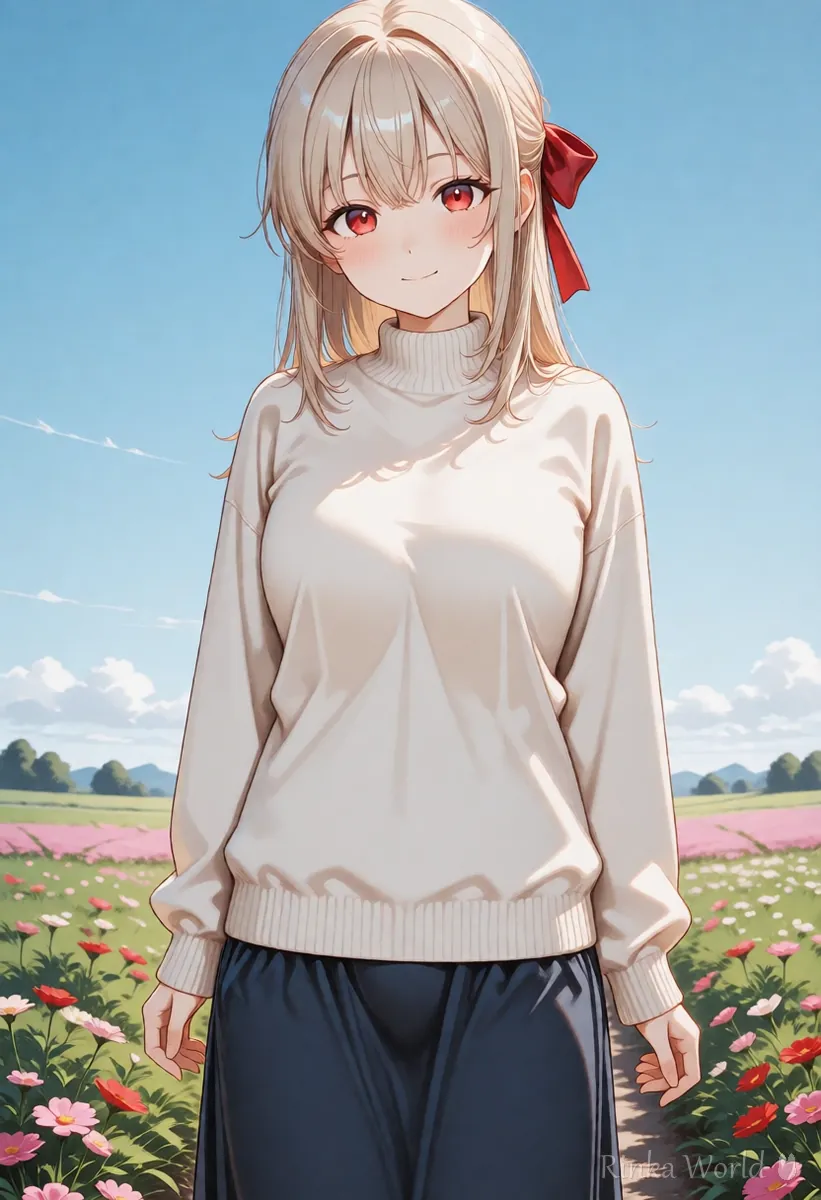
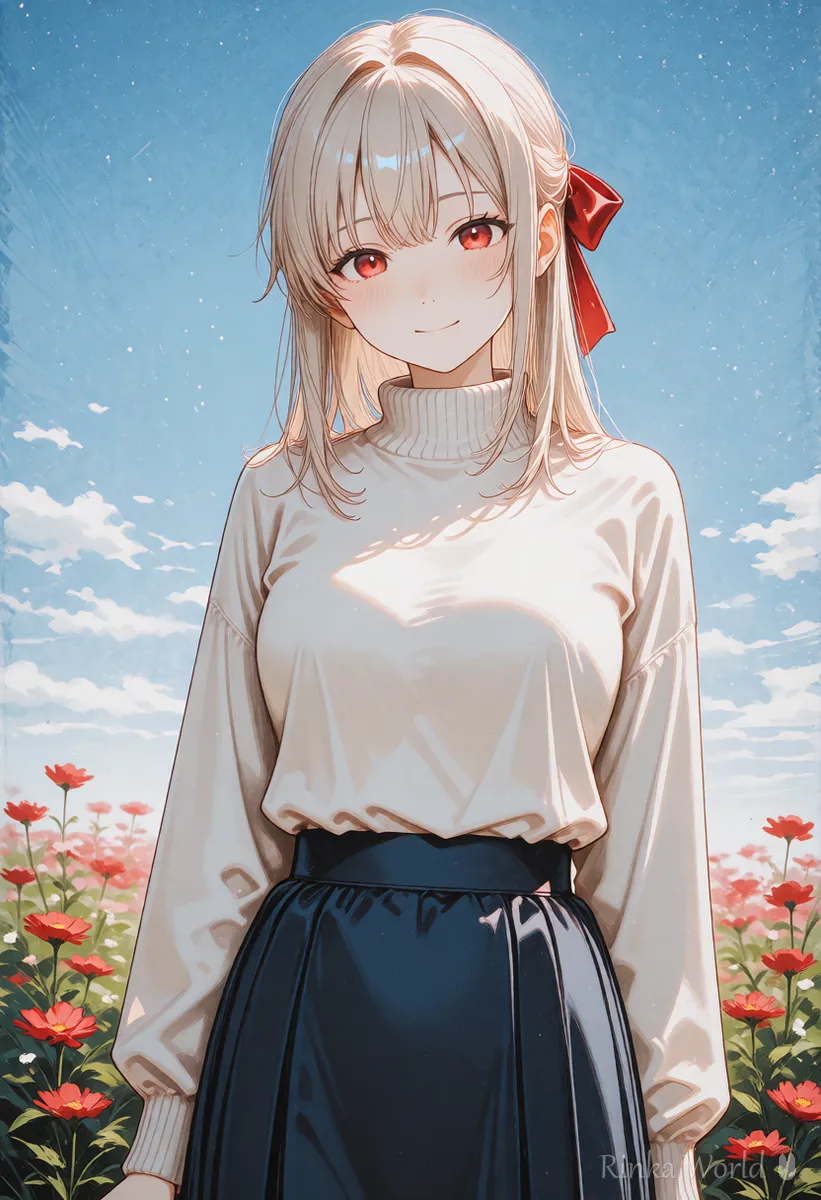
Weighted Sum: result = A x (1 - ratio) + B x ratio (with a ratio of 0.4, A is 60% and B is 40%)(How to compare ratios) Merge model A and model B at ratios of 0.2, 0.4 and 0.6, and line up three pictures made with the same seed and the same prompt to compare them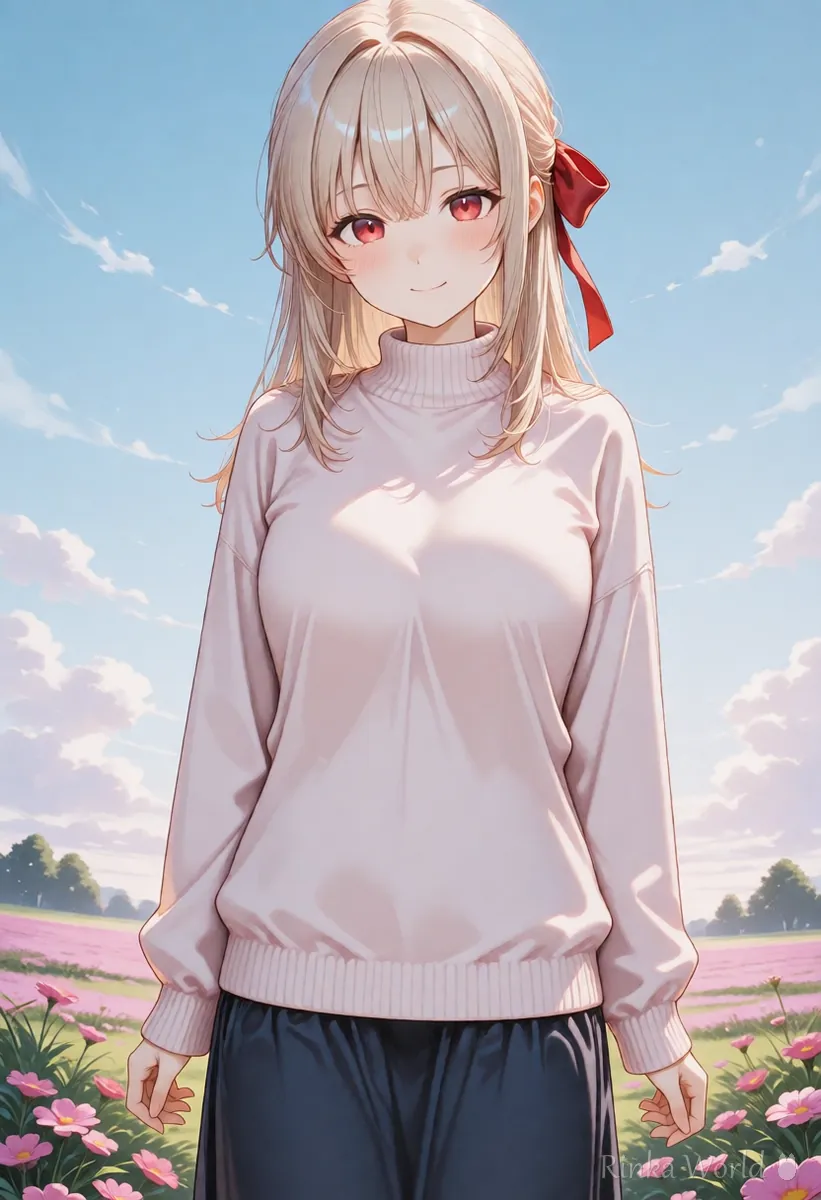
What ratio should you use?
Try around 0.3 to 0.5 and line up the results with the same seed to choose.
The ratio is the number that decides which model to leave stronger. The closer to 0, the more it stays as A, and the closer to 1, the more it stays as B. 0.5 is half and half. But each model has its own compatibility, and there is no rule that "this ratio is correct." Do not try to decide in one go. Make it at several levels such as 0.2, 0.4 and 0.6, and compare with the same seed.
Steps for merging models
- Check that the two models you will mix are of the same family (SD1.5 with SD1.5, SDXL with SDXL)
- Read the licenses of both models and check the conditions on modification, redistribution and commercial use
- On the merge screen, choose model A and model B, and set the method to "weighted sum"
- Set the ratio to around 0.4, decide a name for the new model and merge
- Make three pictures with the same seed and prompt, the original A, the original B and the new model, and compare them
- If it does not suit your taste, change the ratio and make it again
To compare several ratio levels at once, see How to Use the XYZ Plot (Compare Settings Side by Side) →
For the basics of model families and how to choose, see How to Choose a Stable Diffusion Model (Checkpoint) →
What should you check before mixing? (License and family)
Check that the families match, and that the original models' licenses allow mixing.
For some models, the distributor sets conditions such as "no modification," "no redistribution" or "no commercial use." Even if you use the merged model only for yourself, you need to follow the conditions of the original models. If you want to publish or distribute it, check especially carefully. Conditions differ by model and may change later, so always check the distributor's latest guide.
For items to check when you use the pictures commercially, see What to check before using AI images commercially (reading the terms) →
For the basic way to think about copyright, see AI art and copyright basics (what to watch out for and how to check) →
What if it does not work well? (Common failures and fixes)
Most failures are caused by a difference in family or an extreme ratio.
For the VAE setting when colors are dull, see What Is a VAE? Why Colors Look Dull, and How to Choose and Set a VAE →
For the basics of using a LoRA (without merging), see How to Use LoRA (Syntax, Strength and Trigger Words) →
FAQ
Frequently Asked Questions
Is model merging difficult?
If you use the screen's feature, you can make one just by choosing two models and a ratio. What is difficult is searching for a combination and ratio that suit your taste, and checking the licenses.
Can I mix models of different families?
Basically no. You mix models of the same family, such as SD1.5 with SD1.5 or SDXL with SDXL.
May I freely distribute a merged model?
No. It is possible only when the licenses of the original models allow modification and redistribution. Always check the distributor's latest guide.
How is merging different from using a LoRA?
A LoRA is a small part you load in addition when you use it, while merging is a method of mixing two models into one new model. With a LoRA the original model does not change and you can remove it at any time.
RINKA WORLD
Play in Rinka World
MORE




