PROMPT GUIDE
Back View Prompts (from behind, facing away, looking back)
When you want to draw a character from behind, start with from behind. But adding that tag alone often leaves the face turned toward you, or gives a plain picture with little to see on the back. This guide covers the types of back view tags, how to write a look back over the shoulder, combinations that make the back the star of the picture, and fixes for common failures.
Last updated: approx. 3 min read
The short answer
For a back view prompt, use from behind as the base tag. Add facing away to turn her completely away, or looking back for a glance over the shoulder. Writing one detail about the hair or the back of the outfit gives the picture a real back view feel and also cuts down on the face turning forward.
What are the prompts for a back view? (from behind and facing away)
from behind is the basic tag for a back view. Add facing away to turn her further away from the viewer, or looking back to have her glance over her shoulder.
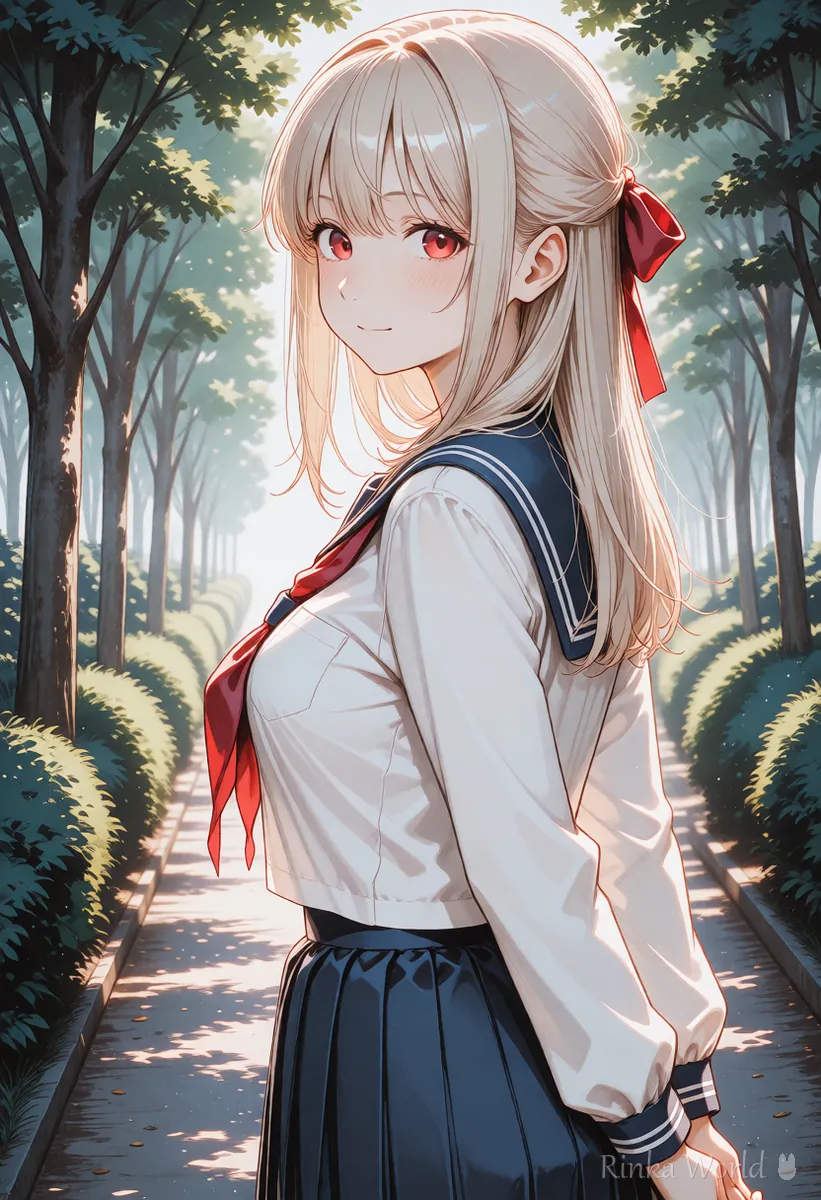
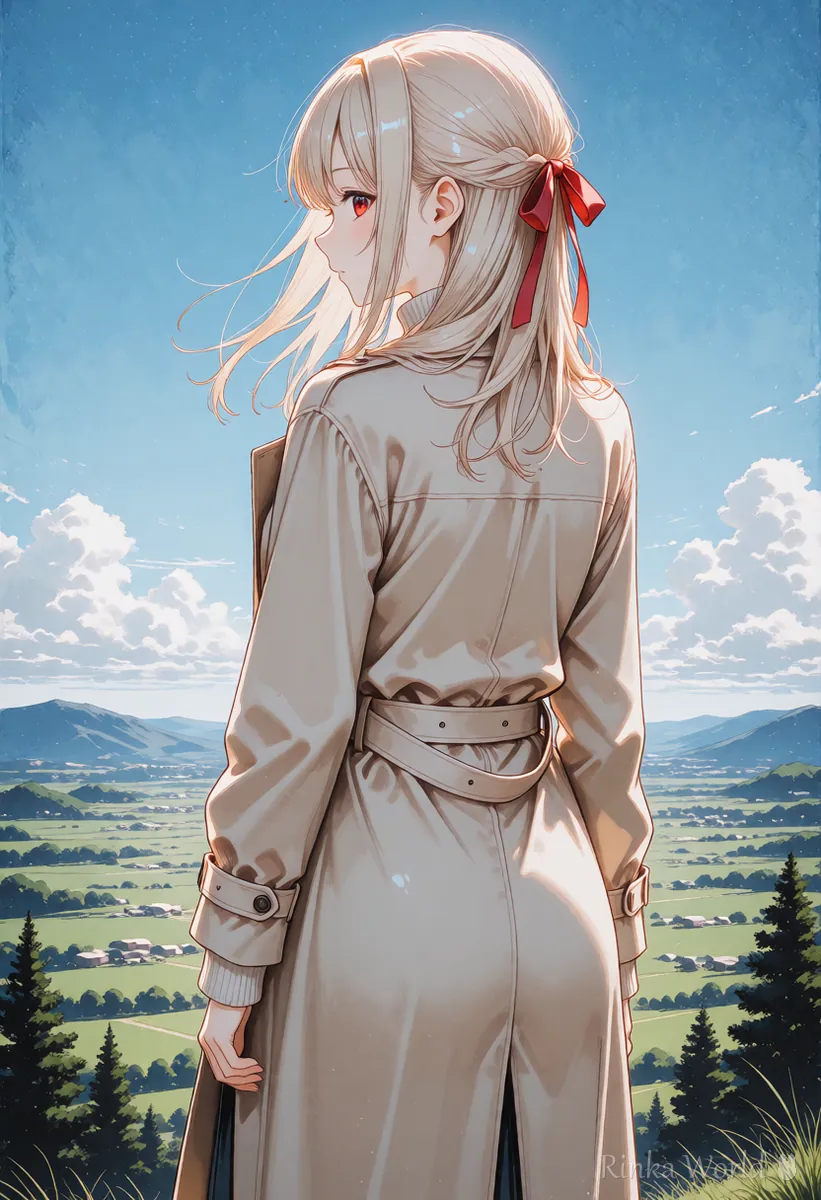
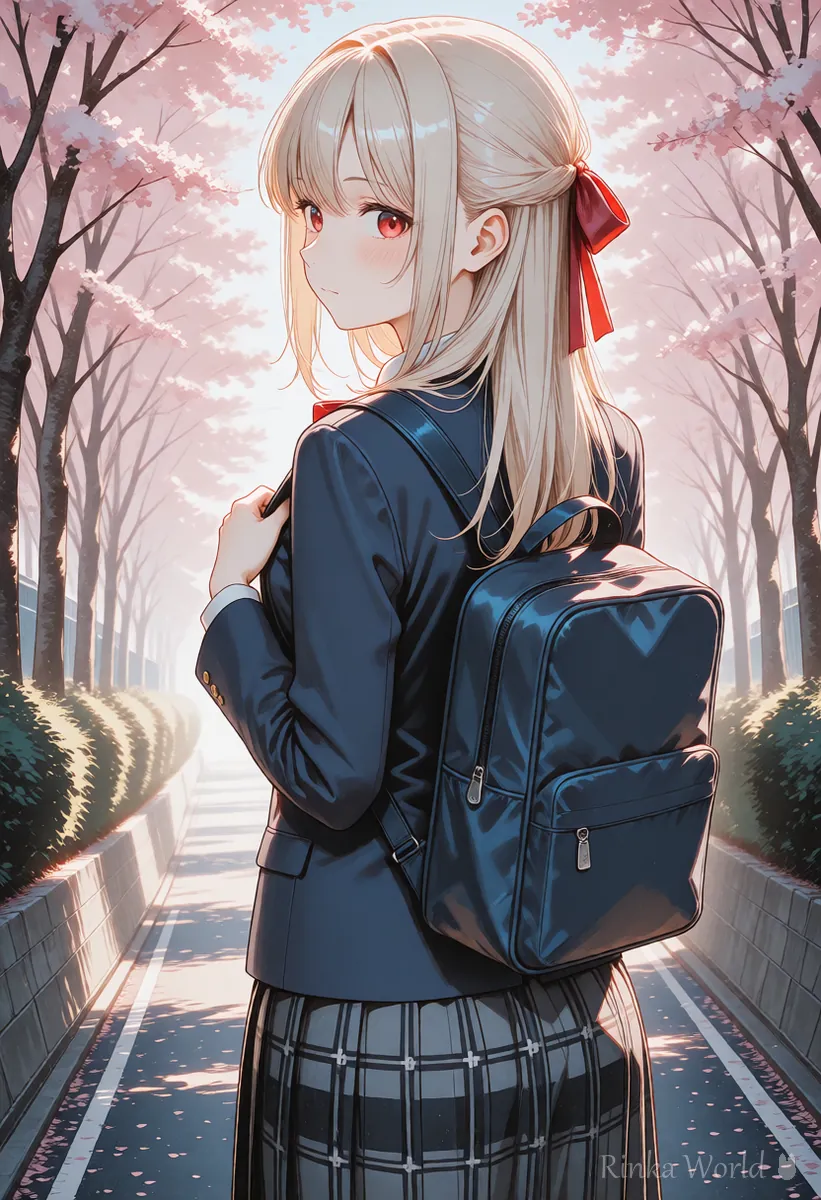
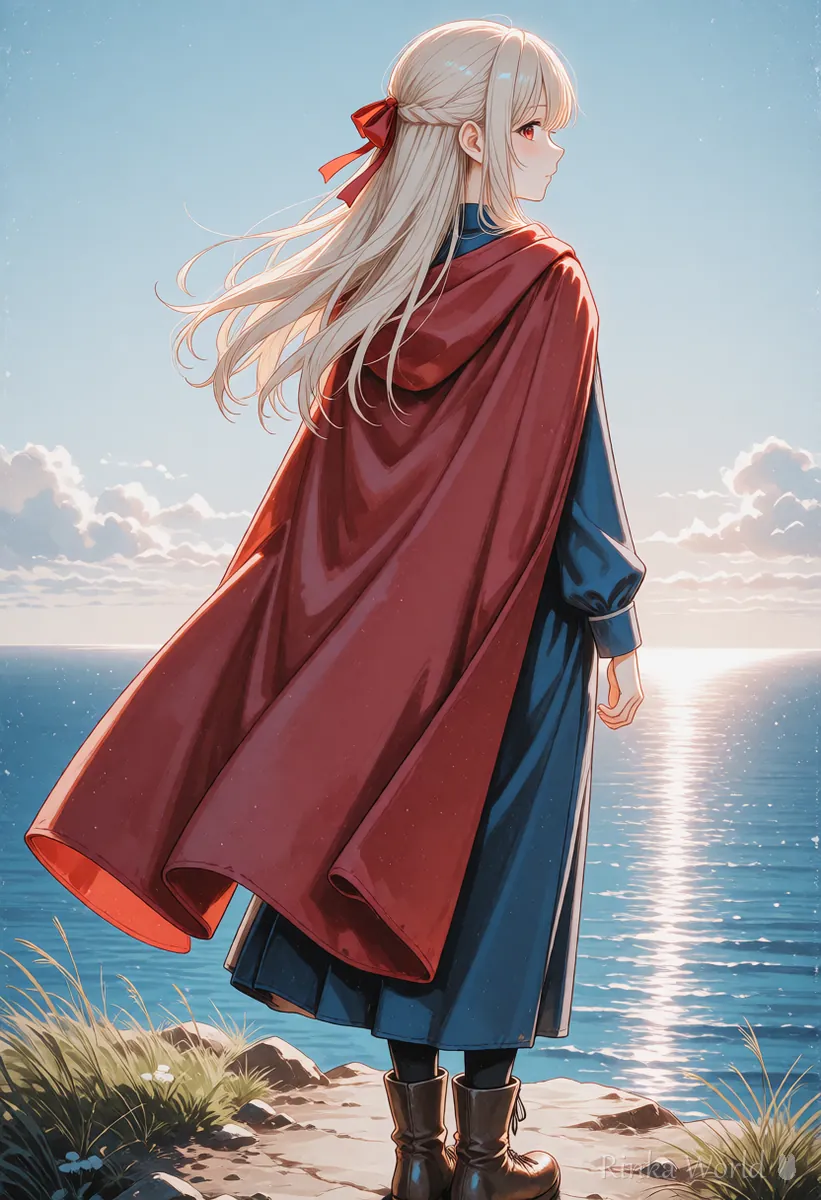
How do you draw a back view with a look back? (looking back)
Add looking back to from behind and specify just one expression. Face direction words are strong, so do not pile on extras.
A glance over the shoulder is the most popular composition among back views. The body faces away and only the face turns toward the viewer, so you put from behind and looking back in together. A single expression, either smile or light smile, looks most natural. Instead of a close-up of the face, use a framing that includes the body from the waist up, such as upper body or cowboy shot, so both the back and the face are visible.
What are the steps for getting a back view to work?
Steps for a reliable back view
- Write from behind early in the prompt (right after the tag for the number of people is a good guide)
- Add looking back if you want the face to show, or facing away if you do not
- Write one tag for the length and style of the back hair (long hair, ponytail and so on). It adds information on the back
- Add one design detail for the back of the outfit (backpack, cape, sailor collar and so on)
- Limit the background to one thing (road, sky, scenery). If the background looks bigger than the character, use cowboy shot instead of full body
- If the face still turns toward you, check for looking at viewer and remove it
What are the common back view failures and how do you fix them?
Rinka's tips
- Face direction tags are strong. When making a back view, keep face tags (smile, looking at viewer) to a minimum
- For a back view, cowboy shot, where the back appears large, often comes out better than full body, which shows down to the feet
- When making a series of back views, fix the hairstyle and outfit and change only the scene so it looks like the same person
How to decide the framing size (full body, upper body, close-up) Composition Prompt Tag List (Framing, Camera Angles, Foreground Blur) →
Wind tags that make hair flow Prompts for Wind-Blown Hair, Flyaway Hair and Hair Length →
How to change the scene while keeping the same character How to Keep the Same Character in AI Art (Face, Hair and Outfit) →
Tags for standing poses Add Movement with Pose Tags →
What are copy-paste templates for back view prompts?
Just swap what is in the square brackets. The first is a back view looking over the shoulder, the second is a scenery picture with her fully turned away, and the third is a departure in a cape.
1girl, solo, from behind, looking back, [hair color] long hair, hair ribbon, [outfit], smile, outdoors, upper body, masterpiece, best quality1girl, solo, from behind, facing away, [hair color] hair, standing, scenery, sky, wind, cowboy shot, masterpiece, best quality1girl, solo, from behind, cape, very long hair, wind, looking back, field, blue sky, cowboy shot, masterpiece, best qualityFAQ
Frequently Asked Questions
What do I write for a back view prompt?
from behind is the base tag. To turn her completely away, add facing away. For a glance over the shoulder, add looking back.
The back view shows her face turning toward me. Why?
looking at viewer or a strong expression tag around the face may be at work. Remove them, add facing away, and strengthen from behind slightly, as in (from behind:1.2), and it usually gets fixed.
How do I pick the expression for a look back picture?
Use just one of smile or light smile. If you put in two or more expressions, the face direction tends to wobble.
How do I make the hair or outfit stand out in a back view?
Add one thing visible on the back, such as long hair, a hair ribbon, a cape or a backpack. It adds information on the back and makes the picture feel like a proper back view.
Is full body or upper body better for a back view?
To show the back and hair, a framing from the waist up such as cowboy shot or upper body works well. Full body is safer when you want the scenery to be the star.
RINKA WORLD
Play in Rinka World
MORE




