PROMPT GUIDE
How to Use Wildcards (Dynamic Prompts): Randomly Swap Parts of a Prompt
When you want to change only the hairstyle or clothes in the same scene, or swap in various backgrounds, rewriting the prompt every time is tiresome. What helps then is the "wildcard" and the syntax of an extension called Dynamic Prompts. This guide sums up the basic syntax and when to use it in batches.
Last updated: approx. 2 min read
The short answer
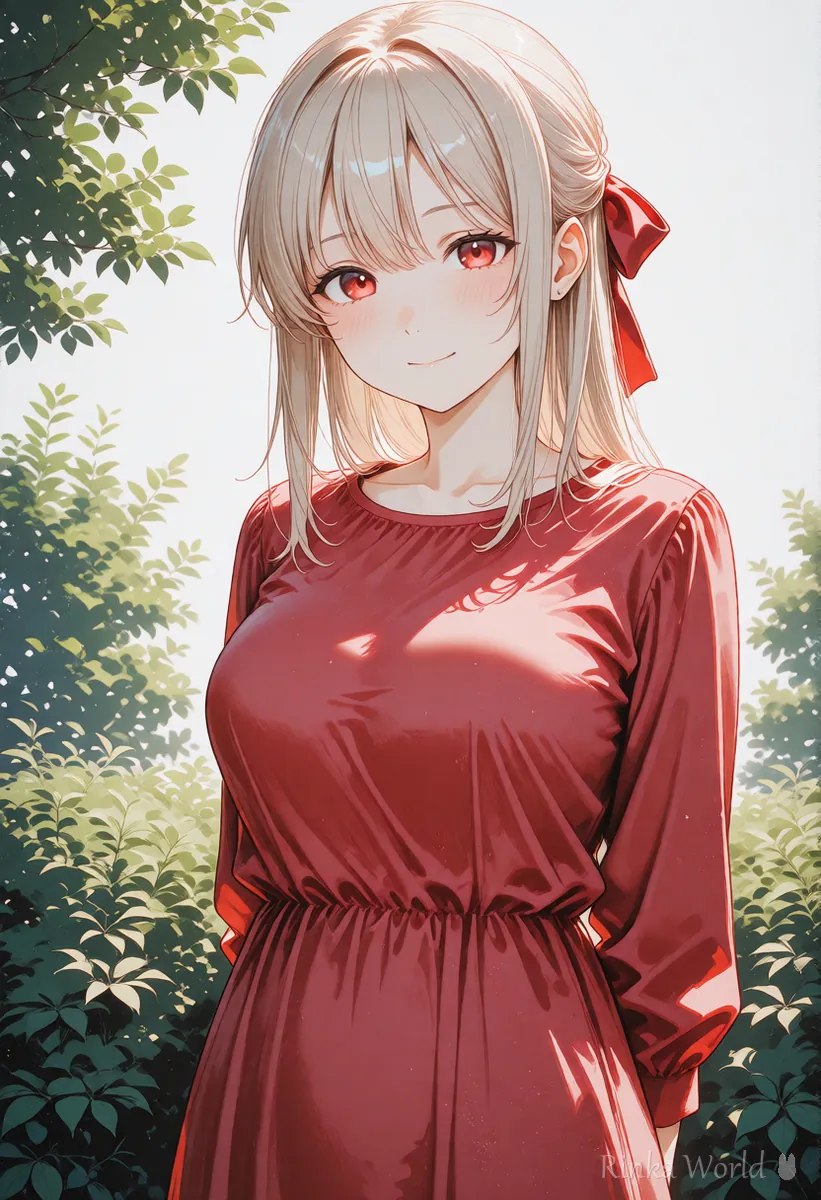
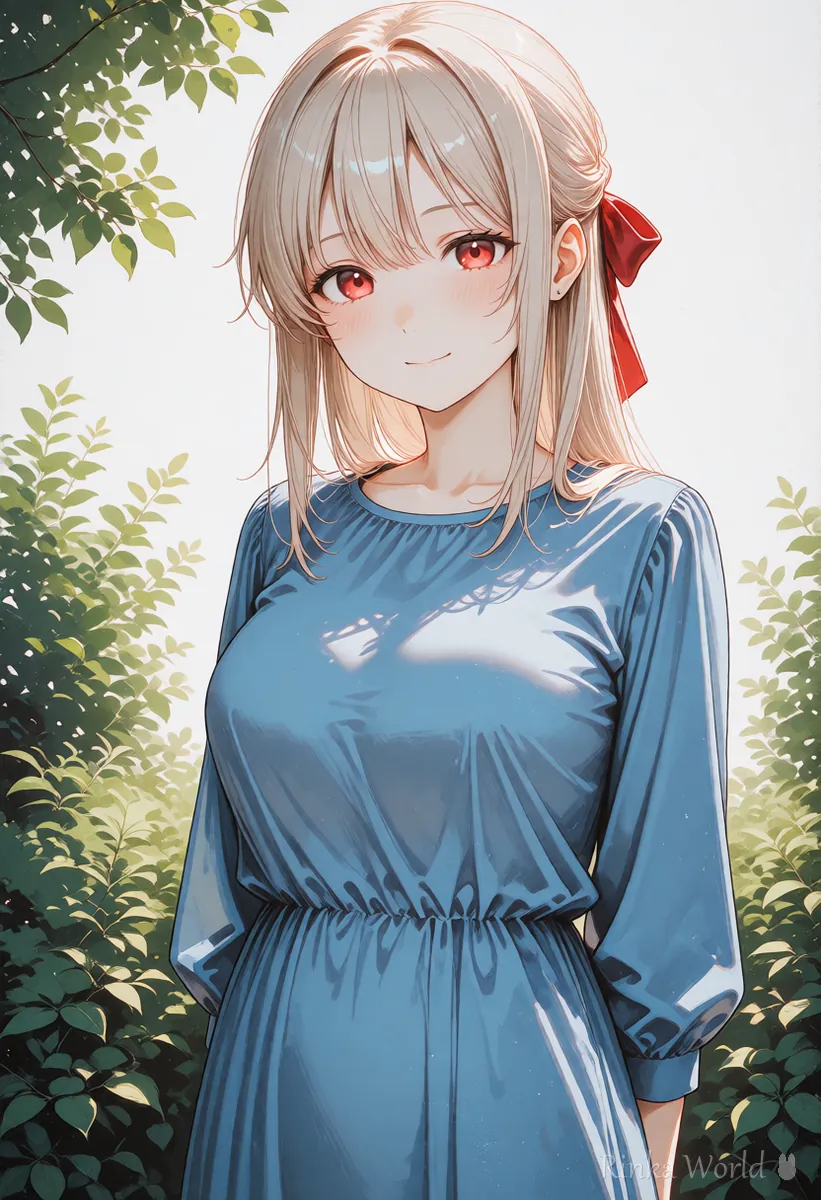
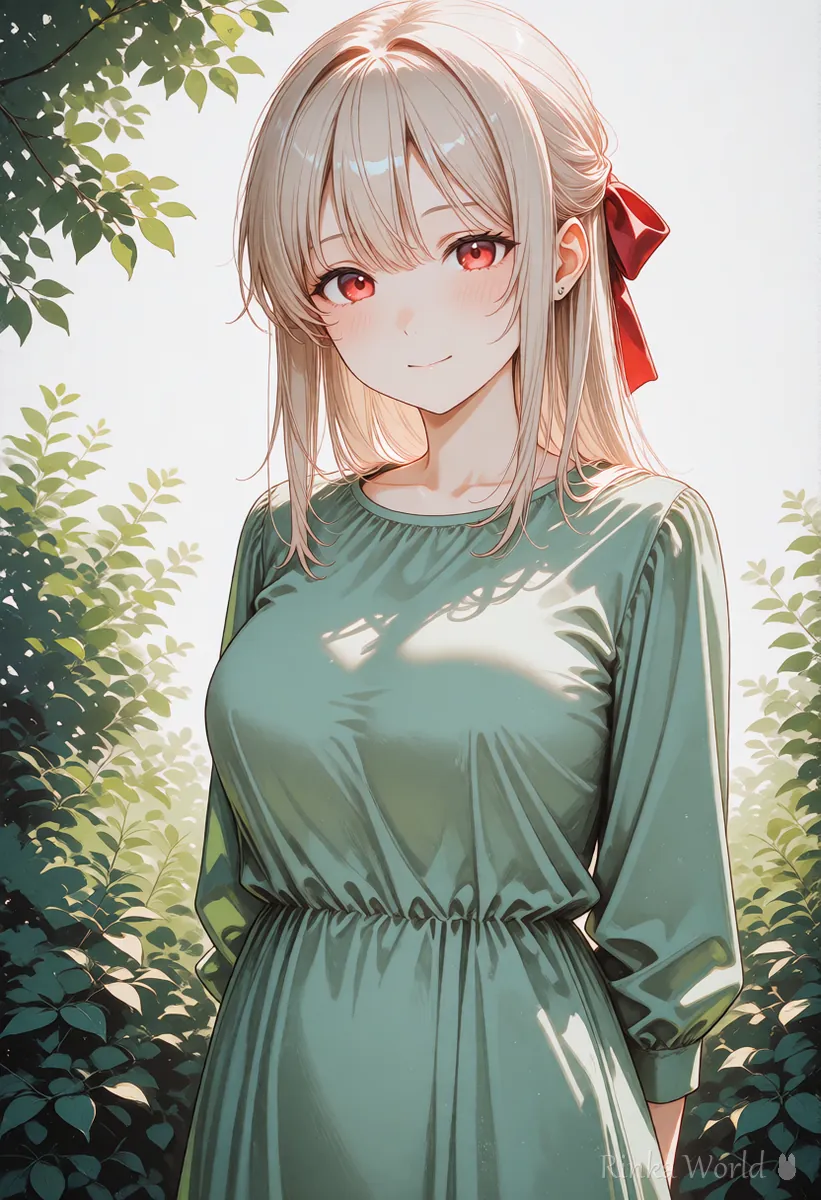
A wildcard is a mechanism that picks part of a prompt at random from candidates you prepared beforehand. Write it like {red|blue|green} on the spot, or like __hair_color__ when the candidates are in a file. When you make many pictures in a batch, it automatically makes slightly different pictures each time. Settings and file locations differ by extension, so check the explanation of the extension you use.
What is a wildcard?
It is a mechanism that picks part of a prompt at random from candidates and swaps it in.
For example, if you prepare three candidates for "hair color," red hair, blue hair and pink hair, then each time you make a picture, one of them is put in at random. It is handy when you want to make many pictures with the same composition and only different colors, or when you are looking for ideas. Wildcards are not a feature of Stable Diffusion itself and are often used through extensions or custom nodes such as "Dynamic Prompts," so check the explanation of the tool you use for how to set them up.
How do you write one on the spot?
Write the candidates inside { } separated by |.
1girl, solo, {red|blue|green} dress, {smile|surprised|sleepy}, upper bodyRinka's tips
- The { } symbols are used with a different meaning from the standard Stable Diffusion syntax (emphasis, or NovelAI emphasis). They work only when the extension is enabled
- If you randomize everything, you cannot tell what is having an effect. Start by swapping only one or two spots
How do you use candidates collected in a file?
Make a text file with one candidate per line, and call it with __filename__.
When there are many candidates, write them one per line in a text file (.txt). If the file is named hair_color.txt, simply writing __hair_color__ in the prompt puts in one random line from it. Where to put the file is decided by the extension you use, so check the explanation.
(contents of hair_color.txt)
red hair
blue hair
pink hair
silver hair1girl, solo, __hair_color__, school uniform, classroom, upper bodySteps for making pictures in a batch with wildcards
- Install the extension (Dynamic Prompts and so on) and enable it on the screen
- Decide the items you want to swap (hair color, clothes, background and so on)
- Make a text file with one candidate per line and put it in the designated place
- Write __filename__ in the prompt, and make about four pictures first to check how it behaves
- For combinations you like, read the words that were actually used from the generation info and save them
For how to make pictures in a batch combined with wildcards, see How to Make Many Images at Once (Batch Count, Batch Size and Picking the Best) →
What if it does not work well? (Common failures and fixes)
Check in order whether the extension is enabled and whether the file location and writing match.
For the basics of writing prompts, see Prompt Writing Basics: Tag Order, Emphasis, and Tips →
For when to fix the seed and when to randomize it, see What Is a Seed? Fixed, Random, and Reproducing the Same Image →
FAQ
Frequently Asked Questions
Is a wildcard a standard feature?
No. In many cases you install and use an extension or custom node such as Dynamic Prompts. Names and syntax differ by tool, so check the explanation before you set it up.
Is { } the same as NovelAI emphasis?
It has a different meaning. In NovelAI, { } is used for emphasis, but in wildcards it is used to choose among candidates. It is a symbol whose meaning changes with the tool you use, so be careful not to confuse them.
What if I want to make the same combination again?
You need both the seed and the words that were actually used. If you use the words that remain in the generation info and the seed as they are, you can make the same picture again.
How many candidates should a wildcard have?
About five to ten per item is enough at first. If you add too many, you cannot tell what had an effect.
RINKA WORLD
Play in Rinka World
MORE




