PROMPT GUIDE
How to Keep a Character's Face and Outfit the Same in AI Video (consistency tips)
When you line up several shots, an AI video can drift in the face, outfit and hairstyle little by little. This guide goes through quick-to-try tips in order, from three angles: how you make the picture, how you specify the motion and how you join the shots, to keep a character's look the same across shots.
Last updated: approx. 3 min read
The short answer
To keep a character's face consistent in AI video, use the same picture or a reference image as the base for every shot, keep the motion small and the camera close to static. Keeping the outfit and hairstyle features few and consistent reduces the jarring feeling when shots are joined.
Why does the character's face change in AI video?
A video generator predicts and draws each frame, so the larger the motion, the further it can drift from the original face.
The names of features and whether they are available change by service and version. This guide focuses on the ideas, so check the official guidance for the actual settings.
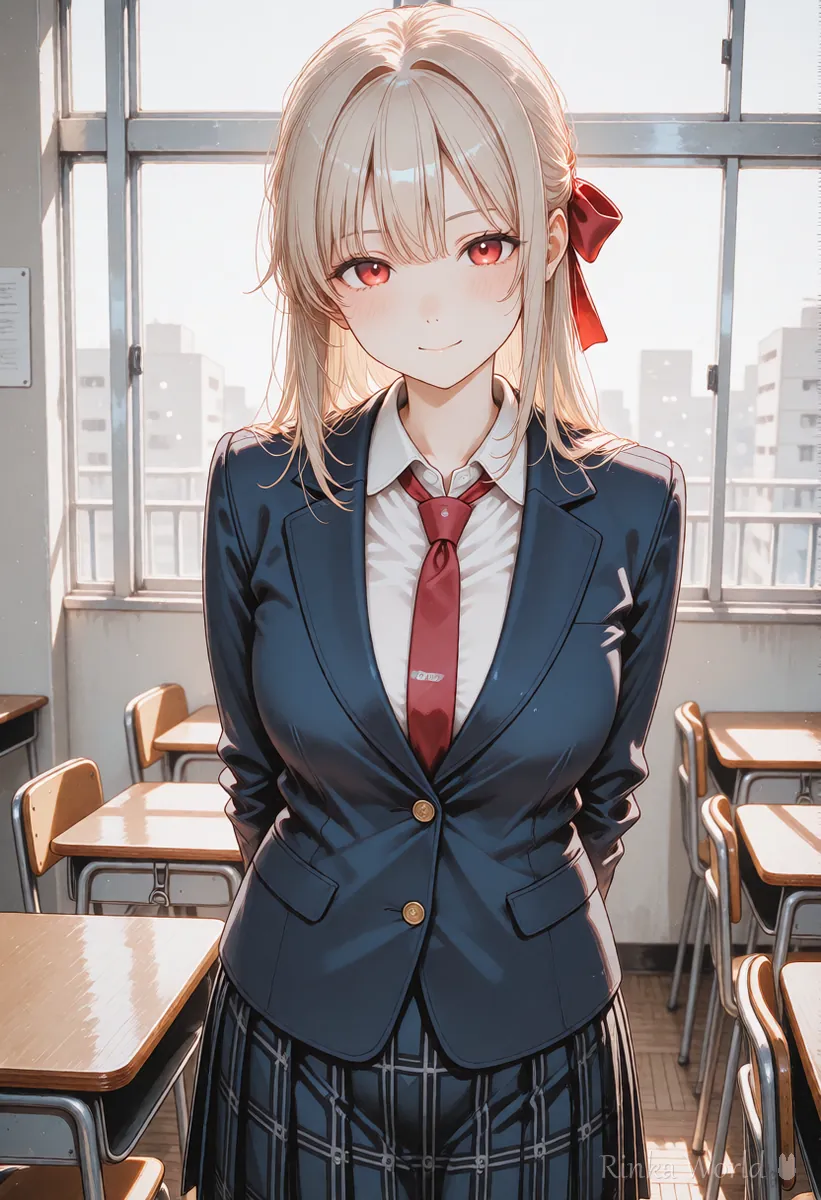
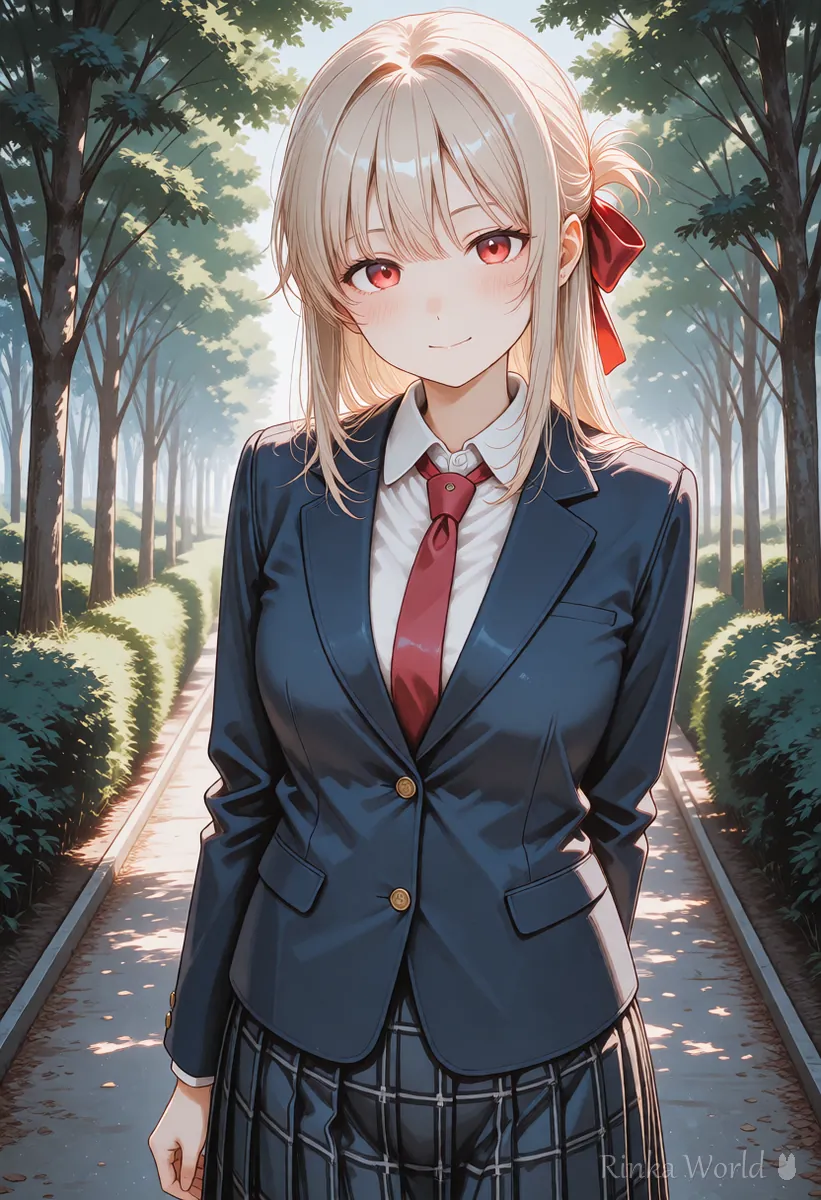
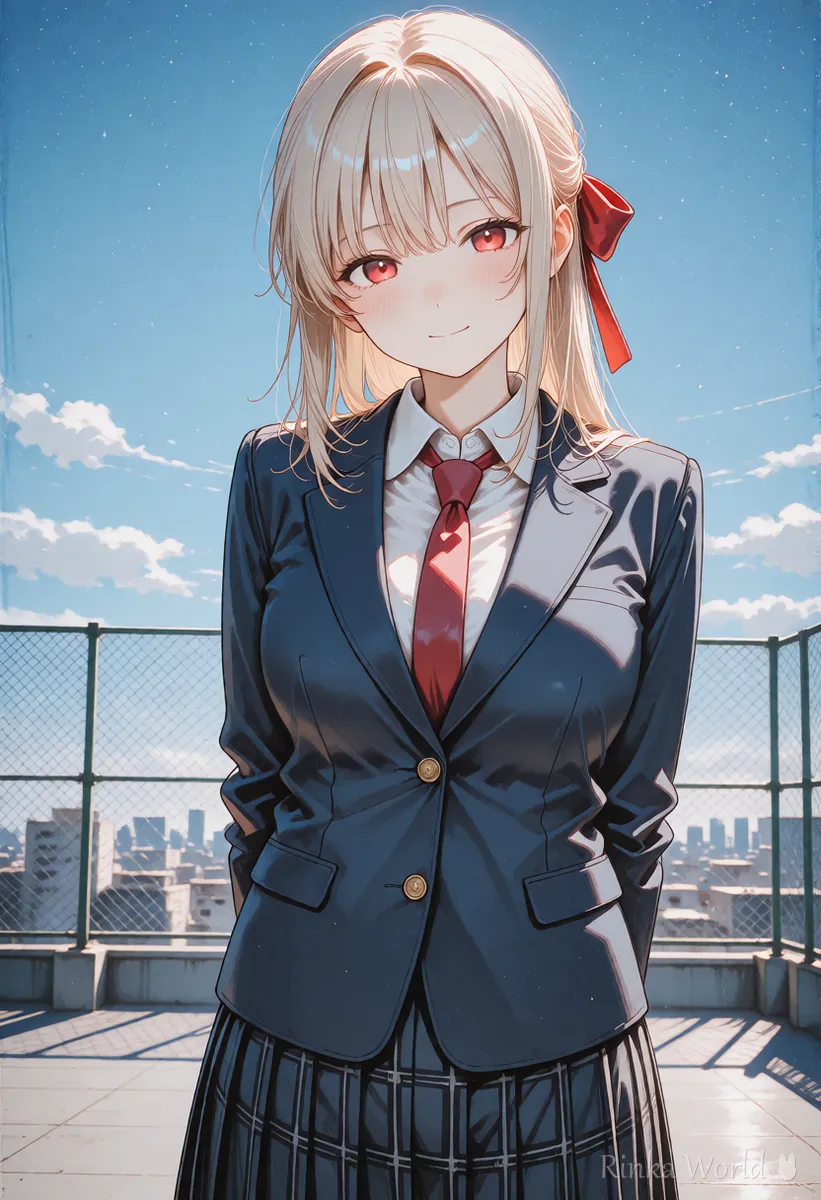
How do you increase consistency? (five tips)
Three things work especially well: standardize the source picture, make the motion small and keep the outfit simple.
Steps for making several shots with the same character
- Decide on one picture to be the standard for how the character looks (a picture with a clear face and no broken hands)
- Make the first picture of each shot from that standard picture as much as possible (using the same way of generating the still and the same feature words)
- When making the video, use only one motion, slowly, and keep the camera static or a small move
- Make a few of each shot and choose the one whose face and outfit are closest to the standard
- Line up the chosen shots and redo any whose outfit or hairstyle differences stand out
How to keep a character consistent in still pictures How to Keep the Same Character in AI Art (Face, Hair and Outfit) →
How do you narrow down the outfit and hairstyle features?
Limiting the features to three or fewer makes them less likely to change in video too.
- Two hair features (length, color, a ribbon and so on)
- One kind of outfit (a plain blazer or hoodie and so on)
- Just one prop (a large one if she holds it)
- Avoid fine patterns, accessories and clothes with lettering
The girl slowly turns her head toward the camera and smiles. Static camera. Keep the same face, hairstyle and outfit.Subtle motion only: she blinks and her hair sways slightly. Same character, same outfit, static camera.How does using a reference image change things?
On services with a feature for reference images or character sheets, the pictures tend to stay closer to the same person each time.
However, the number of references, how to use them and their names differ by service, and they can change with updates. Check the official guidance before using them, and be careful about rights and consent when you use someone else's work or a real person as a reference. Making your own character sheet in advance is useful as a standard for the look on any service.
How to make a character sheet Full-Body Standing Art, Turnaround and Character Sheet Prompts (Plus Expression Variants) →
What if the face still changes? (common failures and fixes)
What differences stand out when you join shots?
Differences in hairstyle, outfit color and props such as a ribbon stand out more than the face shape itself when you join shots. Take time to line the shots up and compare them before joining. For a shot where you find a difference, the shortcut is to fix the source picture and remake it rather than just remaking the video.
- A difference in hairstyle (tied up or down) stands out most, so check it first
- Even a slight change in outfit color can make it look like a scene from another day
- The position of ribbons and accessories tends to drift partway through a video, so keep them simple
- Check whether eye color and skin color look different because of differences in light
Rinka's tips
- Joining several short shots makes it easier to keep the look consistent than one long shot
- Rather than trying to match perfectly, putting a scene change at the cut (a fade to black or a wide picture) makes the difference less noticeable
The causes of breakage in general and how to fix them Why AI Videos Break and How to Fix Them →
How to join short shots into a longer one How to Make AI Videos Longer (Extend, Chain, Last Frame) →
FAQ
Frequently Asked Questions
Can I make a character's face exactly the same in AI video?
Making it exactly the same is difficult at present. Making the motion smaller and standardizing the same source picture can reduce the jarring feeling a good deal.
How many reference images can I use?
It differs by service and version, and changes with updates. Check the official guidance.
How do I stop the pattern on clothes from changing?
We recommend a simple outfit without a pattern, with the color written using the same words each time. Fine patterns and clothes with lettering break easily in video.
Is it okay to join shots made on different services?
You can join them, but each service renders the style slightly differently, so shots made on the same service tend to match better.
RINKA WORLD
Play in Rinka World
MORE




