PROMPT GUIDE
How to Build an AI Art Portfolio (Choosing, Ordering and Describing Work)
Once you can make plenty of pictures with AI, a new worry appears: which ones should you show? A portfolio is not a place to put every work. It is a place to show your strengths. This guide goes in order from choosing works to ordering them and writing descriptions.
Last updated: approx. 3 min read
The short answer
An effective AI art portfolio shows a carefully chosen set of works with a consistent theme and mood rather than a large number. Adding a short description to each work, grouping them into series and replacing pieces regularly makes it easier for viewers to understand.
What should an AI art portfolio include?
As a guide, choose about 10 to 20 works that share a theme or mood.
People who view a portfolio judge in a short time what kind of pictures you are good at. That is why choosing only works that show your aim works better than putting everything in. The number is only a guide to keep it easy to view, not a rule. First decide the theme of the pictures you want to make, then pick works that fit it.
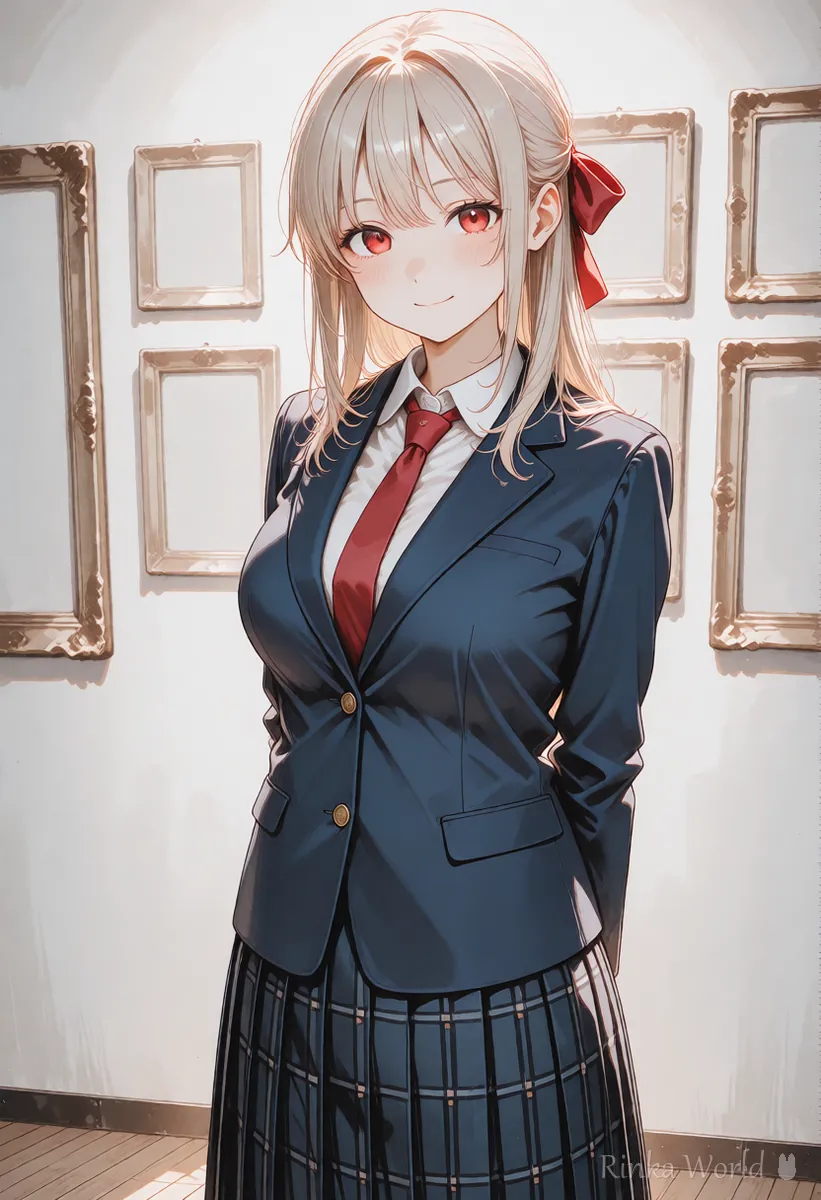
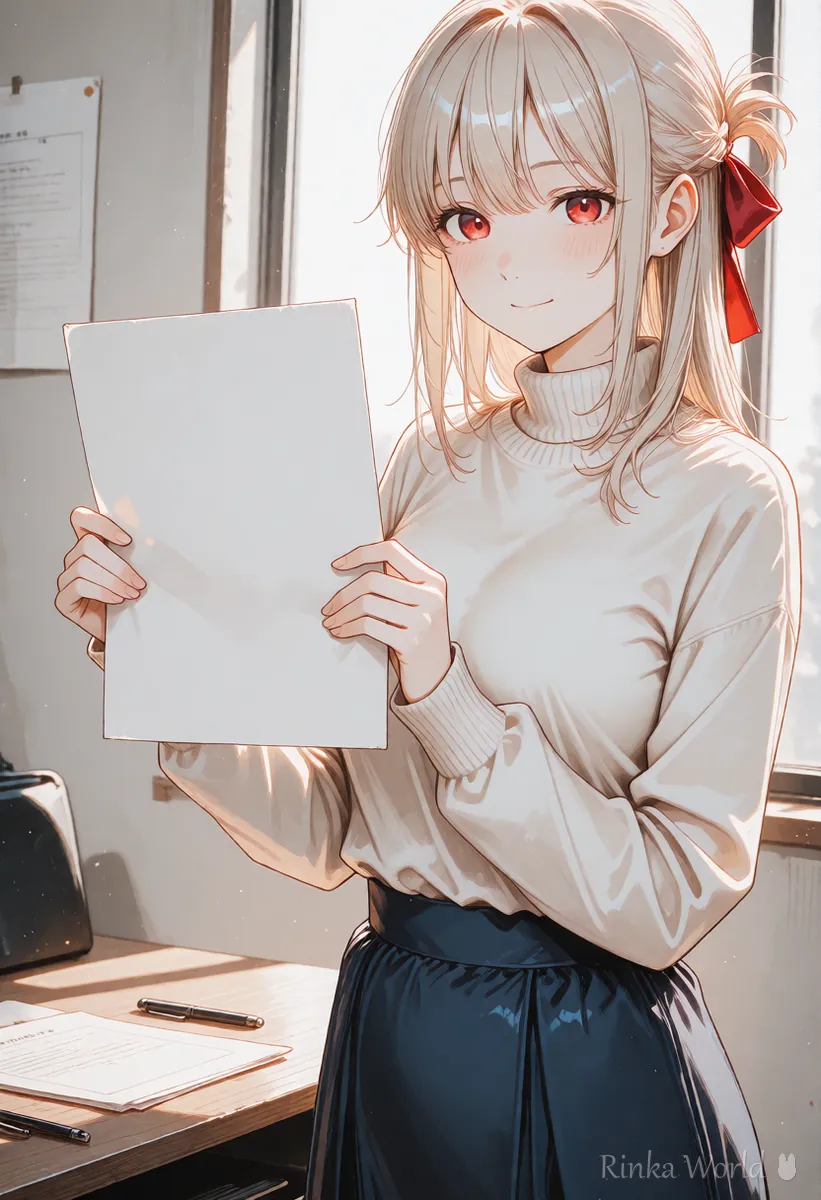
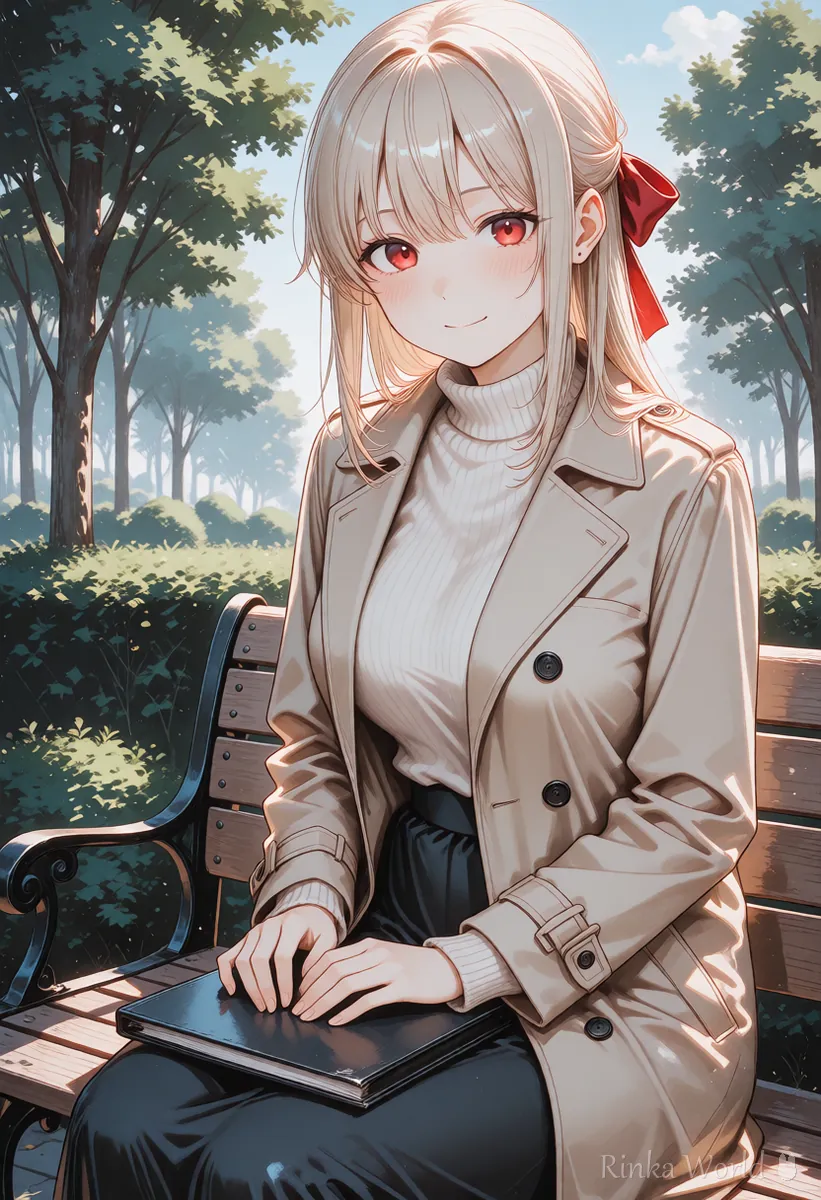
How should you order the works?
Putting the signature work first, then groups by series, then newer works at the end makes it easy to view.
How should you write a description for each work?
One or two sentences with the title, the use and what you worked on make the intent of the picture clear.
(Title) | (Use: icon, background and so on) | Point: (matched the light colors, added props by hand and so on)Series name: (name) | (number) pictures in total | A series of the same character with different expressions and backgrounds. Made with: (tool name)How to build a portfolio
- Decide one theme that you want to show
- From your past works, pick about 20 candidates that fit it
- Looking at polish and consistency, narrow them to 10 to 15
- Put the signature work first and group the rest by series
- Write a short description for each work (use and what you worked on)
- Add the credit and the tool you used, following the rules of where you post
- Review it every few months and replace works
Rinka's tips
- The first picture decides the impression, so choose the one that is most you
- A series of the same character feels unified when the style and color tone match
- If you want commissions, include samples used for real purposes (icons, thumbnails and so on)
What should you add when you want commissions?
Samples that show real use, contact details and what you can handle make it easier for a client to decide.
If you want commissions, it matters not only that the pictures are good but also that people can tell what you can make, how fast and on what terms. Adding use samples, what you can handle and how to contact you next to your gallery makes inquiries easier. How you set prices and deadlines differs by person, so write them after you sort out your own terms.
When you take commissions, it also helps to confirm in advance with the client how copyright and terms of use will be handled.
- Before you replace works, store the old ones somewhere else instead of deleting them
- Make the images light so they open quickly on a phone (the image compressor tool can help)
- Also check whether each work may be shown and the conditions of the model you used
- Look from time to time at which works are viewed most and use that to decide what to show next
For how to design a character, see How to design characters with AI (concept, colors and silhouette) →
To make a series with the same character, see How to Keep the Same Character in AI Art (Face, Hair and Outfit) →
For how to write credits, see How to Write a Credit for AI Illustrations (Tool, Model and Edits) →
For making header images for your site, see How to make blog featured images with AI (OGP ratio and margins) →
FAQ
Frequently Asked Questions
How many works should a portfolio include?
About 10 to 20 is an easy-to-view guide. Whether the theme and mood are consistent matters more than the number.
Do I need a description for each work?
It is not required, but a sentence or two about the use and what you worked on makes your intent easier to understand.
Should I say that a work was made with AI?
Follow the rules of where you post and what the client asks. Stating it clearly makes later misunderstandings less likely.
Should I keep old works?
It is fine to replace works that no longer match your current mood. If you want to keep them, collect them somewhere else for safekeeping.
RINKA WORLD
Play in Rinka World
MORE




