PROMPT GUIDE
Why your prompt is not working (tags ignored) and how to fix it
The outfit you wrote does not appear, the color is wrong, the expression never changes. When part of a prompt does not work, the cause is different from broken hands or faces. This guide focuses not on images that break but on words that do not show up in the image, with their causes and fixes.
Last updated: approx. 3 min read
The short answer
When a prompt does not work, check in this order: (1) is the tag spelled and written correctly, (2) is it too far toward the end, (3) does it conflict with another word, (4) is the prompt too long, (5) does the model know the word. The basics are to move the word forward, raise its weight slightly and delete clashing words.
Why is my prompt not working?
The five main causes are wrong spelling, order, conflicts, length and how well the model fits the word.
An image generator does not read every word of a prompt with the same strength. Words near the start tend to be strong, while words toward the end or buried in a long prompt tend to be weaker. Words the model never learned, or misspelled tags, have almost no effect. When a word clashes with another, one of them gets ignored.
How do you check that a tag is written correctly?
Check in tag lists or search that the form you wrote is actually used as a Danbooru tag.
With tag-based models, a tag works better when written the same way as in the training data. Singular versus plural, a missing hyphen or a different word order alone can stop it from working. For example, twin tails is twintails and a ponytail is ponytail; each has a fixed form.
How to look up the correct form of Danbooru tags: How to Look Up Danbooru Tags (Finding the Correct Tag Name) →
What are the steps to make a prompt work?
Try these in order: fix the spelling, move it forward, delete clashing words, then raise the weight.
Steps to make an ignored word work
- Check the spelling and form of the ignored word in a tag list
- Move the word near the start of the prompt (right after the number of people and appearance)
- Delete other words that point at the same thing (another color, another outfit and so on)
- Remove duplicate words with similar meanings to shorten the prompt
- If it is still weak, raise the weight slightly, as in (word:1.2)
- If raising the weight does not help, try another wording or the form the model handles best
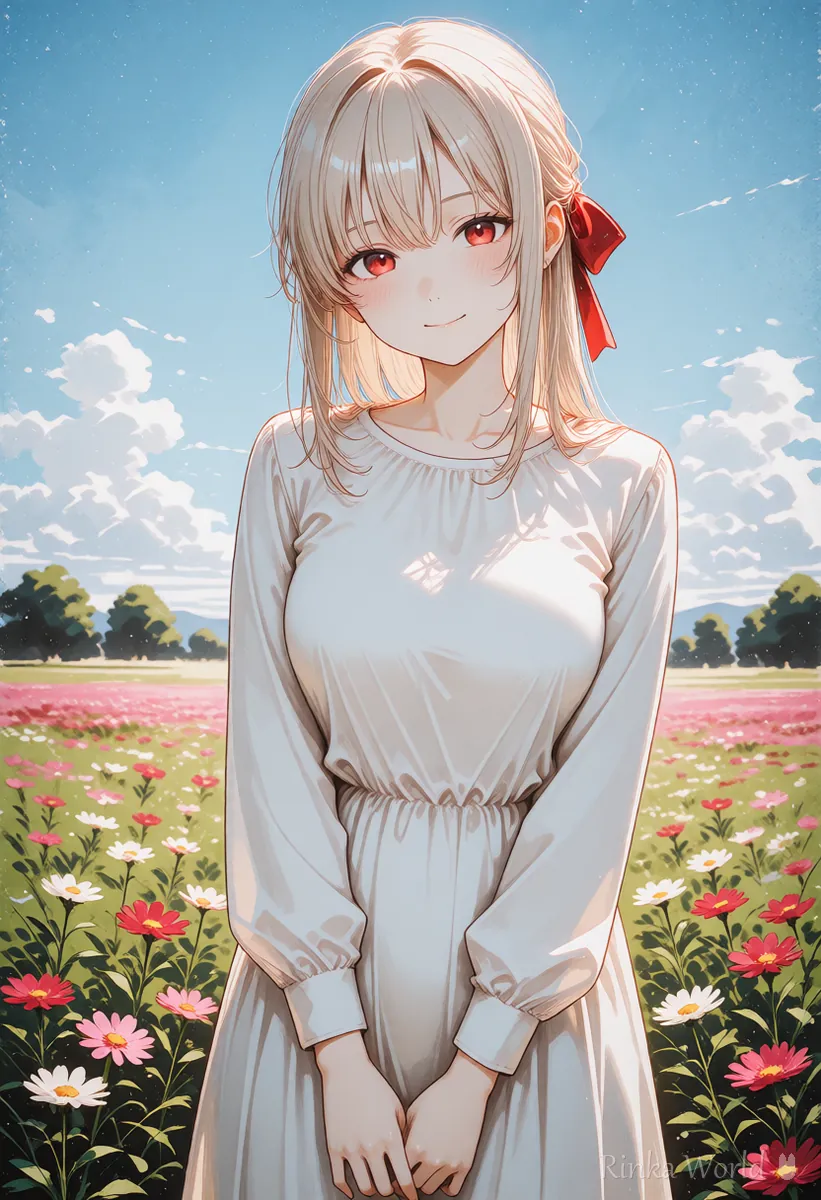
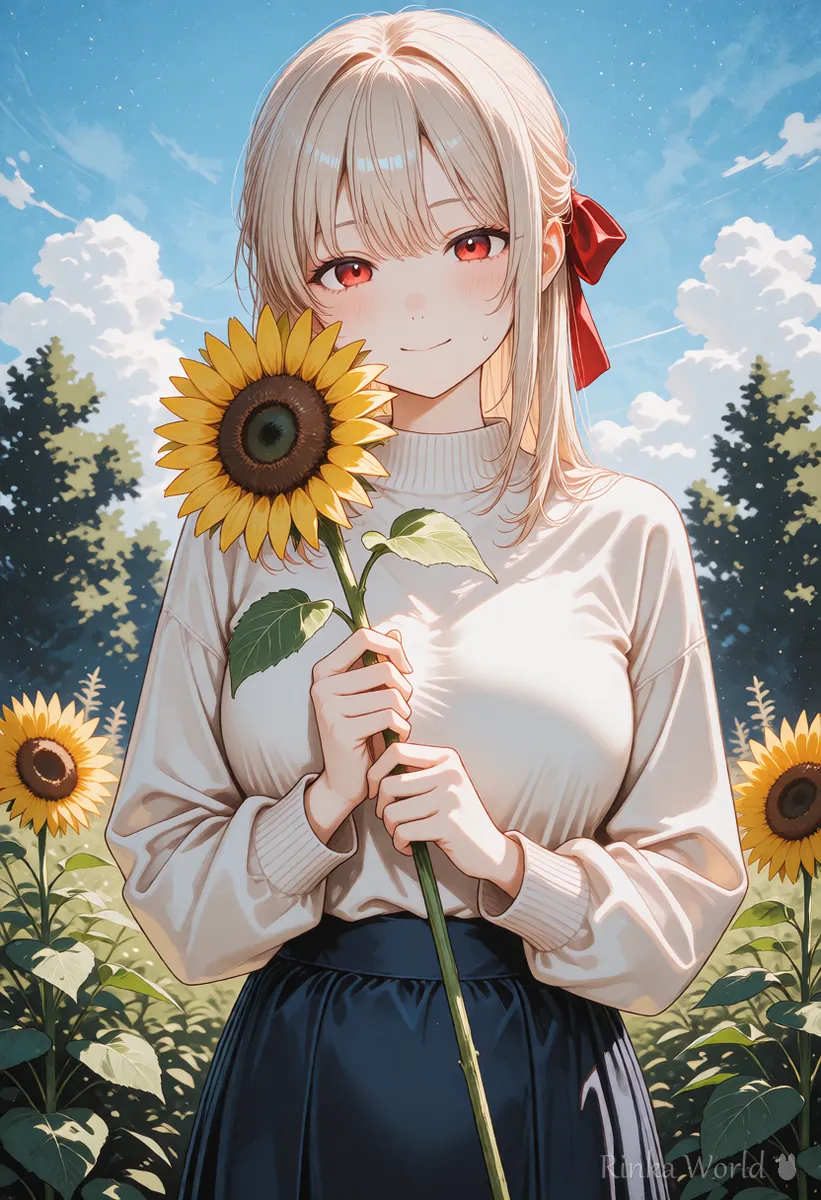
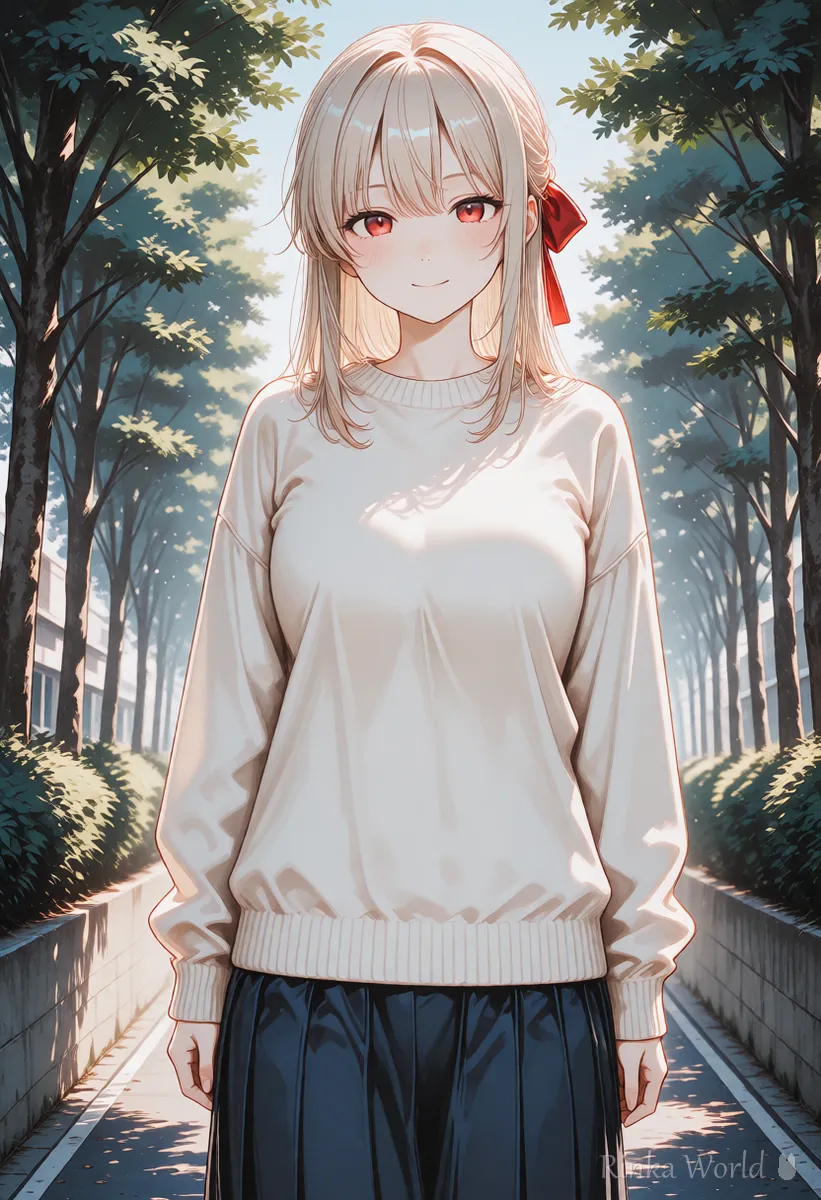
1girl, solo, (red ribbon:1.2), hair ribbon, long hair, white dress, smile, upper body, masterpiece, best qualityBefore: masterpiece, best quality, 1girl, smile, outdoors, flower field, sunlight, white dress, hair ribbon
After: 1girl, solo, white dress, hair ribbon, smile, flower field, sunlight, masterpiece, best qualityRinka's tips
- Do not fix many things at once; changing one at a time shows what worked
- Start weights around 1.1 to 1.3; raising them too far can break the image
- Comparing with the same seed makes differences in how words work easier to see
Common cases of words not working, and fixes
Here are fixes by symptom: color, outfit, props, expression and framing.
Prompt length and the 75-token boundary: What Is the 75 Token Limit in Prompts? (Length and Chunks) →
How to write weights such as (tag:1.2): The Complete Guide to Prompt Weight Syntax and BREAK →
To fix broken hands, eyes, legs and other distortions: AI Art Troubleshooting Guide (Look Up Fixes by Symptom) →
FAQ
Frequently Asked Questions
What should I do first when a prompt does not work?
Check the spelling of the ignored word and move it near the start of the prompt. That alone often makes it work.
Why does raising the weight not help?
It may clash with another word, or the model may not know the word. Delete the clashing word or try another wording.
Are long prompts less effective?
The longer the prompt, the weaker words near the end and duplicated words tend to be. Put important words first and merge similar words into one.
Which works better, tags or sentences?
Models trained on tags tend to respond to tags, and models trained on sentences tend to respond to sentences. Write in the style that suits your model or service.
RINKA WORLD
Play in Rinka World
MORE




