PROMPT GUIDE
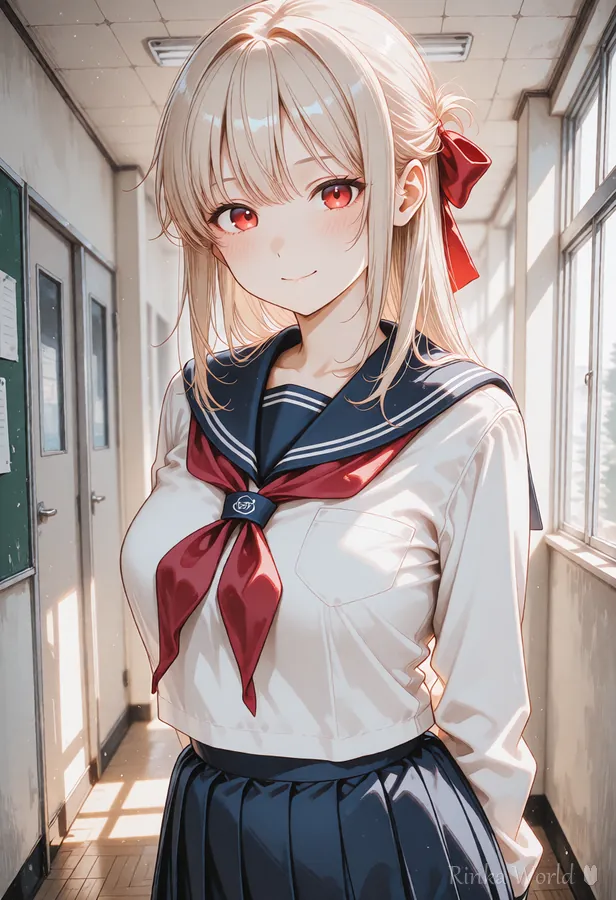
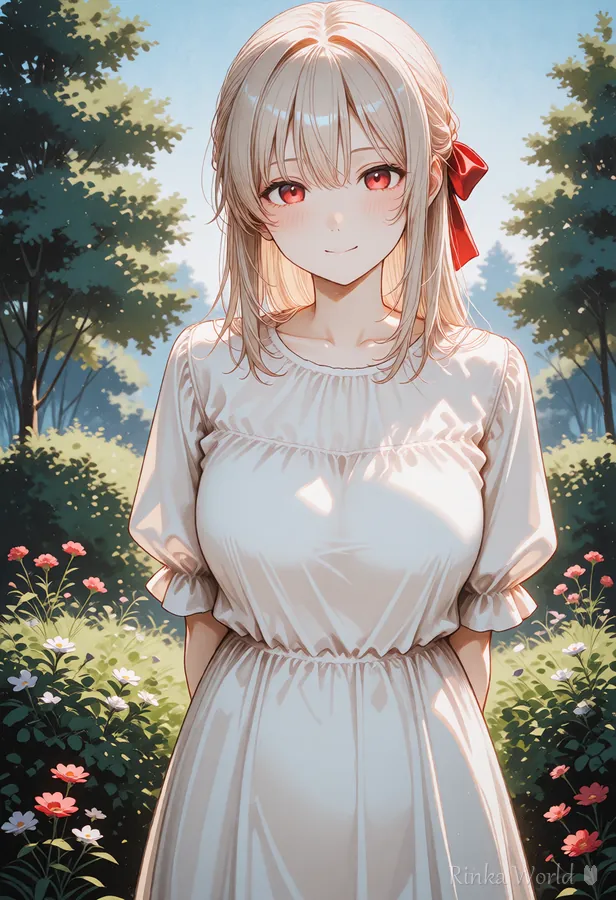
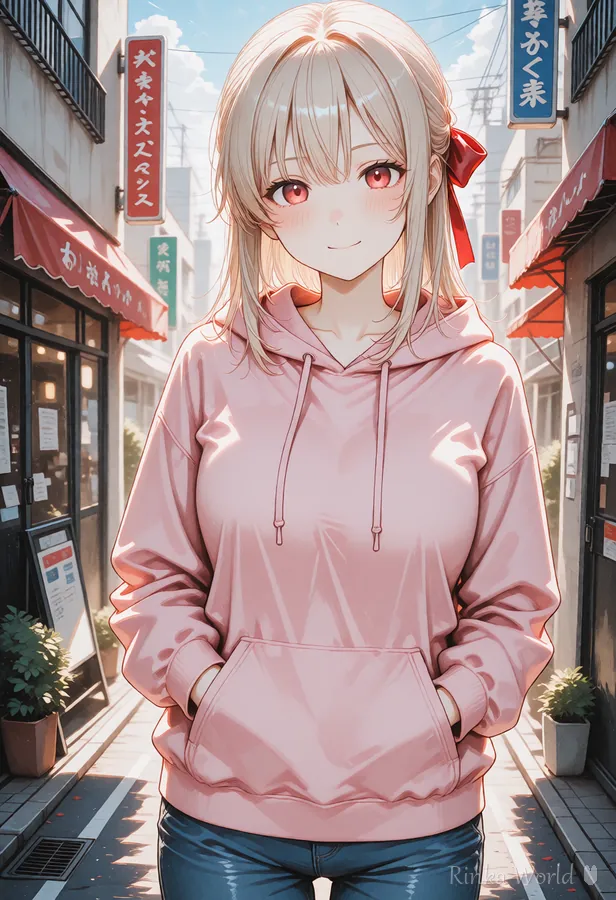
Outfit Prompt Tag List (School Uniforms, Dresses, Casual Wear)
The basic way to build outfit tags is to add them in this order: main garment, then color, then details, then accessories. Learn the go-to tags for each category and you can play dress-up endlessly.
Last updated: approx. 1 min read
School uniforms
Dresses and gowns
Casual and everyday wear (hoodies and more)
Japanese clothing and seasonal outfits
Rinka's tips
- Put the color directly before the garment as "color + garment" (white dress, red scarf) so colors bleed less
- Garment details (frilled, plaid, striped) work better when placed before the garment tag
- Keep the location and outfit consistent (a coat at the beach, for example, invites broken images)
1girl, solo, white sundress, straw hat, sandals, sunflower field, blue sky, smileFor sailor uniforms, blazers, gym clothes and other uniform parts, see School Uniform Prompts (Sailor Uniform, Blazer, Gym Uniform, Track Suit) →
FAQ
Frequently Asked Questions
The outfit design changes every time. Why?
Tags can only lock in the type of garment, so the fine details change each time. To keep a design consistent, add more detail tags, fix the seed, or use img2img with an image of the same outfit.
Two outfits are blending together.
Writing competing garment tags at the same time, like dress and shirt, makes them blend. Stick to one base garment and express layering with outerwear such as a cardigan.
Can I create original costume designs?
Combining existing tags (color x material x details x accessories) gives you a lot of design freedom. Visual Prompt Builder Lite is handy because it lets you build tags while looking at images.
RINKA WORLD
Play in Rinka World
MORE




